Skip to content

Best NAS Hard Drives in 2026

By Thomas BrianUpdated June 29, 2026

We may earn a commission from links on this page, at no extra cost to you. Learn more.

A network attached storage device is only as good as the hard drives inside it, which is why choosing the right NAS drives matters so much. Unlike ordinary desktop drives, NAS hard drives are engineered to run around the clock, tolerate the vibration of multi-bay enclosures, and work reliably in RAID arrays. This guide ranks the seven best NAS hard drives in 2026 for home labs, small businesses, and demanding professional servers. We focused on reliability ratings, workload tolerance, and value so you can build an array that protects your data for years to come.

Top 7 Best NAS Hard Drives

1$$$
Best Overall4.7
2$$$
Best for Heavy Workloads4.6
3
IronWolfSeagate
$$$
Best Value4.6
4$$$
Best Pro Value4.6
5
N300Toshiba
$$$
Best Alternative Brand4.5
6$$$
Best Budget Pick4.5
7
ExosSeagate
$$$
Best Enterprise Grade4.6

Our top 7 picks, reviewed

1Best Overall

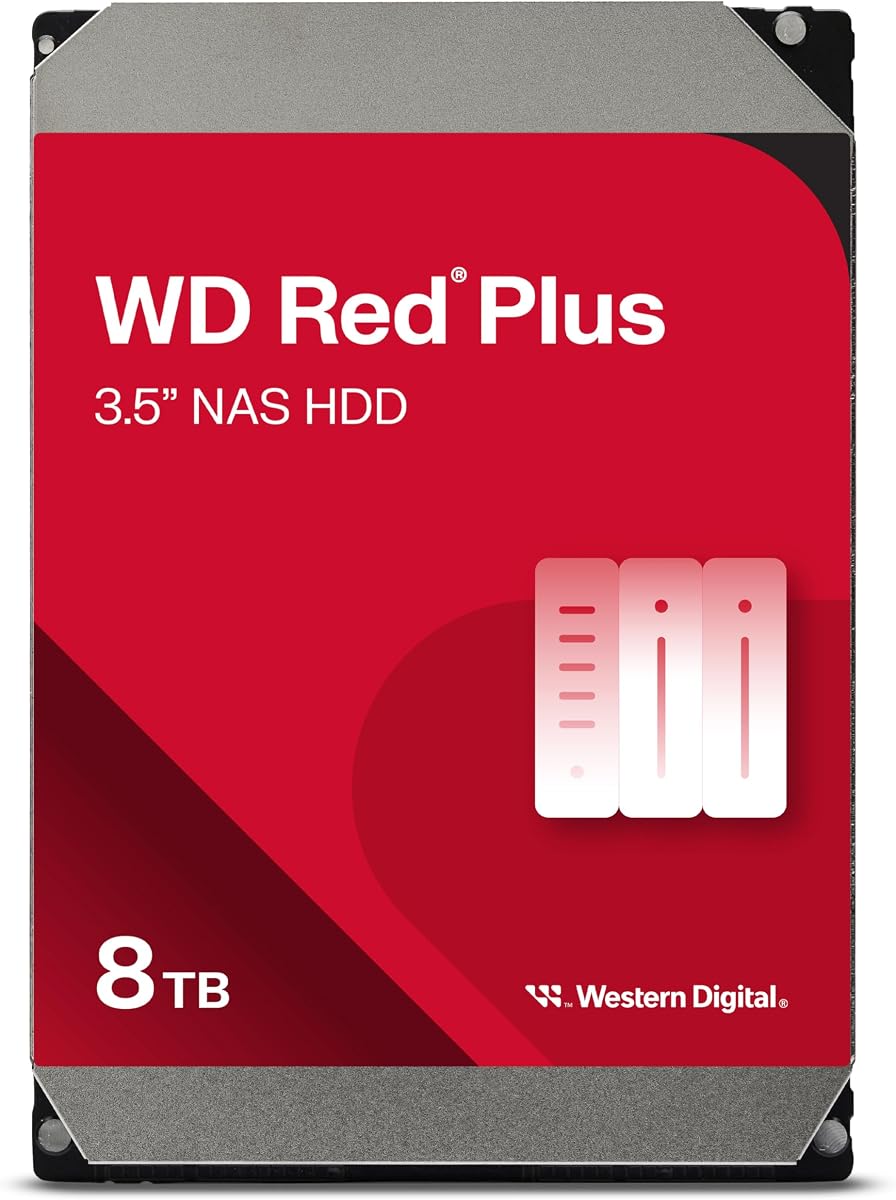
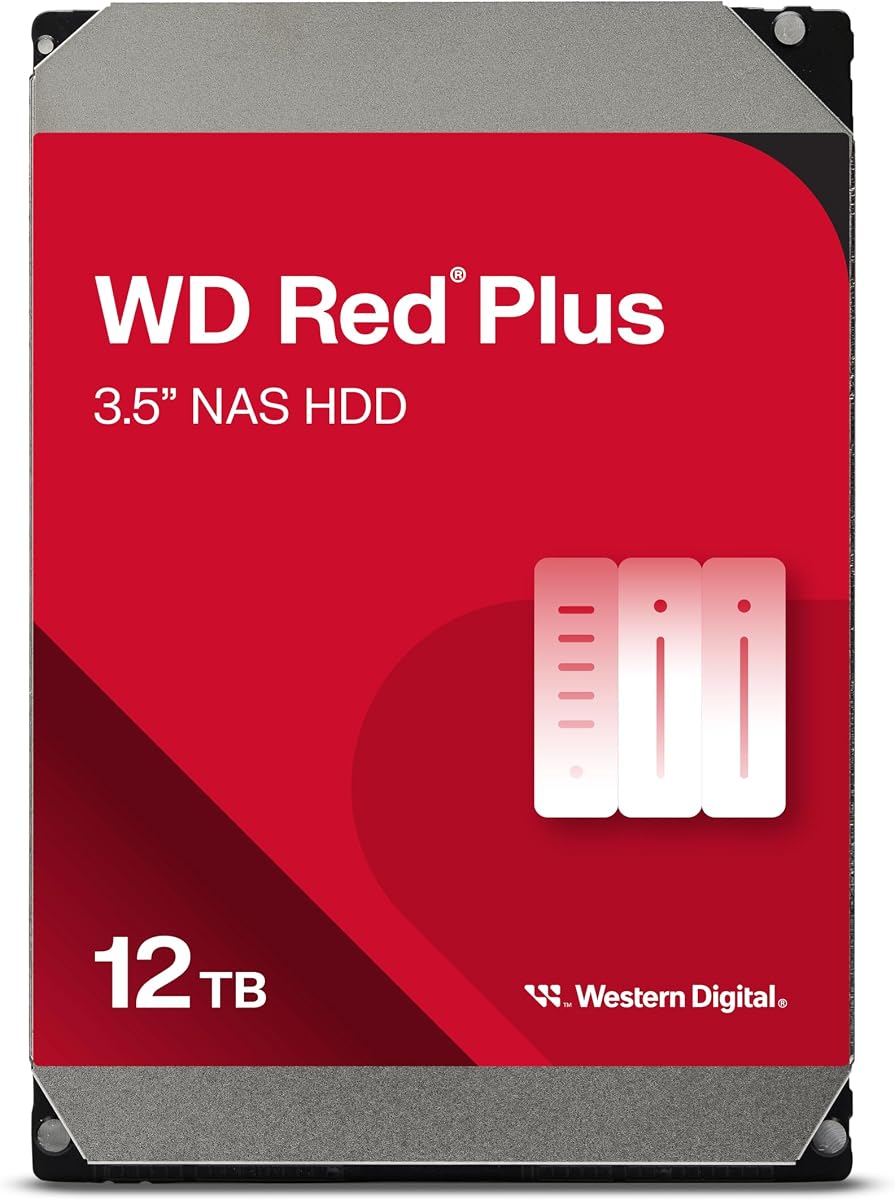
Red Plus

The WD Red Plus is the best overall NAS hard drive for home and small office servers, hitting the sweet spot of reliability, value, and efficiency. Crucially, it uses CMR recording rather than the slower SMR found in the basic Red line, making it safe for RAID rebuilds. It is tuned for continuous operation in small to medium bay enclosures, running cool and quiet while sipping power. For most home NAS builders, the Red Plus is the dependable, sensible default choice.

Capacity
Up to 14TB
Interface
SATA 6Gb/s
RPM
5400-7200 RPM
Cache
Up to 512MB

What we liked

  • Designed for 24/7 NAS operation
  • Uses reliable CMR recording
  • Quiet and cool running
  • Strong three-year warranty

Worth noting

  • Lower RPM on smaller models
  • Not built for high-bay arrays
2Best for Heavy Workloads

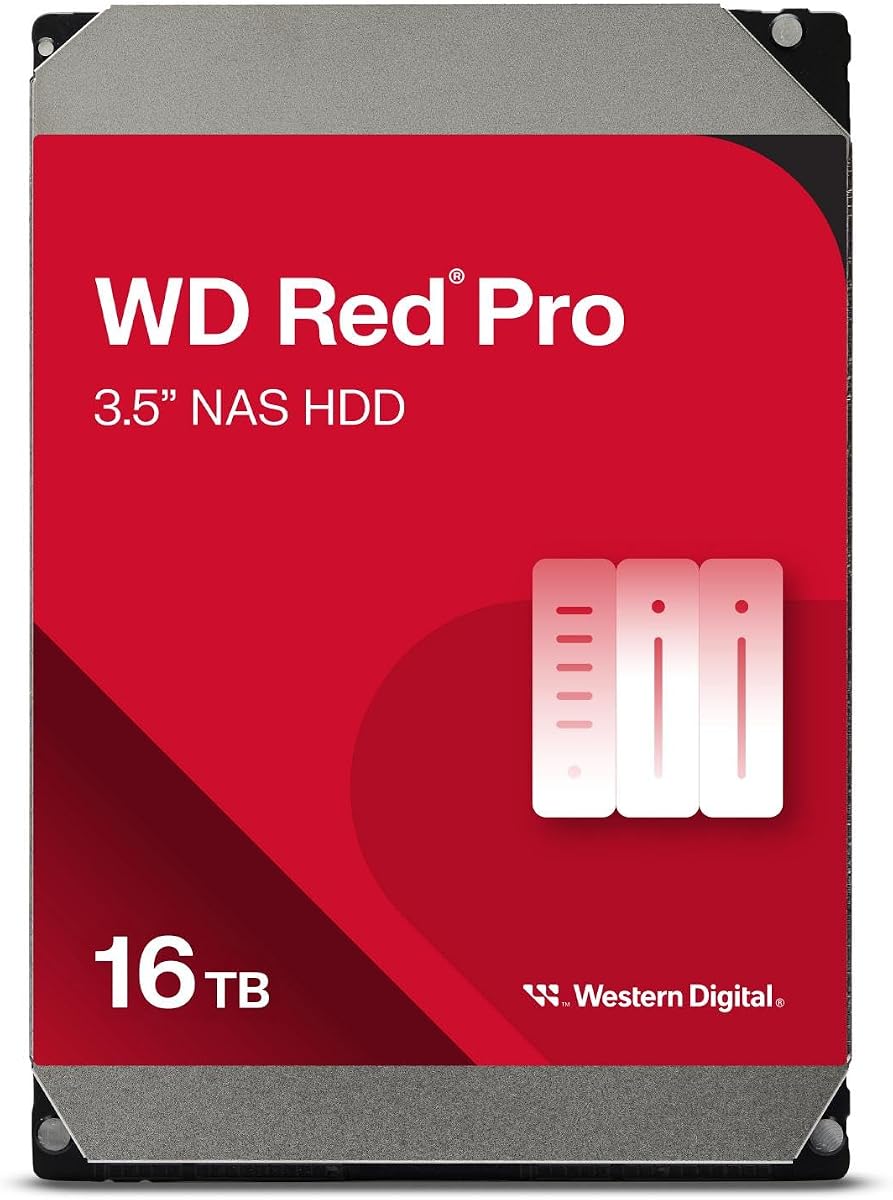
Red Pro

The WD Red Pro steps up for power users and small businesses that push their NAS hard. With a higher workload rating, faster 7200 RPM spindles, and support for larger bay counts, it handles demanding multi-user environments and frequent writes with ease. The extended five-year warranty reflects its enterprise-leaning durability. If your NAS sees constant activity from backups, media streaming to many users, or virtual machines, the Red Pro is built to keep up.

Capacity
Up to 24TB
Interface
SATA 6Gb/s
RPM
7200 RPM
Cache
Up to 512MB

What we liked

  • High workload rating for busy servers
  • Fast 7200 RPM performance
  • Supports larger multi-bay arrays
  • Five-year warranty

Worth noting

  • Runs warmer than the Red Plus
  • Higher price per terabyte
3Best Value

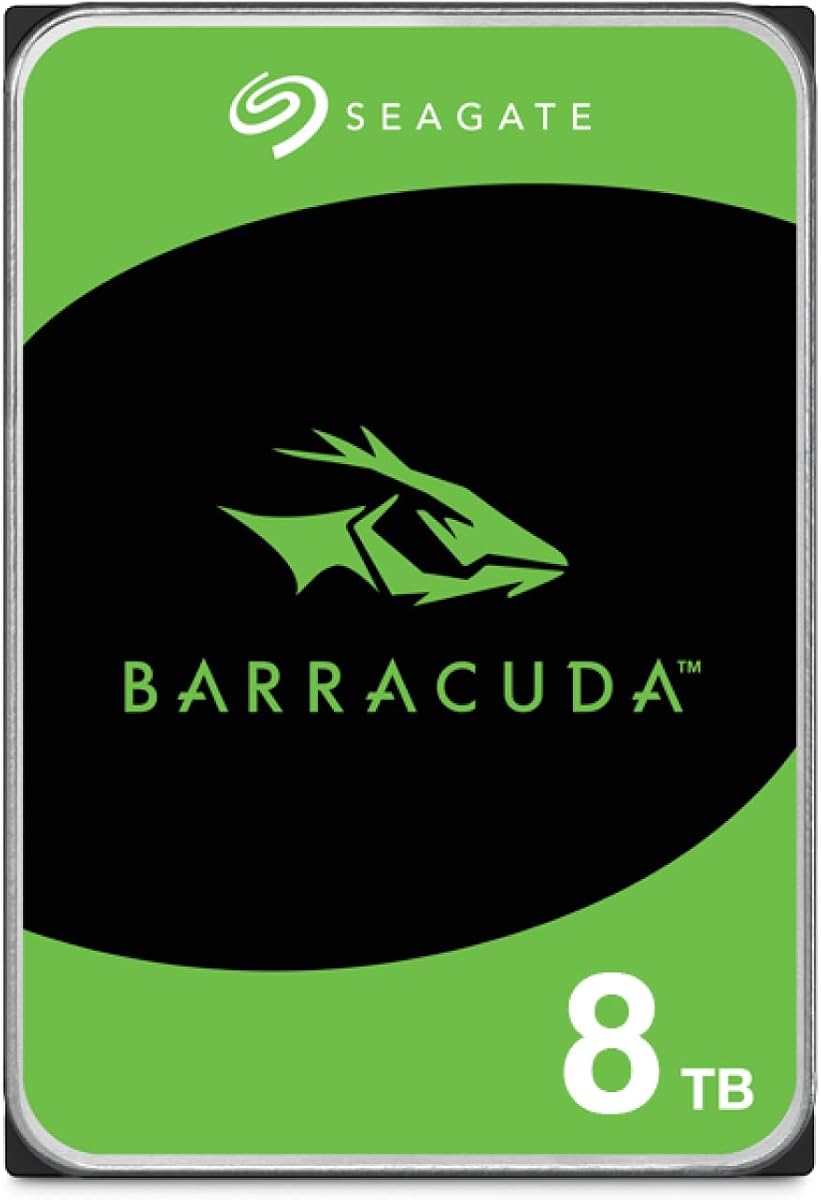
IronWolf

The Seagate IronWolf is the value pick for home NAS builders who want reliability without overspending. It offers a workload rating well suited to typical home and small office use, plus Seagate health management features that help monitor drive condition through compatible NAS systems. Pricing is consistently competitive, and an optional data recovery service adds peace of mind. For a balanced, affordable foundation for a home server, the IronWolf delivers.

Capacity
Up to 12TB
Interface
SATA 6Gb/s
RPM
5400-7200 RPM
Cache
Up to 256MB

What we liked

  • Competitive price per terabyte
  • Includes health management software
  • Solid workload rating for home use
  • Optional data recovery plan

Worth noting

  • Can be louder under load
  • Shorter warranty than Pro models
4Best Pro Value

IronWolf Pro

The Seagate IronWolf Pro is the professional-grade counterpart to the standard IronWolf, built for businesses and enthusiasts running large or busy arrays. It carries a high workload rating, a five-year warranty, and an included data recovery service plan that covers professional recovery attempts. Performance at 7200 RPM is brisk, and it supports larger bay counts than the home models. It is an excellent value among professional NAS drives, often undercutting rivals on price.

Capacity
Up to 24TB
Interface
SATA 6Gb/s
RPM
7200 RPM
Cache
Up to 512MB

What we liked

  • High workload rating for busy NAS
  • Five-year warranty included
  • Bundled data recovery service
  • Strong performance under load

Worth noting

  • Premium price
  • Generates more heat and noise
5Best Alternative Brand

N300

The Toshiba N300 is a strong alternative for buyers who want to diversify drive brands in a redundant array, a smart practice that reduces the risk of simultaneous failures from a single batch. It spins at a quick 7200 RPM across its lineup, offers generous cache on larger capacities, and carries a workload rating suitable for demanding home and small business use. Pricing is competitive, making the N300 a reliable and often overlooked choice for serious NAS builds.

Capacity
Up to 18TB
Interface
SATA 6Gb/s
RPM
7200 RPM
Cache
Up to 512MB

What we liked

  • Fast 7200 RPM across the range
  • Generous cache on larger models
  • Competitive pricing
  • Solid workload rating

Worth noting

  • Less software support than rivals
  • Can run warm in tight enclosures
6Best Budget Pick

IronWolf 4TB

The smaller-capacity Seagate IronWolf is the budget gateway into proper NAS storage, ideal for a first two-bay enclosure or a light home media server. At this capacity it runs cool, quiet, and efficiently while still using reliable CMR recording rated for continuous operation. It will not hold an enormous library, but for someone just starting out or building a modest backup target, it offers genuine NAS reliability at the lowest price on this list.

Capacity
4TB
Interface
SATA 6Gb/s
RPM
5400 RPM
Cache
256MB

What we liked

  • Low entry price for a NAS drive
  • Cool and quiet operation
  • Proper CMR recording
  • Good for starter two-bay units

Worth noting

  • Limited capacity ceiling
  • Slower than 7200 RPM drives
7Best Enterprise Grade

Exos

The Seagate Exos is an enterprise data center drive that has become a favorite among home lab enthusiasts seeking maximum reliability and capacity. It carries the highest workload rating on this list and is engineered for relentless 24/7 duty in dense arrays. While louder and hungrier for power than consumer NAS drives, it often delivers outstanding capacity per dollar at the high end. For large, serious arrays where endurance is paramount, the Exos is a compelling choice.

Capacity
Up to 24TB
Interface
SATA 6Gb/s
RPM
7200 RPM
Cache
256-512MB

What we liked

  • Enterprise reliability and endurance
  • Very high workload rating
  • Excellent capacity per dollar at scale
  • Five-year warranty

Worth noting

  • Louder than consumer NAS drives
  • Higher power draw

How to Choose the Best NAS Hard Drive

Best NAS Hard Drives in 2026

Building a network attached storage device is one of the most rewarding projects for anyone who values their data, but its long-term success rests almost entirely on the hard drives you put inside it. NAS drives live a far harder life than the drive in a typical computer. They spin continuously, endure the vibration of several neighbors packed into one chassis, and must behave predictably when a RAID array rebuilds after a failure. Choosing drives engineered for this duty is not optional, it is the foundation of a reliable system. This guide explains every factor that matters and helps you pick the right drives from the seven ranked above.

The most important lesson up front is that not all hard drives are suitable for a NAS, even if they appear identical on the shelf. The differences are internal, in the firmware, the recording method, and the durability ratings. Understanding these differences will save you from a costly and stressful mistake down the road.

Why NAS Drives Are Different

Ordinary desktop hard drives are designed for a computer that is switched on for part of the day and houses a single drive. NAS drives, by contrast, are rated for continuous 24/7 operation, which is a much more demanding duty cycle. They include firmware tuned for RAID environments, so they report errors quickly rather than retrying endlessly in a way that can drop the drive from an array. They also feature vibration tolerance, because in a multi-bay enclosure each drive must withstand the spinning motion of its neighbors without losing accuracy.

These engineering differences are why every drive on this list is a purpose-built NAS or enterprise model. Using a cheap desktop drive in a NAS might work for a while, but it invites instability, premature failure, and the kind of array problems that can lead to data loss. The modest price premium for proper NAS drives is cheap insurance for the data they protect.

The Critical CMR Versus SMR Distinction

One of the most important technical points in choosing a NAS drive is the recording method. Conventional magnetic recording, or CMR, writes data in non-overlapping tracks and behaves predictably under all conditions. Shingled magnetic recording, or SMR, overlaps tracks to squeeze in more capacity, but this causes severe slowdowns during sustained writes and RAID rebuilds. In a NAS, an SMR drive can take so long to rebuild an array that the whole system is put at risk.

This is why we specifically recommend the WD Red Plus rather than the basic WD Red line, which historically used SMR. Every drive on this list uses CMR recording, making them all safe for RAID. When shopping, always verify that a drive uses CMR before placing it in a NAS. This single check prevents one of the most common and damaging mistakes in home server building.

Understanding Workload Ratings

NAS drives carry a workload rating, expressed as terabytes written and read per year. This figure tells you how much data the drive is designed to handle annually while remaining reliable. Home NAS drives like the WD Red Plus and standard Seagate IronWolf carry ratings appropriate for typical home and small office use. Professional drives such as the WD Red Pro, IronWolf Pro, and enterprise Exos carry much higher ratings for busy environments with many users, frequent backups, or virtual machines.

Matching the workload rating to your actual use prevents both overspending and premature wear. A lightly used home media server does not need an enterprise drive, while a busy business NAS should not rely on entry-level drives pushed beyond their design. Be honest about how hard your array will work, and choose accordingly.

Capacity Planning and RAID

Deciding how much capacity to buy involves thinking about both your data and your chosen RAID configuration. RAID combines multiple drives to provide redundancy, performance, or both, but the redundancy comes at the cost of usable space. A mirrored pair gives you the capacity of one drive while protecting against a single failure. More advanced arrangements with four or more drives offer better space efficiency while still surviving one or even two drive failures.

Because some capacity is consumed by redundancy, buy drives larger than your raw data needs suggest. It is also wise to leave headroom for growth, since expanding an array later can be involved. Many builders standardize on a single capacity across all bays to keep the array balanced and simple to manage.

Performance Considerations

Most home NAS users will be limited by their network speed long before the drives become a bottleneck, so raw drive performance matters less than reliability for typical media and backup tasks. In these cases, slower 5400 RPM-class drives are appealing because they run cooler, quieter, and use less power. The WD Red Plus and standard IronWolf shine here.

For demanding scenarios, faster 7200 RPM drives like the Red Pro, IronWolf Pro, Toshiba N300, and Exos provide quicker access and better sustained throughput. These suit busy multi-user servers, databases, virtual machines, and editing workflows where many simultaneous operations occur. Cache size also contributes, with larger caches helping smooth out bursts of activity. Weigh the heat, noise, and power trade-offs of faster drives against the genuine need for their speed.

Reliability, Warranty, and Recovery

Reliability is the whole point of a NAS, so pay attention to the indicators manufacturers provide. Longer warranties, such as the five-year coverage on the Pro and enterprise drives, signal greater confidence in durability. Some drives, particularly Seagate models, include data recovery service plans that cover professional recovery attempts if a drive fails, which can be invaluable for irreplaceable data.

Remember that RAID is not a backup. It protects against drive failure but not against accidental deletion, malware, or disaster. Always maintain a separate backup of critical data, ideally off-site or in the cloud. The drives here form a resilient foundation, but a complete data protection strategy layers backups on top of array redundancy.

Mixing Brands for Safety

A subtle but valuable practice is to avoid filling an array entirely with drives from a single brand and batch. Drives manufactured together can share latent flaws, raising the chance that several fail around the same time. By mixing brands or at least buying from different production runs, you reduce this correlated failure risk. This is why having a strong alternative like the Toshiba N300 alongside the WD and Seagate options is genuinely useful for building a robust array.

Compatibility with Your NAS Enclosure

Before buying any drive, confirm that it fits your specific NAS enclosure and is on the manufacturer compatibility list. Most NAS makers publish a list of tested and supported drives, and while many drives work fine even when not listed, sticking to supported models avoids edge-case problems. Pay attention to the maximum drive capacity your enclosure supports, since older units may not recognize the very largest drives available today. The number of bays in your enclosure also shapes your purchase, as larger arrays place more vibration stress on each drive and may benefit from the sturdier Pro and enterprise models.

Some drives are explicitly rated for a maximum number of bays, with home models like the Red Plus designed for smaller enclosures and Pro models built to tolerate the vibration of larger arrays. Installing a home-rated drive in a busy eight-bay system can shorten its life because of the extra vibration, so match the drive class to your enclosure size. Taking a few minutes to check compatibility and bay ratings ensures your investment performs as intended and lasts as long as it should.

Matching a Drive to Your Needs

For most home NAS builders, the WD Red Plus is the ideal default, balancing reliability, efficiency, and value. Busy users and small businesses should look at the WD Red Pro or Seagate IronWolf Pro for higher workload ratings and longer warranties. Bargain-conscious builders will find the standard Seagate IronWolf, including its smaller-capacity budget model, an excellent foundation. The Toshiba N300 offers a smart way to diversify brands, while the enterprise Seagate Exos delivers maximum endurance for large or serious arrays.

Heat, Noise, and Power Consumption

The physical realities of running multiple hard drives continuously deserve attention, especially in a home setting. Faster 7200 RPM drives generate more heat and noise than their slower counterparts, and a cabinet full of them can become noticeably warm and audible. Adequate cooling is essential, since heat is one of the leading causes of premature drive failure. A NAS placed in a closed cabinet or a poorly ventilated corner can run hot enough to shorten the life of its drives, so plan for airflow.

Power consumption adds up as well, particularly with enterprise drives like the Exos that draw more current and run constantly. Over a year of around-the-clock operation, the difference between efficient consumer NAS drives and power-hungry enterprise models can be meaningful on your electricity bill. For a home NAS that mostly serves media and backups, the cooler, quieter, more efficient drives such as the Red Plus and standard IronWolf often make more sense than enterprise units, even if the latter offer higher endurance. Match the drive class to both your performance needs and your tolerance for heat, noise, and running costs.

Planning for Failure and Recovery

The entire purpose of a NAS with redundancy is to survive the failure of a drive without losing data, but how you respond to that failure matters greatly. When a drive fails, the array continues running in a degraded state, protected only until the failed drive is replaced and the array rebuilds. During this rebuild, the remaining drives work hard, and a second failure before the rebuild completes can be catastrophic. This is precisely why CMR drives and proper workload ratings matter, since they handle the stress of a rebuild reliably.

Smart NAS owners keep a spare drive on hand so they can replace a failed unit immediately rather than waiting days for a delivery. They also monitor drive health using the tools their NAS provides, watching for early warning signs that a drive is degrading. The health management features in Seagate IronWolf drives and the monitoring built into most NAS operating systems make this easier. Combined with regular backups kept separate from the array, this proactive approach turns a potential disaster into a minor inconvenience. Remember always that redundancy buys you time and resilience, but only a true backup protects against the threats RAID cannot, such as deletion, corruption, and theft.

Final Thoughts

Building a reliable NAS starts with choosing the right hard drives, and the seven models on this list cover every need from a first two-bay home server to a dense enterprise-grade array. The golden rules are to always use CMR drives rated for continuous operation, match the workload rating to how hard your array will work, and never treat RAID as a substitute for real backups. Buy a little more capacity than you think you need, consider mixing brands for added safety, and your data will rest on a dependable foundation. Whichever drives you choose here, you are starting with proven, purpose-built storage designed to keep your files safe for years to come.

How we picked

We evaluated NAS drives on rated workload, mean time between failures, vibration tolerance, warranty length, cache size, and price per terabyte. We considered the full range from home media servers to high-bay enterprise arrays. Rankings reflect a balance of proven reliability, performance under sustained load, and overall value for the intended use case.

Frequently asked questions

What is the difference between a NAS drive and a regular hard drive?

NAS drives are built to run continuously, tolerate vibration from multiple drives in one enclosure, and recover gracefully in RAID arrays. Regular desktop drives are not rated for 24/7 use and can cause problems in a NAS over time.

Why should I avoid SMR drives in a NAS?

SMR recording can slow dramatically during RAID rebuilds and large writes, which risks array stability. All the drives recommended here use CMR recording, which is the safe and reliable choice for NAS use.

Should I mix drive brands in my NAS?

Mixing brands or buying from different batches can reduce the chance that several drives fail at once due to a shared manufacturing flaw. It is a sensible precaution for important arrays, which is why having alternatives like the Toshiba N300 helps.

How many drives do I need for redundancy?

A minimum of two drives lets you mirror data so one failure does not lose anything. Four or more drives allow more advanced RAID levels that balance capacity, performance, and the ability to survive multiple failures.

Do I need 7200 RPM drives or are 5400 RPM enough?

For home media and backups, slower drives run cooler, quieter, and use less power while remaining plenty fast. Choose 7200 RPM drives for busy multi-user servers, virtual machines, or heavy write workloads.