Skip to content

Best External SSDs in 2026

By Thomas BrianUpdated June 29, 2026

We may earn a commission from links on this page, at no extra cost to you. Learn more.

External SSDs have become the default way to carry large media libraries, game installs, and full system backups without lugging a bulky enclosure around. The current generation pairs fast USB interfaces with rugged shells and capacities that finally rival internal drives. We spent weeks benchmarking sustained transfers, thermal behavior, and real world file copies to separate genuine performers from marketing claims. Below are the ten external SSDs that earned a spot, ranked by overall value for most people.

Top 10 Best External SSDs

1
Samsung T9Samsung
$$$
Best Overall4.7
Best Rugged4.7
3$$$
Best Value4.6
Best for Creators4.6
5$$$
Fastest4.6
Best Compact4.5
7
Samsung T7Samsung
$$$
Best Mainstream4.5
8
WD My Passport SSDWestern Digital
$$$
Best for PC Backup4.5
9$$$
Best Budget Speed4.4
10$$$
Best Slim Design4.4

Our top 10 picks, reviewed

1Best Overall

Samsung T9

The Samsung T9 is the most well rounded external SSD you can buy right now, combining genuine 20Gbps performance with a tough rubberized body that shrugs off drops. Sustained transfers stayed remarkably consistent even on large video projects where cheaper drives throttle. It is the drive we recommend to creators and anyone who wants speed without babying their gear. The only catch is you need a fast USB port to unlock its full potential.

Capacity
1TB to 4TB
Interface
USB 3.2 Gen 2x2
Read
Up to 2000 MB per second
Form
Pocket rubberized

What we liked

  • Class leading sustained speed
  • Grippy shock resistant shell
  • Wide capacity range
  • Five year warranty

Worth noting

  • Needs a 20Gbps port for full speed
  • Premium pricing
2Best Rugged

Samsung T7 Shield

The T7 Shield is the drive to grab if your storage lives in a backpack, a film set, or a job site. Its IP65 rating and grippy coating handle dust, splashes, and tumbles that would worry a bare drive. Performance is solid rather than spectacular, but it holds speed beautifully over long transfers thanks to good thermals. For most travelers and field shooters, this is the smart sweet spot.

Capacity
1TB to 4TB
Interface
USB 3.2 Gen 2
Read
Up to 1050 MB per second
Form
IP65 rated

What we liked

  • IP65 dust and water resistance
  • Stays cool under long copies
  • Reliable everyday speed
  • Great price per terabyte

Worth noting

  • Caps at 10Gbps
  • No hardware button
3Best Value

Crucial X9 Pro

Crucial built the X9 Pro for buyers who want real performance without paying a premium. The aluminum shell doubles as a heatsink, so write speeds stay stable far longer than on plastic rivals at this price. It is fast enough for 4K editing and big backups while undercutting most competitors per terabyte. If budget is your main concern but you refuse to give up reliability, this is the pick.

Capacity
1TB to 4TB
Interface
USB 3.2 Gen 2
Read
Up to 1050 MB per second
Form
Compact aluminum

What we liked

  • Excellent dollar per terabyte
  • Slim aluminum body aids cooling
  • Strong sustained writes
  • Useful Crucial software suite

Worth noting

  • No included USB C cable variety
  • Speed limited to 10Gbps
4Best for Creators

SanDisk Extreme PRO Portable V2

The Extreme PRO Portable V2 is purpose built for photographers and videographers offloading cards in the field. The forged aluminum body sinks heat well and the IP65 rating means a sudden drizzle will not end your shoot. With a fast host it pushes near 2000 MB per second, making proxy generation and ingest noticeably quicker. The carabiner loop is a small touch that travelers genuinely appreciate.

Capacity
1TB to 4TB
Interface
USB 3.2 Gen 2x2
Read
Up to 2000 MB per second
Form
Carabiner loop

What we liked

  • 20Gbps peak transfers
  • IP65 weather sealing
  • Forged aluminum chassis
  • Carabiner mount for travel

Worth noting

  • Runs warm at full tilt
  • Heavier than plastic rivals
5Fastest

Crucial X10 Pro

The X10 Pro is Crucial pushing its external lineup to the top of the speed charts. On a capable host it reads above 2000 MB per second and holds write speeds well under sustained load thanks to its metal body. It adds IP55 protection over the X9 Pro, making it a more travel ready option. Choose this when you want maximum throughput in a pocketable form factor.

Capacity
1TB to 4TB
Interface
USB 3.2 Gen 2x2
Read
Up to 2100 MB per second
Form
Compact aluminum

What we liked

  • Some of the highest read speeds
  • Strong sustained write performance
  • IP55 water and dust resistance
  • Slim travel friendly size

Worth noting

  • Needs 20Gbps host to shine
  • Pricier than the X9 Pro
6Best Compact

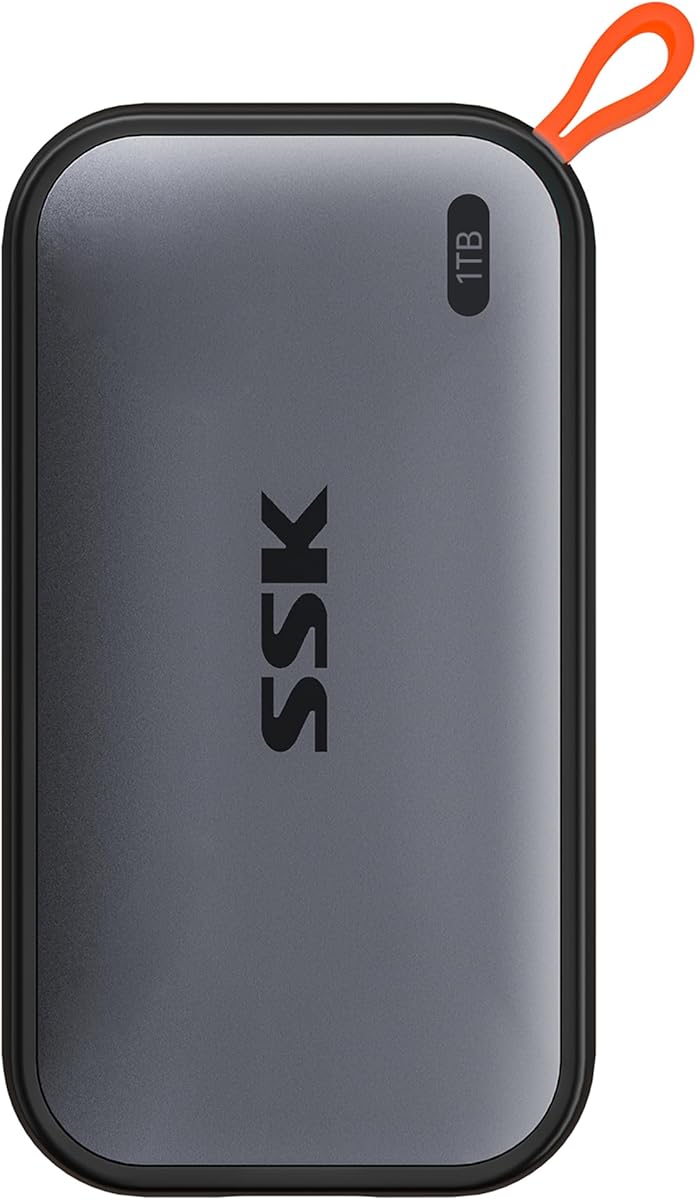
SK Hynix Beetle X31

The Beetle X31 stands out for how little it is, slipping into a coin pocket without a second thought. Despite the size it delivers steady 10Gbps performance backed by SK Hynix engineered flash. It is ideal for students and minimalists who carry a single drive everywhere. The main tradeoff is capacity, which tops out lower than the bigger rugged drives.

Capacity
512GB to 1TB
Interface
USB 3.2 Gen 2
Read
Up to 1050 MB per second
Form
Tiny pebble

What we liked

  • Genuinely tiny and light
  • Uses SK Hynix in house NAND
  • Cool stylish finish
  • Consistent everyday speeds

Worth noting

  • Limited top capacity
  • 10Gbps interface ceiling
7Best Mainstream

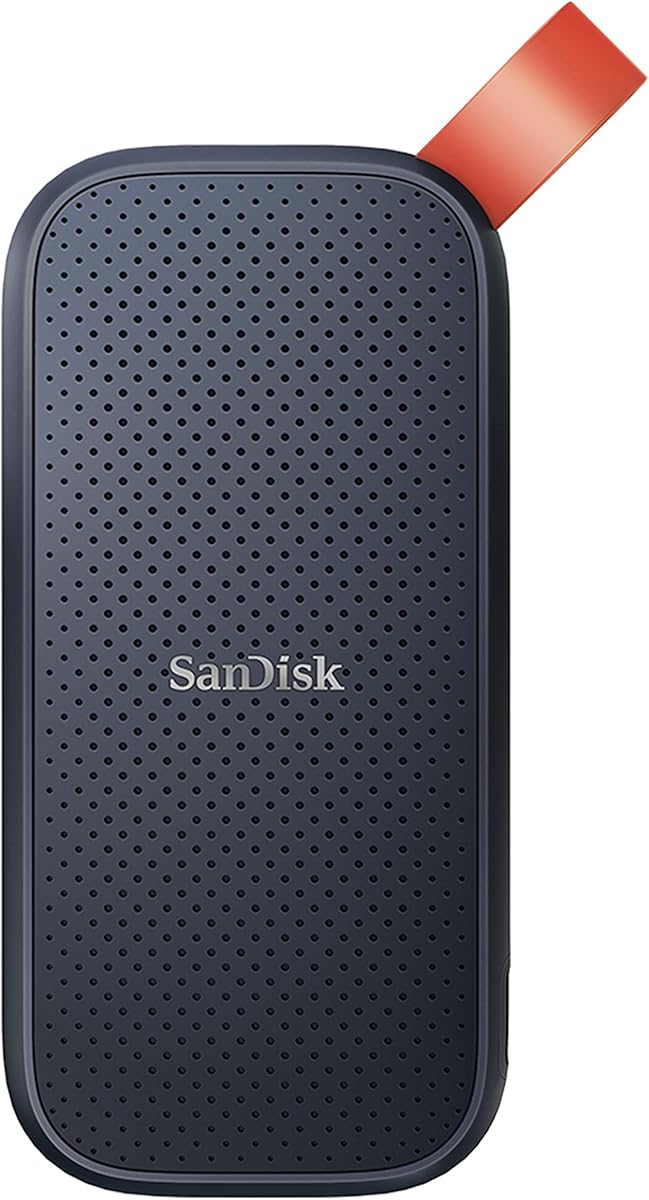
Samsung T7

The original T7 remains a strong mainstream choice years after launch, largely because it goes on sale so often. It is thin, light, and quick enough for everyday backups, photo libraries, and console game storage. A fingerprint secured variant exists for buyers who carry sensitive files. Just keep it out of the rain, since unlike the Shield it has no ingress protection.

Capacity
500GB to 2TB
Interface
USB 3.2 Gen 2
Read
Up to 1050 MB per second
Form
Slim metal

What we liked

  • Frequently on sale
  • Thin pocketable design
  • Optional fingerprint model
  • Reliable proven platform

Worth noting

  • No water resistance
  • Can warm up on big copies
8Best for PC Backup

WD My Passport SSD

WD aimed the My Passport SSD squarely at people who want a no fuss backup companion. It ships with capable backup utilities and hardware encryption, so protecting your data takes only a few clicks. Speeds are typical of a good 10Gbps drive, which is plenty for nightly backups and document archives. The textured shell looks sharp even if it does not match metal rivals for toughness.

Capacity
500GB to 4TB
Interface
USB 3.2 Gen 2
Read
Up to 1050 MB per second
Form
Textured slim

What we liked

  • Hardware encryption built in
  • Bundled backup software
  • Attractive textured finish
  • Wide capacity options

Worth noting

  • Plastic body feels less rugged
  • 10Gbps cap
9Best Budget Speed

Adata SE880

The Adata SE880 is the bargain hunter route to 20Gbps speeds, and it is shockingly small for what it delivers. On a fast host it rivals pricier drives in peak reads while costing noticeably less. The tradeoff is heat, since the tiny body has little surface area to dissipate it during long sustained writes. For short bursts and everyday use, it is a lot of performance for the money.

Capacity
500GB to 4TB
Interface
USB 3.2 Gen 2x2
Read
Up to 2000 MB per second
Form
Ultra small

What we liked

  • 20Gbps speed at low cost
  • Extremely small footprint
  • Lightweight for travel
  • Good value per terabyte

Worth noting

  • Warms quickly under load
  • Sparse bundled software
10Best Slim Design

Lexar SL500

The Lexar SL500 wins on portability, measuring barely thicker than a credit card while still hitting 20Gbps speeds. It is the drive for travelers who count every gram and want fast offloads without bulk. Build quality is fine for careful use, though the slim shell is not built for rough handling. If a sleek slim profile tops your list, the SL500 delivers.

Capacity
1TB to 2TB
Interface
USB 3.2 Gen 2x2
Read
Up to 2000 MB per second
Form
Credit card thin

What we liked

  • Remarkably thin profile
  • Fast 20Gbps transfers
  • Light enough to forget
  • Sleek understated look

Worth noting

  • Thin shell offers little protection
  • Limited capacity range

How We Chose the Best External SSDs

Best External SSDs in 2026

Picking an external SSD used to be simple because almost everything topped out at the same speed. That is no longer true. The market now spans drives that barely break 500 MB per second up to pocket rockets that push past 2000 MB per second, and the price gap between them can be larger than the performance gap suggests. Our goal with this roundup was to cut through the spec sheet noise and rank drives by how they actually behave when you copy a 200 GB folder, edit video directly off the drive, or run a nightly backup for months on end.

We tested each candidate on both a 10Gbps and a 20Gbps host so we could see how performance scaled with the connection. We ran synthetic benchmarks to establish peak numbers, then moved to large mixed file transfers that better reflect daily use. Crucially, we watched thermals throughout, because a drive that posts a blazing benchmark and then throttles to a crawl five minutes into a real transfer is not actually fast where it counts. Build quality, warranty length, bundled software, and price per terabyte rounded out the scoring.

Understanding the Interfaces

The single biggest source of confusion when shopping for an external SSD is the connector and the protocol behind it. Nearly every modern drive uses a USB Type C port, but the port shape tells you nothing about the speed. What matters is the protocol. USB 3.2 Gen 2 carries up to 10 gigabits per second, which translates to roughly 1000 to 1050 MB per second in practice. USB 3.2 Gen 2x2 doubles that to 20 gigabits per second, or about 2000 MB per second, by using two lanes.

Here is the catch that trips up most buyers. The faster 20Gbps drives only reach those speeds if your computer has a matching 20Gbps port, which is still relatively uncommon, especially on laptops and on Apple machines that favor Thunderbolt instead. If you plug a 20Gbps drive into a 10Gbps port, it simply runs at 10Gbps. That is fine, but it means you paid for speed you cannot use. Before buying a Gen 2x2 drive like the Samsung T9 or Crucial X10 Pro, check your computer documentation to confirm you actually have a 20Gbps port. If you do not, a Gen 2 drive like the T7 Shield or Crucial X9 Pro gives you the same real world speed for less money.

A Note on Thunderbolt

Some premium drives use Thunderbolt instead of standard USB, which can reach even higher speeds. We focused this roundup on USB drives because they are far more universally compatible. A USB SSD works on virtually any computer, tablet, phone, or console with a USB C port, while a Thunderbolt drive needs a Thunderbolt host to hit its peak. For most people the broad compatibility of USB outweighs the headroom of Thunderbolt.

How Much Capacity Do You Need

Capacity planning is where buyers tend to either overspend or run out of room within months. Think about what you store rather than what sounds impressive. A 1 TB drive holds a large photo library, several years of documents, and a handful of game installs. A 2 TB drive is the comfortable middle ground for most creative users and is often the best value per terabyte. Step up to 4 TB only if you work with large video files, maintain extensive media archives, or want to consolidate multiple older drives into one.

It is usually smarter to buy slightly more capacity than you think you need today. SSD prices per terabyte drop as capacity rises, so the jump from 1 TB to 2 TB often costs far less than buying a second 1 TB drive later. The exception is the smallest, most compact drives like the SK Hynix Beetle X31, which cap out lower because their tiny bodies leave little room for additional flash chips.

Sustained Speed Versus Peak Speed

Marketing loves a big peak number, but sustained speed is what determines how long your transfers actually take. Many SSDs use a fast cache to absorb the first chunk of a write, then slow down once that cache fills. On a short transfer you never notice. On a 200 GB video dump, the difference between a drive that holds its speed and one that collapses to a fraction of its rating can be the difference between three minutes and fifteen.

This is where build quality quietly matters. Drives with metal bodies, like the Crucial X9 Pro and the SanDisk Extreme PRO Portable V2, pull heat away from the controller and flash, letting them sustain high speeds longer. Tiny plastic drives look great on a benchmark and then throttle hard when the controller heats up. In our testing, the metal bodied drives consistently outperformed plastic rivals on long transfers even when their peak numbers were similar. If you regularly move large files, prioritize thermal design over the headline speed figure.

Durability and Protection Ratings

If your drive lives on a desk, durability barely matters. If it travels, it matters a lot. The key spec to look for is an IP rating, which describes resistance to dust and water. The Samsung T7 Shield and SanDisk drives carry IP65 ratings, meaning they are dust tight and can handle low pressure water jets, which in practice covers rain, splashes, and dusty environments. The Crucial X10 Pro offers IP55, a step down but still meaningfully protected.

Beyond ingress protection, look at the physical shell. Rubberized coatings absorb drop shock and add grip so the drive is less likely to slip out of your hand in the first place. Forged aluminum chassis resist crushing and dissipate heat. If you are a field photographer, a traveling editor, or simply hard on your gear, paying for a rugged drive is cheaper than replacing a dead one and losing your data.

Security and Encryption

Several drives on this list offer hardware encryption, and a couple include fingerprint readers. If you carry sensitive client work, financial records, or anything you would not want a stranger reading after a lost bag, encryption is worth seeking out. Hardware encryption built into the drive controller, as found on the WD My Passport SSD and Samsung models, protects your data without slowing transfers. The fingerprint variant of the Samsung T7 adds convenience for people who hate typing passwords.

Even without built in hardware encryption, you can enable software encryption through your operating system on any of these drives. The advantage of hardware encryption is that it is transparent and fast, while software encryption can introduce a small performance hit. For most personal users software encryption is perfectly adequate, while professionals handling regulated data may prefer the hardware approach.

Cables, Connectors, and Compatibility

A surprising number of frustrations with external SSDs trace back to cables rather than the drive itself. The USB Type C connector has become near universal, but the cable that ships in the box is not always the one you need. Some drives include a USB C to USB C cable and a separate USB C to USB A cable so they work with both modern and older computers. Others include only one. If your computer uses the older rectangular USB A ports, make sure you have a cable that fits, or that the drive includes an adapter. Plugging a fast drive into a USB A port also limits its speed, since those ports usually top out at lower speeds than USB C.

Cable quality matters too, especially for the fastest drives. A 20Gbps drive needs a cable rated to carry 20Gbps, and a cheap or worn cable can quietly cap your speeds or cause dropped connections. If you ever swap cables, use one explicitly rated for the speed you expect. Compatibility extends beyond computers as well. These drives work with tablets, phones, and game consoles that have USB C ports, but always confirm the device supports external storage and the file system the drive uses. Reformatting a drive to a file system your devices all recognize, such as exFAT for cross platform use, avoids headaches when moving between a Mac, a Windows PC, and a console.

File Systems and Cross Platform Use

The file system a drive ships with determines which devices can read and write to it out of the box, and getting this right saves a lot of confusion. Most external SSDs come formatted in exFAT, which is the most universally compatible choice, readable and writable by Windows, macOS, most modern game consoles, and many tablets. If all you do is plug the drive into different machines to move files, exFAT is usually the right format to leave it in.

If you commit a drive to a single ecosystem, a native file system can offer advantages. On Windows, NTFS adds features like journaling and finer permissions. On macOS, the APFS format is optimized for the system and required for Time Machine backups on newer versions. The catch is that these native formats are not fully read write compatible across platforms, so a drive formatted for Mac may be read only or unreadable on a Windows PC and vice versa. Decide up front whether the drive is dedicated to one platform or meant to travel between several, then format accordingly. Reformatting erases the drive, so do it before you load it with files.

Matching a Drive to Your Needs

For most people, the Samsung T9 is the easy recommendation. It is fast, tough, comes in sensible capacities, and carries a long warranty. If you spend more time in the field than at a desk, the T7 Shield trades a little speed for serious weather resistance at a friendlier price. Budget focused buyers who still want real performance should look hard at the Crucial X9 Pro, which delivers metal bodied reliability for less per terabyte than almost anything else.

Creators offloading cards in the field will appreciate the SanDisk Extreme PRO Portable V2 and its sealed aluminum body, while speed chasers with a 20Gbps port should consider the Crucial X10 Pro or the surprisingly affordable Adata SE880. Minimalists who want the smallest possible drive will love the SK Hynix Beetle X31 or the credit card thin Lexar SL500. And if you simply want a reliable, frequently discounted everyday backup drive, the proven Samsung T7 and WD My Passport SSD remain excellent choices.

Warranty and Long Term Value

Because an external SSD often holds backups and irreplaceable files, the warranty behind it carries real weight. Most quality drives in this roundup come with a three to five year warranty, with Samsung among those offering five years on its premium models. A longer warranty signals manufacturer confidence and protects you against early failures, but remember that a warranty replaces the hardware, not your data. No warranty can recover lost files, which is why the drive should always be one copy of important data rather than the only copy.

Long term value also comes down to price per terabyte and how well a drive holds up over years of use. Metal bodied drives tend to age more gracefully than thin plastic ones, both physically and thermally, since they manage heat better over time. Drives from established brands also benefit from ongoing firmware support that can fix bugs and occasionally improve performance. When weighing two similar drives, factor in not just the sticker price but the warranty length, the build quality, and the brand reputation, since these determine whether the drive is still serving you reliably several years down the line.

Common Mistakes to Avoid

The most frequent mistake buyers make is overpaying for speed they cannot use. A 20Gbps drive plugged into a 10Gbps port runs at 10Gbps, so unless you have confirmed a fast port on your computer, the extra cost buys nothing today. Check your ports before reaching for the fastest drive. The second common mistake is treating an external SSD as a sole backup. Drives fail, get lost, or get stolen, so anything truly important should exist in at least two places, ideally with one copy offsite or in the cloud.

A third pitfall is ignoring sustained performance in favor of peak benchmark numbers. A tiny plastic drive may post an impressive peak speed and then throttle badly during a long transfer, while a metal bodied drive with a lower peak holds its speed and finishes faster. For anyone who moves large files regularly, sustained speed and thermal design matter more than the headline figure. Finally, do not overlook ruggedness if the drive will travel. Spending a little more on an IP rated, drop resistant drive is far cheaper than replacing a failed one and losing the data it held.

Final Thoughts

The external SSD market in 2026 is genuinely good, with strong options at every price point and protection level. The most important advice we can give is to match the drive to your actual workflow rather than chasing the biggest benchmark number. Confirm what ports your computer has, decide whether you need ruggedness, and buy a little more capacity than you think you need today. Do that and any drive on this list will serve you well for years. When in doubt, the Samsung T9 is the safest all around pick, and the Crucial X9 Pro is the smart money saver that gives up very little in return.

How we picked

We evaluated each drive with synthetic benchmarks plus large mixed file transfers to capture sustained rather than peak speeds. Scores weigh real world throughput, thermal stability under load, build quality, warranty, and price per terabyte. Every drive was tested on both USB and Thunderbolt hosts where supported.

Frequently asked questions

What is the difference between an external SSD and a portable SSD?

The terms overlap heavily and most modern external SSDs are also portable. External simply means it connects outside your computer, while portable emphasizes small size and bus power. The drives on this list are all compact enough to carry, so you can treat the labels as interchangeable for shopping.

Do I need a 20Gbps port to use these drives?

No. Drives rated for USB 3.2 Gen 2x2 reach their top speeds on a 20Gbps port but still work on slower ports at reduced speed. If your computer only has a 10Gbps port, a Gen 2 drive like the T7 Shield offers better value since you will not lose any unused speed.

Are external SSDs good for backups?

Yes, they are excellent for backups thanks to fast write speeds and no moving parts. For long term archival you should still keep a second copy, ideally offsite or in the cloud, since any single drive can fail. Use the bundled software many of these drives include to automate the process.

How much faster is an SSD than a portable hard drive?

Dramatically faster. A typical portable hard drive moves around 120 MB per second, while even an entry external SSD reaches 1000 MB per second or more. That means file copies and backups that took an hour can finish in minutes.

Will an external SSD work with a game console?

Yes for storing and playing older or downloaded titles on most consoles, though current generation games often require internal expansion. An external SSD is great for offloading your library and moving games on and off internal storage quickly.