Best Wireless Mechanical Keyboards in 2026
We may earn a commission from links on this page, at no extra cost to you. Learn more.
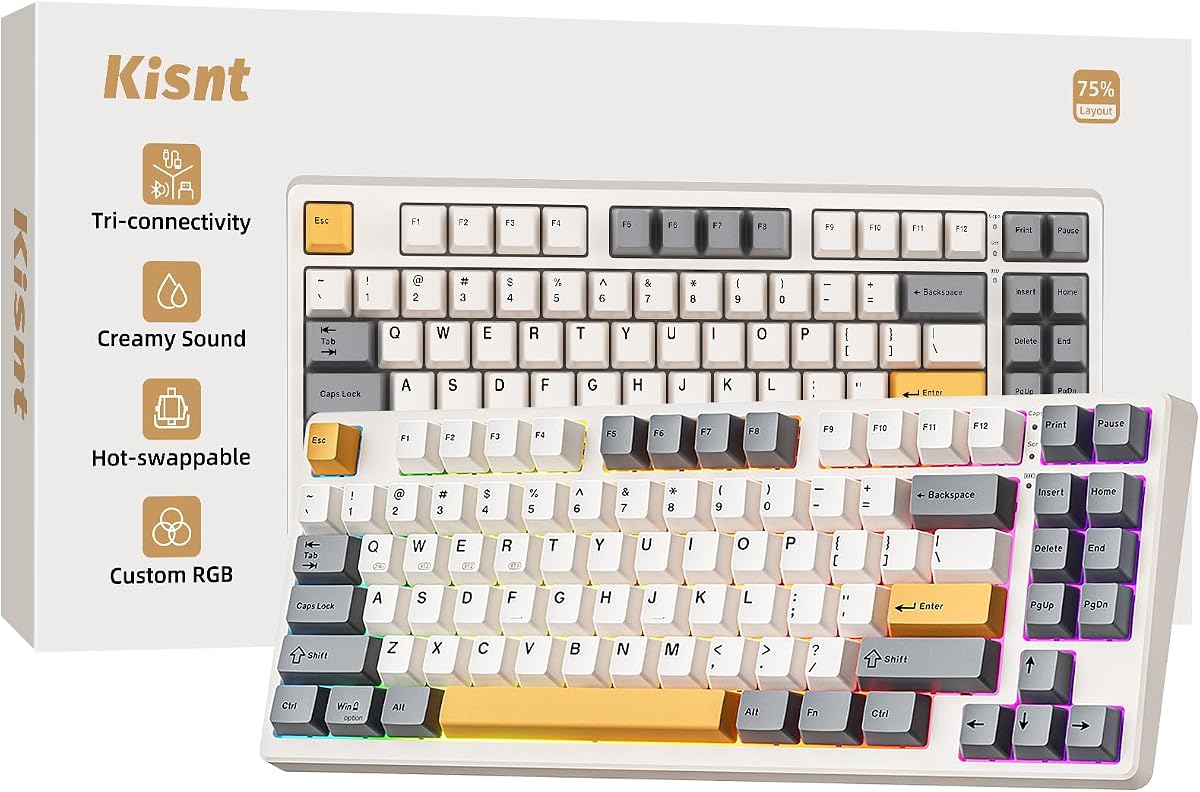
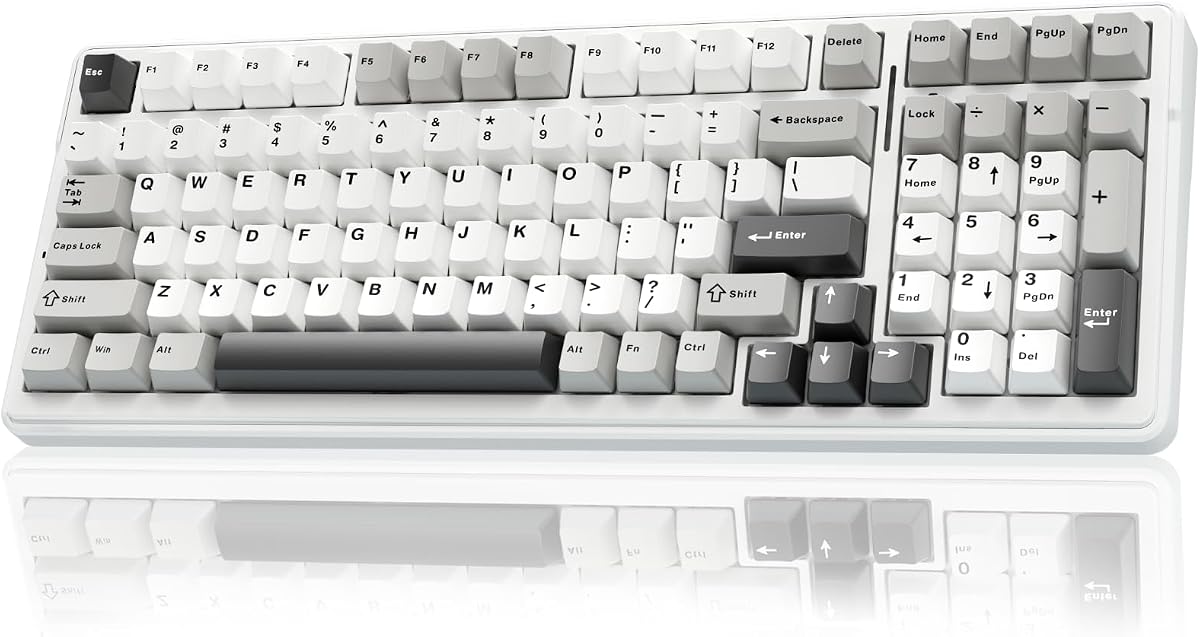
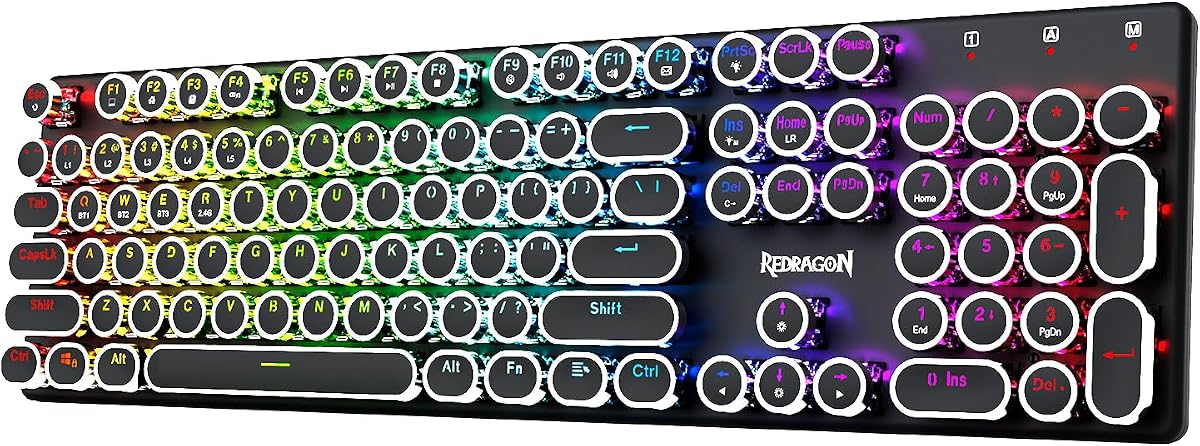
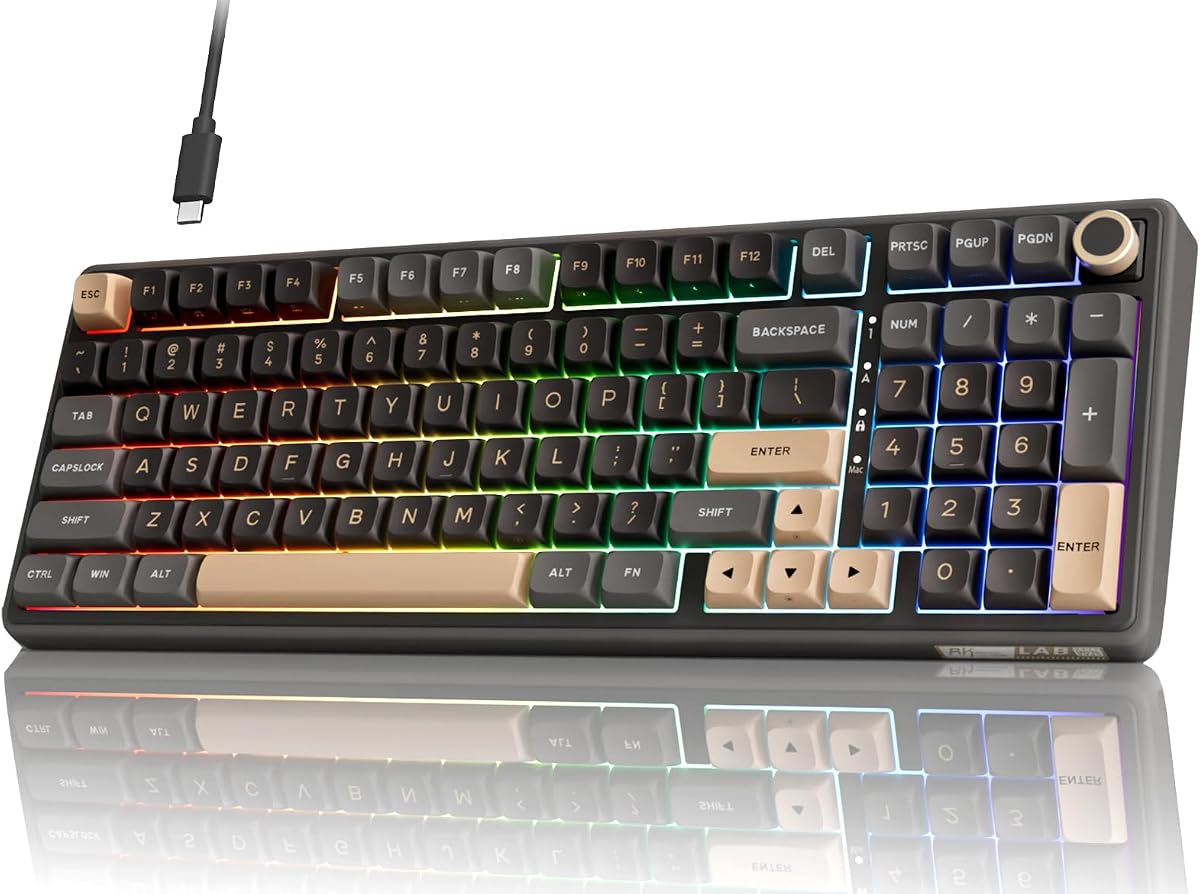
Wireless mechanical keyboards used to mean compromise — laggy connections, sealed switches and short battery life. Not anymore. In 2026 you can get hot-swap sockets, gasket mounts and creamy tuned switches with a low-latency 2.4GHz dongle. These are the seven best wireless mechanical boards we've tested, ranked by feel, features and value.
Quick comparison
| Keyboard | Best for | Rating | Price | |
|---|---|---|---|---|
| 1Royal Kludge RK84Royal Kludge | Best Overall | 4.5 | $$$ | Check Price |
| 2Royal Kludge R65Royal Kludge | Best Typing Feel | 4.6 | $$$ | Check Price |
| 3Logitech G915 TKL LightspeedLogitech | Best Low-Profile Wireless | 4.6 | $$$ | Check Price |
| 4AULA F75 ProAULA | Best Wireless Sound | 4.5 | $$$ | Check Price |
| 5Redragon K673 ProRedragon | Best Budget 75% | 4.4 | $$$ | Check Price |
| 6Royal Kludge RK61Royal Kludge | Best Compact Wireless | 4.5 | $$$ | Check Price |
| 7AULA F75AULA | Best Value Pick | 4.4 | $$$ | Check Price |
Our top 7 picks, reviewed
Royal Kludge RK84
The best wireless mechanical board for most people. Triple-mode wireless and hot-swap sockets in a tidy 75% shell, at a price that embarrasses pricier rivals. The default recommendation.
- Layout
- 75% (84-key)
- Connection
- BT / 2.4GHz / USB-C
- Switches
- Hot-swap
- Battery
- Up to 200h
What we liked
- Triple-mode wireless
- Hot-swap sockets
- Compact 75% with arrows
- Superb value
Worth noting
- Stabilizers benefit from a tune
- Basic companion software
Royal Kludge R65
If feel and sound come first, the R65 is the pick. A gasket mount, lubed cream switches and QMK/VIA deliver an enthusiast experience for budget money, with a handy knob on board.
- Layout
- 65% (66-key)
- Mount
- Gasket
- Switches
- Hot-swap Cream
- Extras
- Volume knob
What we liked
- Gasket mount feels premium
- Smooth, creamy switches
- Volume knob + QMK/VIA
- MDA PBT keycaps
Worth noting
- Wireless on tri-mode variant only
- 65% layout takes adjustment
Logitech G915 TKL Lightspeed
The premium low-profile option. Lightspeed wireless is flawless, the slim aluminum build is gorgeous, and the low-profile mechanical switches feel fast and satisfying. The board to get if you want mechanical feel in a thin, wireless package.
- Layout
- TKL
- Connection
- Lightspeed / BT
- Profile
- Low-profile mechanical
- Battery
- Up to 40h
What we liked
- Truly lag-free Lightspeed
- Premium slim aluminum
- Low-profile mechanical switches
- Bluetooth second device
Worth noting
- Not hot-swappable
- Premium price
AULA F75 Pro
The best-sounding wireless board for the money. Out of the box it has the deep, lubed 'thock' enthusiasts chase, plus a knob, hot-swap and triple-mode wireless. Boutique feel, budget price.
- Layout
- 75% (81-key)
- Mount
- Gasket
- Switches
- Pre-lubed hot-swap
- Extras
- Volume knob
What we liked
- Deep, creamy 'thock'
- Gasket mount + knob
- Triple-mode wireless
- Side-printed PBT keycaps
Worth noting
- Smaller brand support
- RGB software is rough
Redragon K673 Pro
A 75% wireless board with a knob, gasket mount and five layers of dampening at a budget price. The most practical cheap wireless mechanical board for everyday gaming and work.
- Layout
- 75% (81-key)
- Connection
- BT / 2.4GHz / USB-C
- Switches
- Hot-swap
- Extras
- Knob + foam
What we liked
- Tri-mode wireless with knob
- Gasket mount + 5-layer foam
- Hot-swap sockets
- Keeps arrows + F-row
Worth noting
- Heavier than slim boards
- Average stock keycaps
Royal Kludge RK61
The most portable wireless mechanical board on the list. The RK61 squeezes triple-mode wireless and hot-swap into a 60% shell ideal for travel or a minimalist setup.
- Layout
- 60% (61-key)
- Connection
- BT / 2.4GHz / USB-C
- Switches
- Hot-swap
- Battery
- Up to 200h
What we liked
- Tiny, portable footprint
- Triple-mode wireless
- Hot-swap sockets
- PBT keycaps
Worth noting
- No dedicated arrows/F-row
- Basic software
AULA F75
The standard F75 keeps the creamy sound and triple-mode wireless of its Pro sibling at an even lower price. A fantastic entry into wireless mechanical for budget buyers.
- Layout
- 75% (81-key)
- Connection
- BT / 2.4GHz / USB-C
- Switches
- Pre-lubed hot-swap
- Battery
- 4000mAh
What we liked
- Creamy lubed feel
- Triple-mode wireless
- Hot-swap + tuned stabilizers
- Big battery
Worth noting
- Lesser-known brand
- Rough RGB software
How to choose a wireless mechanical keyboard in 2026
A wireless mechanical board should nail the mechanical part first and add wireless on top. Here's how to judge them.
Connection and latency. A 2.4GHz dongle is what makes wireless feel wired — prioritize it for gaming. Bluetooth is the convenience layer for laptops and tablets. Nearly every board here is tri-mode (2.4GHz + Bluetooth + USB-C), which is what you want.
Hot-swap sockets. This is the headline feature to look for. A hot-swap PCB lets you pull and replace switches by hand, no soldering — so you can tune the feel and sound later without buying a new board. The RK84, R65, RK61, K673 Pro and both AULA F75 models all have it.
Mount and dampening. A gasket mount plus internal foam is what gives budget wireless boards their deep, "thocky" sound. The AULA F75 Pro and Royal Kludge R65 are standouts; the G915 TKL trades that for a slim low-profile feel instead.
Switches. Pre-lubed linear switches feel smooth and quiet; tactiles add a bump. Because most of these are hot-swap, you're not locked in — you can swap to whatever you prefer later.
Battery life. RGB is the main drain. If you hate charging, pick a high-capacity board (the AULA models pack 4000mAh) or simply run the lighting dimmer.
Layout. 75% boards (RK84, K673 Pro, AULA F75) keep arrows and a function row while saving space; 60% (RK61) is smallest but uses a function layer for arrows; the G915 TKL gives you a full tenkeyless layout.
Get the switch feel and mount right for your taste, confirm it has a 2.4GHz dongle for gaming, and let our picks above guide the rest.
The evolution of wireless mechanical keyboards
Wireless mechanical keyboards were a niche category as recently as 2020. The main options were expensive, the battery life was poor with lighting on, and the latency was a real concern for anyone gaming competitively. Hot-swap wireless boards barely existed below $150.
That's changed significantly. Budget brands identified the demand for affordable wireless mechanicals and moved fast. Today a $45–60 wireless keyboard with hot-swap sockets, 2.4GHz dongle, Bluetooth, gasket mount, and PBT keycaps is achievable from multiple brands. The feature density at that price would have been impossible four years ago.
At the premium end, the gap between wireless and wired has also closed. Logitech Lightspeed wireless in the G915 TKL performs within the measurement uncertainty of wired keyboards in latency testing. The argument for mandatory wired gaming peripherals is essentially over.
Why hot-swap matters more on wireless keyboards
On a wired keyboard, buying the wrong switches is annoying. On a wireless keyboard, it's more of a problem — because wireless boards historically offered fewer switch options and less post-purchase flexibility.
Hot-swap changes this completely. A wireless hot-swap board gives you all the flexibility of a wired enthusiast build, just without the cable.
The RK84, AULA F75 series, and Royal Kludge R65 all ship with pre-installed switches — usually a linear variant — but the hot-swap sockets mean you can replace them entirely for any compatible MX-style switch. Want to try a silent tactile switch for office use? Swap in Boba U4s. Want a heavier linear for less accidental keypresses during typing? Pull the light switches and install Gateron Blacks.
This flexibility is the main argument for choosing hot-swap wireless over a wireless board with a specific proprietary switch (like the Logitech G915 TKL's low-profile switches).
Gasket mount + wireless: the combination that changed budget keyboards
Gasket mount used to be exclusive to wired enthusiast builds at $150+. The Royal Kludge R65 and AULA F75 series brought gasket mount to wireless budget boards below $80 — and the result is genuinely impressive.
A gasket-mount wireless board absorbs keypress energy through soft gaskets rather than transmitting it rigidly to the case. The result is a softer, quieter, more satisfying keystroke than tray-mount wireless boards in the same price range. Paired with pre-lubed linear switches and a foam layer inside the case, these boards produce a sound profile that surprises people expecting budget-tier performance.
The gasket mount is slightly softer in budget implementations than in $150+ premium boards — the gasket material is less refined and the flex is less consistent. But the improvement over tray mount is clear and immediate.
How to manage wireless keyboard battery life practically
Battery management on wireless keyboards is mostly about lighting discipline. Here's the practical breakdown.
With RGB off: Most wireless mechanicals in this list last 2–10 weeks per charge. Budget boards with 1500–2000mAh batteries last 2–4 weeks. High-capacity boards (AULA F75 Pro at 4000mAh) can go 6–10 weeks. At this range, charging is barely a consideration — the board charges overnight once a month or less.
With RGB on at full brightness: Expect 15–40 hours depending on battery size. Smaller batteries (1500mAh) need charging every few days with full lighting. Larger batteries (4000mAh) extend this to a week.
With RGB at moderate brightness (30–50%): A reasonable middle ground. Most boards run 4–10 days with lighting at 40% brightness. This gives you the visual benefit of backlighting without the aggressive battery drain of full RGB.
The practical advice: if you leave for the weekend, turn lighting off. If you're using the keyboard daily at a desk, a weekly charge takes 2–3 hours and keeps any board in the list above at full capacity.
The case for tri-mode over Bluetooth-only
A significant subset of wireless keyboards sold in 2026 — particularly budget models — offer Bluetooth only, with no 2.4GHz dongle. These are fine for typing and office work but unsuitable for gaming.
Bluetooth 5.0 latency ranges from 8–20ms depending on the device and conditions. Wireless interference, distance from the device, and competing Bluetooth signals in a crowded environment can push this higher. For word processing and spreadsheets, this latency is completely invisible. For gaming, particularly FPS titles where 16ms equals one full frame at 60Hz, it's a concern.
Tri-mode boards — 2.4GHz + Bluetooth + USB-C wired — cover every use case. Game over 2.4GHz with zero latency concerns. Type on the laptop over Bluetooth. Plug in USB-C when charging or for the absolute lowest latency session.
Every board we recommend on this list offers tri-mode connectivity. We don't recommend Bluetooth-only mechanical keyboards for general purchase.
Wireless vs wired: the honest long-term comparison
The wired vs wireless debate in keyboards has largely been settled by the technology improvements of the past few years. But "largely settled" isn't the same as "completely settled," and the remaining differences are worth knowing.
Where wired still wins: Absolute lowest latency for competitive gaming at the highest level. A USB wired connection adds ~0.5–1ms of keyboard latency. Budget 2.4GHz adds 2–5ms. Premium 2.4GHz (Lightspeed) adds ~1ms. For amateur and casual competitive players, these differences are immeasurable in practice. For top-ranked players who have optimized every other variable, they can be worth caring about.
Where wireless wins for most users: Desk cleanliness, flexibility of placement, and the ability to pair with multiple devices. A wireless mechanical keyboard can sit on your coffee table for couch gaming, then move back to the desk for work, without managing cable length. That flexibility has genuine daily value.
Battery as the one real downside: A wired keyboard never needs charging. A wireless keyboard always eventually does. This isn't a dealbreaker — modern wireless keyboards with lighting off can go weeks between charges — but it is a commitment to occasional maintenance that wired use eliminates entirely.
For most users buying a keyboard in 2026: wireless with 2.4GHz is the right default. The freedom is worth the occasional charge. If you play competitive shooters at a high level and every millisecond matters, a wired keyboard or a Lightspeed-class wireless board removes the latency question entirely.
Future-proofing a wireless mechanical keyboard purchase
A wireless mechanical keyboard represents a meaningful investment, and the choices you make at purchase time determine how long it stays relevant and satisfying.
Hot-swap is the most important future-proofing feature. Switch preferences change. You might love light linears now and prefer heavy tactiles in two years after typing more intensively. A hot-swap board accommodates that evolution for the cost of new switches. A soldered board doesn't.
Choose standard MX-compatible switches. Proprietary switches (Logitech GL, some brand-specific variants) lock you into that manufacturer's ecosystem. If the brand discontinues the switch or the keyboard, you can't source replacements. MX-compatible switches come from dozens of manufacturers worldwide and will remain available for the foreseeable future.
Consider firmware support. Keyboards with QMK/VIA support are updated and maintained by an open-source community that doesn't depend on a company's continued interest. Brand software keyboards become less functional if the manufacturer stops releasing driver updates for new operating system versions — a real problem with keyboards from brands that have shifted their product focus.
Battery capacity ages gracefully with higher mAh. A 4000mAh battery that's lost 20% capacity over 500 charge cycles still provides 3200mAh — sufficient for weeks of use with lighting off. A 1500mAh battery with the same degradation provides 1200mAh, which starts to show in noticeably shorter runtimes. Higher battery capacity gives you a longer useful life before the degradation becomes a practical problem.
The best of both worlds
Wireless mechanical keyboards combine two things enthusiasts love: the satisfying, durable feel of mechanical switches and the freedom of a cable-free desk. Until recently you often had to choose between the two, but modern boards deliver genuine mechanical typing with reliable wireless and good battery life. That means you get crisp actuation, a premium feel and the customisation the hobby is known for, without a cable tethering you to the machine. For anyone who wants real mechanical quality on a tidy, flexible desk, this category has matured into an easy recommendation.
Connection options and latency
As with any wireless board, connection type matters. Bluetooth offers multi-device convenience and travel-friendly pairing, while a 2.4GHz dongle delivers near-wired latency for gaming and fast typing. The best wireless mechanical keyboards include both, so you can game on the dongle and switch to Bluetooth for your laptop or tablet. Latency on modern boards is low enough that typing feels instant, and 2.4GHz connections satisfy all but the most competitive gamers. Choose a board whose connection options match how you split your time between work and play.
Battery life with mechanical switches and RGB
Battery life on a wireless mechanical keyboard depends heavily on backlighting. With RGB lighting off, many boards last weeks or even months; with bright per-key lighting on, expect to charge more often. Most boards let you dim or disable the lighting and sleep quickly to conserve power. If long battery life matters more than a glowing board, keep the lighting low; if you love the RGB, plan to charge regularly or leave a cable handy. Check the rated battery life both with and without lighting so there are no surprises.
Hot-swap and customisation
A great advantage of many wireless mechanical keyboards is hot-swap support, which lets you change switches without soldering. That means you can tune the feel to your liking, swap in quieter switches for an office, or refresh a scratchy switch years later, all while keeping the wireless convenience. Combined with the wide range of keycaps that fit standard layouts, a hot-swap wireless mechanical board becomes a customisable, long-lasting centrepiece for your desk. If you enjoy tinkering, prioritise a board with hot-swap sockets and broad keycap compatibility.
Getting the most from your board
To get the best from a wireless mechanical keyboard, set it up to match your habits. Use the dongle for gaming and Bluetooth multipoint for switching between devices, dim or schedule the lighting to extend battery life, and keep the firmware updated for stability and features. If the stabilisers rattle, a quick lube improves the feel, and on a hot-swap board you can experiment with switches over time. Keep it charged and clean, and a quality wireless mechanical keyboard delivers premium typing and gaming on a tidy, flexible desk for years.
A premium, flexible centrepiece
A wireless mechanical keyboard brings together everything people want from a modern board: real mechanical feel, cable-free convenience, customisation and a clean desk. With the right connection options, battery management and switches, it becomes a centrepiece you will enjoy typing and gaming on for years. Match the board to how you work and play, and you get premium quality without being tied to a cable.
How we picked
We tested every board over 2.4GHz, Bluetooth and wired, focusing on switch feel and consistency, stabilizer rattle, sound, hot-swap quality, and how lag-free each felt in fast games. Battery life was measured with and without RGB. We favored boards that nail the mechanical fundamentals first, then add wireless on top.
Frequently asked questions
Do wireless mechanical keyboards have input lag?
Over a 2.4GHz dongle, no meaningful lag — boards like the RK84 and G915 TKL feel identical to wired for almost everyone. Bluetooth adds a little latency and is best for everyday typing rather than competitive gaming.
Can you hot-swap switches on a wireless keyboard?
Yes. Most boards here — the RK84, R65, RK61, AULA F75/F75 Pro and K673 Pro — have hot-swap sockets, so you can change switches by hand with no soldering, even on a wireless board.
Which has the best typing sound?
The gasket-mounted, foam-dampened boards sound best out of the box: the AULA F75 Pro and Royal Kludge R65 lead here with a deep, creamy 'thock' that rivals far pricier keyboards.
How is battery life on wireless mechanical keyboards?
With RGB off, budget boards like the RK84 and RK61 can last 100–200 hours. With lighting on, expect 30–50 hours. Low-profile boards like the G915 TKL manage around 40 hours with their lighting active.