Skip to content

Best 1440p Gaming Monitor in 2026

4.5 average · hands-on tested
By Thomas BrianUpdated June 27, 20268 picks tested

We may earn a commission from links on this page, at no extra cost to you. Learn more.

1440p (QHD) is the sweet spot of gaming monitors — noticeably sharper than 1080p, yet far easier to drive at high frame rates than 4K, so mid-range and high-end GPUs alike can push the fast refresh rates that make games feel incredible. In 2026 the category spans dazzling 480Hz OLEDs for elite competitive play down to superb-value IPS and VA panels. After researching and comparing the top models, these are the eight best 1440p gaming monitors you can buy, from premium OLED showcases to budget standouts.

Quick comparison

KeyboardBest forRatingPrice
1ASUS ROG Swift OLED PG27AQDPASUSBest Overall4.7$$$Check Price
2LG UltraGear OLED 27 (27GX704A)LGBest Value OLED4.6$$$Check Price
3Samsung Odyssey OLED G5 (27" QHD)SamsungBest OLED Alternative4.5$$$Check Price
4ASUS TUF Gaming VG27AQM5A (27" QHD)ASUSBest for Esports4.5$$$Check Price
5Gigabyte M27Q2 (27" QHD)GigabyteBest Value4.5$$$Check Price
6ASUS TUF Gaming VG27AQ3A (27" QHD)ASUSBest All-Rounder4.5$$$Check Price
7AOC 27 QHD 240HzAOCBest Budget High-Refresh4.4$$$Check Price
8KOORUI 27 QHD 144HzKOORUIBest Cheapest4.4$$$Check Price

Our top 8 picks, reviewed

1Best Overall

ASUS ROG Swift OLED PG27AQDP

The ASUS ROG Swift OLED PG27AQDP is the best 1440p gaming monitor, the ultimate expression of the QHD sweet spot. Its 27-inch QD-OLED panel runs at a staggering 480Hz, giving competitive players the smoothest, lowest-blur motion money can buy, while the OLED's perfect blacks, vivid colour and near-instant response make single-player games gorgeous too. 1440p is the ideal resolution for these speeds, achievable for high-end GPUs. It's premium-priced and needs basic OLED burn-in care, but as a do-everything 1440p monitor that's elite at both competitive and immersive gaming, it sets the standard.

Panel
27" QD-OLED
Resolution
1440p
Refresh
Up to 480Hz
Sync
G-Sync / FreeSync

What we liked

  • Blazing 480Hz with OLED response
  • Stunning QD-OLED contrast and colour
  • Ideal 1440p sharpness for the speed
  • Elite for competitive and immersive play

Worth noting

  • Premium price
  • OLED burn-in care
2Best Value OLED

LG UltraGear OLED 27 (27GX704A)

The LG UltraGear OLED 27 is the best value 1440p OLED, bringing LG's superb OLED image and a fast 240Hz refresh to a more attainable price. At 27 inches and 1440p, it's the ideal size and resolution for most gamers, delivering perfect blacks, vibrant colour and near-instant response — the OLED magic — for noticeably less than the 480Hz flagships. It's not quite as fast as the very top panels, and OLED needs basic care, but for gamers who want that gorgeous QHD OLED experience without paying the absolute premium, it's the standout value pick.

Panel
27" OLED
Resolution
1440p
Refresh
Up to 240Hz
Sync
G-Sync / FreeSync

What we liked

  • OLED image quality for less
  • Fast 240Hz, near-instant response
  • Great 1440p sharpness
  • Excellent all-round gaming

Worth noting

  • Not as fast as 480Hz panels
  • OLED burn-in care
3Best OLED Alternative

Samsung Odyssey OLED G5 (27" QHD)

The Samsung Odyssey OLED G5 is an excellent QD-OLED alternative at 1440p, delivering Samsung's vivid, high-contrast image in a fast 27-inch QHD gaming panel. Its perfect blacks and punchy colour make games look spectacular, and the fast refresh keeps motion smooth and responsive — a brilliant value OLED for gamers torn between LG and Samsung. As an OLED it needs basic burn-in care, and the glossy panel can show glare in bright rooms, but for those who prefer Samsung's QD-OLED look and want a sharp, fast, beautiful 1440p gaming monitor at a sensible price, it's a superb choice.

Panel
27" QD-OLED
Resolution
1440p
Refresh
High-refresh
Sync
FreeSync

What we liked

  • Vivid QD-OLED image
  • Fast, smooth 1440p gaming
  • Great contrast and colour
  • Competitive value OLED

Worth noting

  • OLED burn-in care
  • Glossy finish shows glare
4Best for Esports

ASUS TUF Gaming VG27AQM5A (27" QHD)

The ASUS TUF Gaming VG27AQM5A is the best 1440p monitor for esports, pairing a very high refresh rate (260Hz and up) with sharp QHD resolution on a fast IPS panel. That blistering refresh gives competitive players the smoothest motion for fast titles, ASUS's tuning ensures crisp, responsive performance, and the IPS panel avoids any OLED burn-in concern — ideal if you also leave static HUDs on screen. The IPS contrast can't match OLED and you'll want a strong GPU for the highest frame rates, but for competitive 1440p gaming with a fast, durable, worry-free panel, it's a top pick.

Panel
27" Fast IPS
Resolution
1440p
Refresh
Up to 260Hz+
Sync
G-Sync compatible

What we liked

  • Very high refresh for competitive play
  • Sharp QHD fast IPS
  • No OLED burn-in worry
  • Reliable ASUS tuning

Worth noting

  • IPS contrast below OLED
  • Needs a strong GPU for max fps
5Best Value

Gigabyte M27Q2 (27" QHD)

The Gigabyte M27Q2 is the best value 1440p gaming monitor, delivering sharp, fast QHD gaming plus genuinely useful extras at a keen price. Its 27-inch IPS panel is crisp and smooth for gaming and equally good for work, and Gigabyte adds a KVM switch and USB hub — practical features rarely found this cheap that add real everyday value. The stand and HDR are basic, but the core gaming experience and bonus productivity features make it exceptional value. For gamers who want quality 1440p performance and handy extras without overspending, it's a brilliant all-rounder.

Panel
27" QHD IPS
Refresh
High-refresh
Extras
KVM, USB hub
Sync
FreeSync/G-Sync

What we liked

  • Sharp, fast 1440p for less
  • KVM and USB hub
  • Great value features
  • Reliable all-rounder

Worth noting

  • Basic stand
  • Basic HDR
6Best All-Rounder

ASUS TUF Gaming VG27AQ3A (27" QHD)

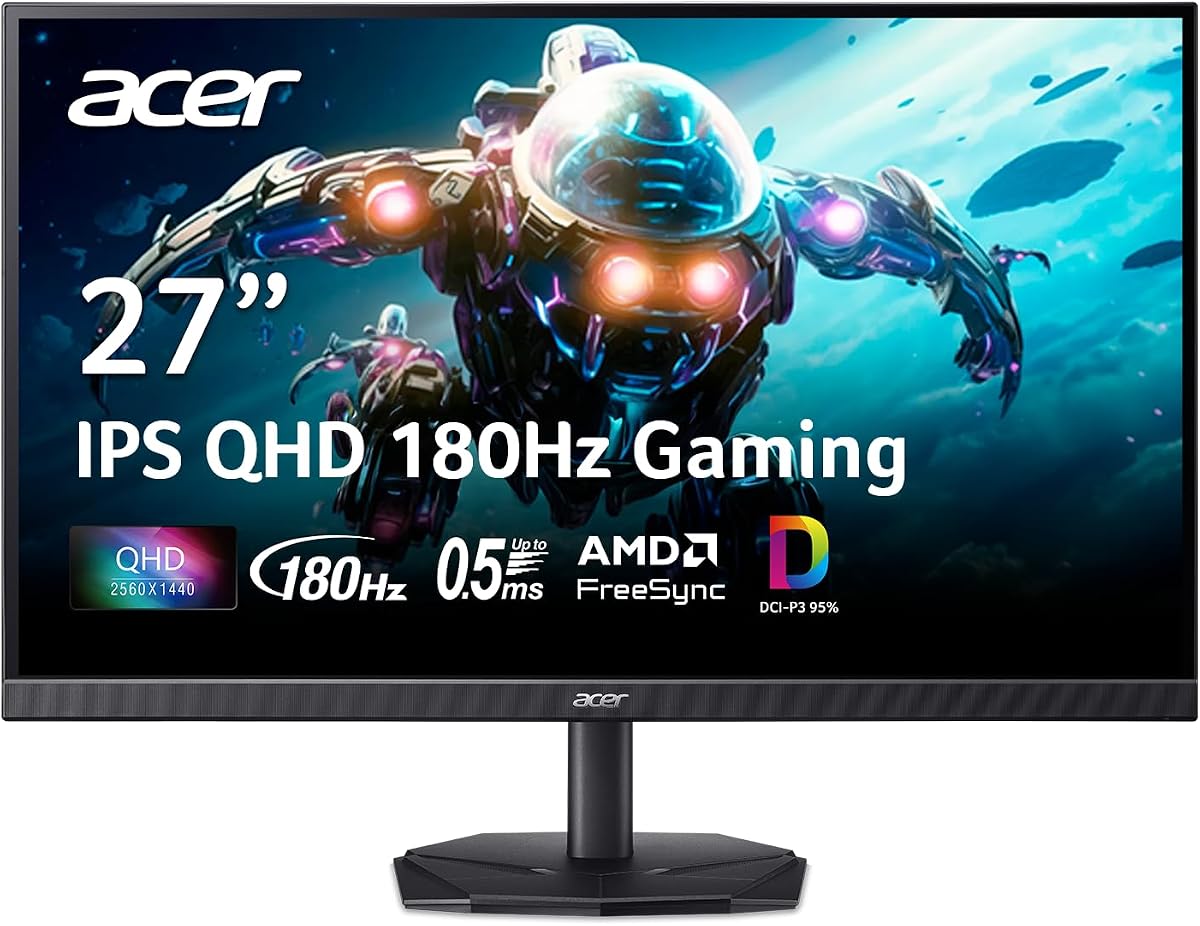
The ASUS TUF Gaming VG27AQ3A is the best all-round 1440p gaming monitor, a dependable pick from a trusted brand that balances everything well. Its 27-inch fast IPS panel pairs sharp QHD resolution with a smooth 180Hz refresh and G-Sync compatibility, delivering crisp, responsive gaming and equally sharp productivity — a true do-everything QHD display. ASUS's reliability puts it a step above no-name panels. The HDR is basic and brightness is mid-tier, but for gamers who want a reliable, sharp, fast 1440p monitor that's great for both gaming and everyday work at a fair price, it's an excellent choice.

Panel
27" Fast IPS
Resolution
1440p
Refresh
180Hz
Sync
G-Sync compatible

What we liked

  • Sharp QHD with 180Hz
  • Good IPS colour and angles
  • Reliable ASUS brand
  • Great for work and gaming

Worth noting

  • Basic HDR
  • Mid-tier brightness
7Best Budget High-Refresh

AOC 27 QHD 240Hz

The AOC 27 QHD 240Hz is the best budget high-refresh 1440p monitor, bringing a blazing 240Hz refresh and sharp QHD resolution to a price that undercuts the big gaming brands. The fast IPS panel delivers crisp competitive motion, and QHD keeps the image sharp for everything — an unusual amount of speed and sharpness for the money. You'll want a capable GPU to push 240fps in demanding titles (it scales down fine for less), and the extras are basic, but for budget-minded competitive players who want maximum refresh and resolution per dollar, the AOC is a standout 1440p value.

Panel
27" Fast IPS
Resolution
1440p
Refresh
240Hz
Sync
FreeSync

What we liked

  • 240Hz QHD at a budget price
  • Fast IPS motion
  • Sharp and smooth
  • Great speed for the money

Worth noting

  • Needs a strong GPU for 240fps
  • Basic extras
8Best Cheapest

KOORUI 27 QHD 144Hz

The KOORUI 27 QHD 144Hz is the best cheapest way into 1440p gaming, delivering sharp QHD resolution and a smooth 144Hz refresh for a remarkably low price. The VA panel brings strong contrast for atmospheric games and movies, and the combination of QHD sharpness and 144Hz smoothness used to cost far more — making this exceptional entry-level value. VA viewing angles aren't as wide as IPS and the stand is basic, but the core gaming experience is genuinely good. For gamers who want to step up to 1440p without spending much, from a reliable budget brand, it's the value champion.

Panel
27" VA
Resolution
1440p
Refresh
144Hz
Sync
FreeSync

What we liked

  • QHD and 144Hz for very little
  • Good VA contrast
  • Smooth gaming
  • Outstanding value

Worth noting

  • VA viewing angles below IPS
  • Basic stand

How to choose a 1440p gaming monitor in 2026

1440p hits the gaming sweet spot, but the right QHD monitor still depends on your GPU and priorities. Here's how to choose.

Match refresh rate to your GPU

The beauty of 1440p is that it's achievable at high frame rates, so the key is matching the monitor's refresh rate to what your GPU can actually deliver in your games. A mid-range GPU pairs perfectly with a 144Hz QHD monitor (KOORUI, Gigabyte M27Q2), comfortably driving smooth, sharp gaming. A high-end GPU can exploit the faster 240Hz panels (AOC, Samsung G5) or even the 480Hz ASUS ROG Swift OLED for elite competitive play. Buying a 480Hz monitor when your card manages 120fps wastes money, while a 144Hz panel may bottleneck a top GPU in competitive titles. Be realistic about your GPU's 1440p frame rates, and choose a refresh rate it can meaningfully use.

Choose OLED or fast IPS

The panel decision shapes both image and price. OLED (and QD-OLED) panels — the ASUS ROG Swift, LG UltraGear and Samsung G5 — deliver the best possible picture, with perfect blacks, vivid colour and near-instant response that's stunning for immersive games and excellent for competitive play, at premium prices and with a small, manageable burn-in risk. Fast IPS panels (ASUS TUF, Gigabyte, AOC) are more affordable, bright, free of burn-in worry, and still offer crisp, fast 1440p gaming — the value choice, and the safer one if you leave static HUDs or work apps on screen. Budget VA panels (KOORUI) add contrast cheaply. Decide whether you want OLED's image quality or IPS's value and peace of mind.

Get the size right at 1440p

Screen size matters for how sharp 1440p looks. 27 inches is the ideal and most popular size for QHD — the resolution looks crisp and immersive without the pixel density dropping too low. At 32 inches, 1440p starts to look a little softer (4K is better at that size), and at 24 inches QHD is extremely sharp but the benefit over 1080p shrinks. So for a 1440p gaming monitor, 27 inches is almost always the right choice, balancing sharpness, immersion and desk fit. All the picks here are 27-inch for exactly this reason — it's the size where 1440p truly shines.

Don't forget adaptive sync and response

Two features ensure your 1440p gaming feels as good as it looks. Adaptive sync (G-Sync compatible or FreeSync), standard on all these picks, syncs the monitor to your GPU's frame rate to eliminate tearing and stutter for smoother gameplay — confirm it works with your GPU brand. Response time and motion clarity determine how sharp fast action looks: OLED's near-instant response is exceptional, and fast IPS panels are very good, while slower VA panels can smear slightly in dark scenes. For competitive players especially, a fast panel with good motion clarity matters as much as the headline refresh rate, so pair a high refresh with a genuinely fast panel rather than a cheap slow one.

Weigh HDR, build and extras

Beyond the core gaming specs, secondary features help break ties. HDR is worth having for visual games, and here OLED has a real edge — its perfect blacks make HDR genuinely impactful, whereas many IPS and VA monitors offer only basic HDR that adds little. Build quality and stand adjustability affect daily comfort; premium panels have better stands, while budget monitors are basic but usually VESA-mountable for an arm. Useful extras like a KVM switch and USB hub (Gigabyte M27Q2) add value if your monitor doubles for work or multiple computers. None of these should override refresh, panel and size, but they help you choose between otherwise similar 1440p monitors.

Balance the spend with your setup

Finally, balance the monitor against the rest of your system. A premium 480Hz QHD OLED needs a powerful GPU and suits a competitive enthusiast, while a value 144Hz IPS or VA panel pairs perfectly with a mid-range card and a sensible budget — and still delivers the sharp, smooth 1440p experience that makes QHD so popular. Don't overspend on refresh or OLED if your GPU or budget can't make use of it, and don't bottleneck a strong GPU with a slow panel. The best 1440p gaming monitor is the one whose resolution, refresh and panel quality align with your GPU, your games and your wallet so the whole setup feels fast and looks great.

Think about future-proofing and longevity

A monitor outlasts several GPU upgrades — often five years or more — so it's worth buying with the future in mind. 1440p is a particularly future-proof resolution: as GPUs get more powerful over the coming years, your QHD monitor's high refresh rate becomes easier to fully exploit, meaning a 240Hz or 480Hz panel you can't max out today may be perfectly matched to your next graphics card. Buying a slightly faster panel than your current GPU can drive is therefore a reasonable hedge if you upgrade GPUs regularly. Build quality, a good warranty (especially burn-in coverage on OLEDs), and connectivity that supports future devices all add to longevity too. Because a quality 1440p monitor will serve you across multiple builds, it's one of the few PC components where spending a little more for durability and headroom genuinely pays off over the long run.

The bottom line: the ASUS ROG Swift OLED PG27AQDP is the best 1440p gaming monitor, a 480Hz QD-OLED that does everything. Choose the LG UltraGear OLED 27 for value OLED, the ASUS TUF VG27AQM5A for esports, the Gigabyte M27Q2 for value, and the KOORUI 27 144Hz for the cheapest entry. Use our ranked picks above to hit the QHD sweet spot for your GPU and budget.

How we picked

We compared 1440p (2560x1440) gaming monitors on refresh rate and response for smooth, blur-free motion; panel technology (OLED vs fast IPS vs VA) for contrast, colour and response; adaptive sync; HDR; build and stand; connectivity; and value. We weighted the balance of sharpness, speed and price that makes 1440p so popular, and made sure the list spans elite competitive OLEDs, all-round IPS panels and budget picks so there's a strong choice for every GPU and wallet.

Frequently asked questions

What is the best 1440p gaming monitor in 2026?

The ASUS ROG Swift OLED PG27AQDP is the best 1440p gaming monitor, a 27-inch QD-OLED running at 480Hz that's elite for both competitive and immersive play. For value OLED, the LG UltraGear OLED 27; for esports, the ASUS TUF VG27AQM5A; for value, the Gigabyte M27Q2; and for the cheapest entry, the KOORUI 27 144Hz. The right pick depends on your GPU, budget and whether you want premium OLED or value IPS/VA.

Why is 1440p the sweet spot for gaming?

1440p (QHD) balances sharpness and performance better than either 1080p or 4K. It's noticeably sharper and more immersive than 1080p at 27 inches, yet far less demanding than 4K — so mid-range and high-end GPUs can drive it at the high frame rates that make games feel smooth and responsive. You get a great-looking image and high refresh rates without needing a flagship GPU, which is why 1440p is the most popular resolution for serious gaming and the best balance of quality and achievable performance for most players.

What GPU do I need for 1440p gaming?

A mid-range to high-end GPU. 1440p is much easier to drive than 4K, so a current mid-range card handles QHD at high settings and good frame rates in most games, while a high-end card pushes the very high refresh rates (240Hz+) of the premium panels. Entry GPUs can manage 1440p at lower settings or refresh rates. Match the monitor's refresh to your GPU: a 144Hz QHD monitor suits mid-range cards, while 240Hz+ panels reward more powerful GPUs. Upscaling (DLSS/FSR) helps weaker cards hit higher frame rates at 1440p.

Is OLED or IPS better for 1440p gaming?

OLED offers the best image — perfect blacks, vivid colour, near-instant response — making it superb for both competitive and immersive 1440p gaming (ASUS ROG Swift, LG UltraGear, Samsung G5), at premium prices and with basic burn-in care. Fast IPS is more affordable, bright, burn-in-free and still excellent for gaming (ASUS TUF, Gigabyte, AOC), while VA (KOORUI) adds contrast on a budget. OLED is the premium pick for image quality; fast IPS is the value all-rounder, especially if you display static content. Both deliver great 1440p gaming.

What refresh rate should a 1440p gaming monitor have?

144Hz is the practical minimum and a big upgrade over 60Hz, ideal for most gamers and easy for mid-range GPUs to drive at 1440p (KOORUI, Gigabyte). For competitive play, higher refresh rates — 180Hz, 240Hz, or the 480Hz of the ASUS ROG Swift OLED — add further smoothness, but require a stronger GPU to exploit. Match the refresh to your GPU and games: 144–180Hz for all-round gaming, 240Hz+ for serious competitive play with a powerful card. There's little benefit in a 480Hz panel if your GPU manages 120fps.

Is 1440p worth it over 1080p?

For most gamers, yes. At 27 inches — the most popular gaming size — 1440p is noticeably sharper and more detailed than 1080p, making games look better and giving more screen space, while remaining easy to drive at high frame rates with a mid-range GPU. 1080p is only preferable if you have a weaker GPU and want maximum frame rates for competitive play, or on a smaller 24-inch screen. If your GPU can handle it (most modern mid-range cards can), 1440p is the better all-round gaming resolution.