Skip to content

Best Ultrawide Monitor in 2026

4.5 average · hands-on tested
By Thomas BrianUpdated June 27, 20268 picks tested

We may earn a commission from links on this page, at no extra cost to you. Learn more.

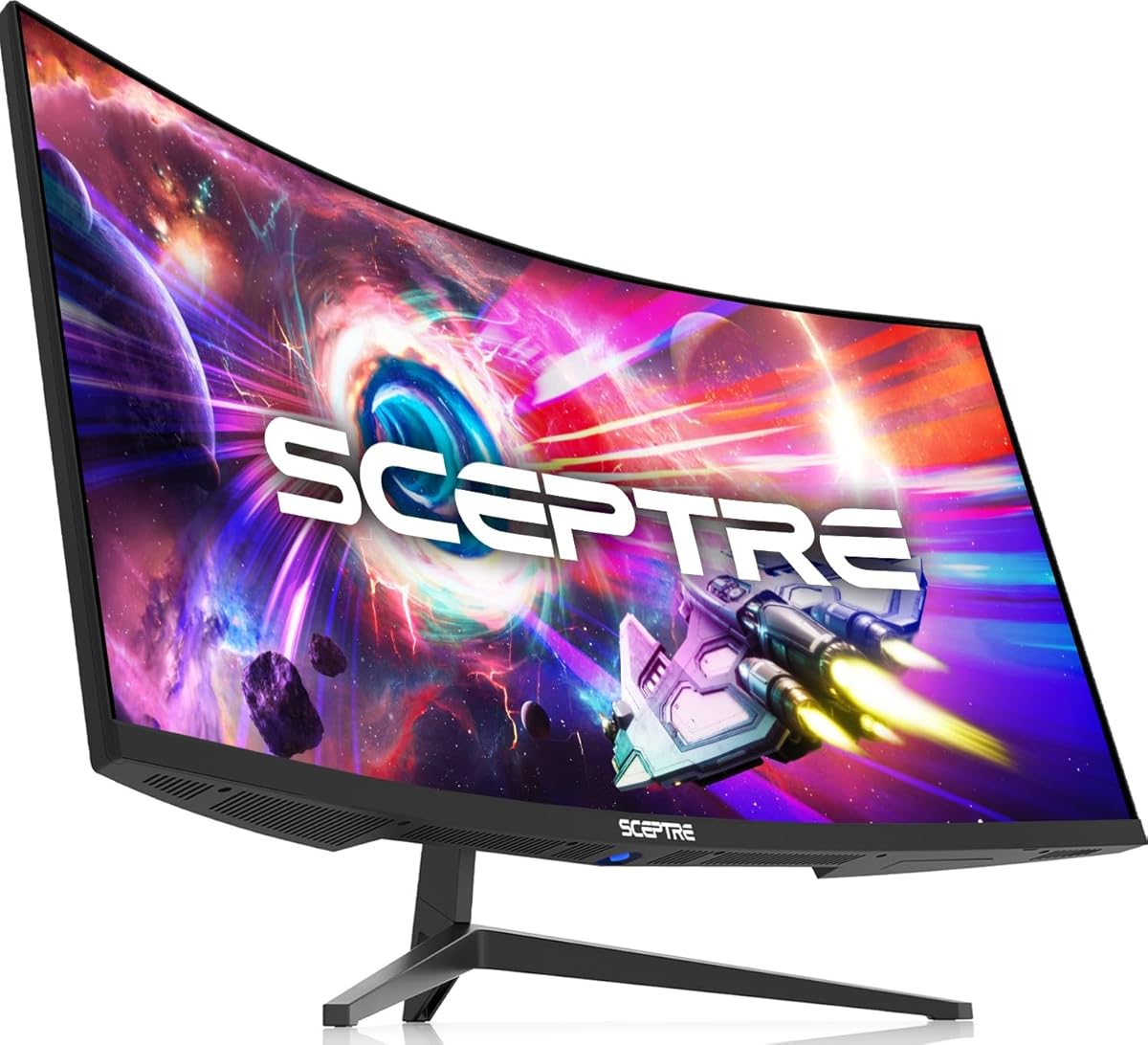
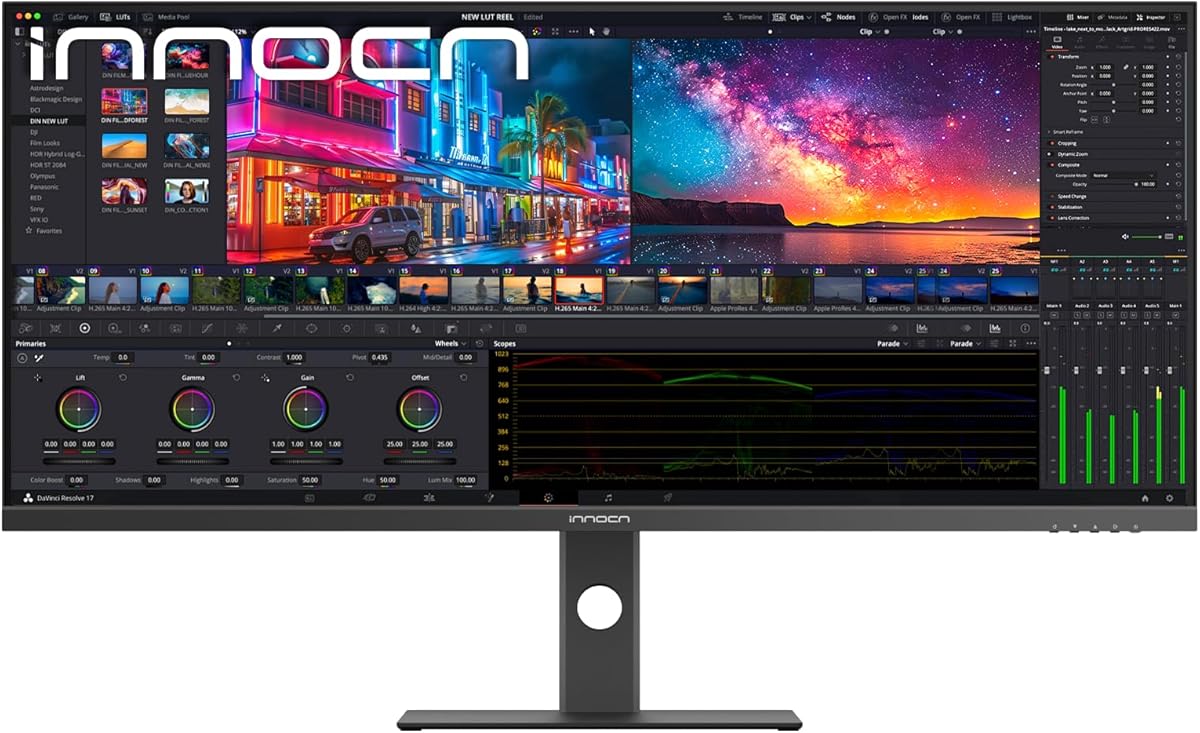
An ultrawide monitor wraps you in a wider field of view — a single 21:9 or 32:9 screen that immerses you in games, replaces a dual-monitor setup for work, and gives films a cinematic feel. In 2026 the best ultrawides span gorgeous curved QD-OLEDs for premium gaming down to affordable productivity panels. The right one depends on whether you want immersive gaming, a multitasking workspace, or both. After researching and comparing the top models, these are the eight best ultrawide monitors you can buy, from flagship OLEDs to value picks.

Quick comparison

KeyboardBest forRatingPrice
1Alienware AW3423DW (34" QD-OLED)AlienwareBest Overall4.7$$$Check Price
2LG UltraGear 34 OLED (34GX90SA)LGBest Gaming OLED4.6$$$Check Price
3Samsung Odyssey OLED G9 (49")SamsungBest Super-Ultrawide4.6$$$Check Price
4MSI MAG 346CQ (34" UWQHD)MSIBest Value Gaming4.4$$$Check Price
5LG UltraWide 34WR55QK (34" WQHD)LGBest for Productivity4.4$$$Check Price
6Samsung ViewFinity S65UA (34" UW)SamsungBest for Work + Light Play4.4$$$Check Price
7LG UltraGear 34 Curved (34G630A)LGBest Budget Gaming4.4$$$Check Price
8LG UltraWide 34U530A (34" WFHD)LGBest Budget Ultrawide4.3$$$Check Price

Our top 8 picks, reviewed

1Best Overall

Alienware AW3423DW (34" QD-OLED)

The Alienware AW3423DW is the best ultrawide monitor overall, a modern classic that wraps you in a 34-inch curved 3440x1440 QD-OLED. Immersive games — single-player adventures, racing, sims, open worlds — look breathtaking across its wide, gently curved canvas, with the perfect blacks and rich colour of QD-OLED and a smooth 175Hz refresh that's great for gaming too. It also makes a superb wide workspace. The 21:9 aspect isn't ideal for every competitive esports title, and it's premium-priced, but for immersion plus a beautiful image, this beloved panel remains the ultrawide to beat.

Panel
34" curved QD-OLED
Resolution
3440x1440
Refresh
175Hz
Sync
G-Sync Ultimate

What we liked

  • Immersive curved QD-OLED
  • Gorgeous contrast and colour
  • Great for gaming and single-player
  • Proven, beloved panel

Worth noting

  • Ultrawide not ideal for all esports
  • Premium price
2Best Gaming OLED

LG UltraGear 34 OLED (34GX90SA)

The LG UltraGear 34 OLED is a superb alternative to the Alienware, delivering LG's renowned OLED image quality in a fast 34-inch curved ultrawide. It pairs the perfect blacks, vivid colour and near-instant response of OLED with a high refresh rate and excellent HDR, making immersive and fast-paced games alike look stunning across the wide canvas. It's a premium display that needs basic OLED burn-in care, but for gamers choosing between LG and Alienware's QD-OLED ultrawides, this UltraGear is an equally brilliant way to get a large, beautiful, fast 21:9 OLED for immersive gaming.

Panel
34" curved OLED
Resolution
3440x1440
Refresh
High-refresh
Sync
G-Sync / FreeSync

What we liked

  • Gorgeous OLED image
  • Fast, smooth ultrawide gaming
  • Immersive curve
  • Excellent HDR

Worth noting

  • Premium price
  • OLED burn-in care
3Best Super-Ultrawide

Samsung Odyssey OLED G9 (49")

The Samsung Odyssey OLED G9 is the best super-ultrawide, a colossal 49-inch 32:9 curved QD-OLED that's effectively two 27-inch QHD monitors fused into one seamless, immersive canvas. For racing and flight sims, open-world games and serious multitasking, the wrap-around field of view is jaw-dropping, and the 240Hz QD-OLED panel is fast and gorgeous. It's enormous, so it demands a big desk and a powerful GPU to drive its huge resolution, and it's expensive, but for the most immersive single-screen experience possible — for gaming or productivity — nothing else compares to the G9.

Panel
49" curved QD-OLED
Resolution
DQHD 5120x1440
Refresh
240Hz
Aspect
32:9

What we liked

  • Massive, ultra-immersive 32:9 screen
  • Fast 240Hz QD-OLED
  • Replaces dual 27" monitors
  • Stunning for sims and multitasking

Worth noting

  • Huge, needs a big desk and strong GPU
  • Expensive
4Best Value Gaming

MSI MAG 346CQ (34" UWQHD)

The MSI MAG 346CQ is the best value ultrawide gaming monitor, delivering an immersive 34-inch curved UWQHD experience at a fraction of OLED prices. Its VA panel offers strong contrast for atmospheric games and movies, the 3440x1440 resolution is sharp across the wide canvas, and a high refresh rate keeps gaming smooth — a lot of ultrawide immersion for the money. The VA viewing angles aren't as wide as OLED or IPS and the HDR is basic, but for gamers who want to experience curved ultrawide gaming without the premium OLED cost, the MSI is an excellent, affordable entry point.

Panel
34" curved VA
Resolution
3440x1440
Refresh
High-refresh
Sync
FreeSync

What we liked

  • Immersive ultrawide gaming for less
  • Good VA contrast
  • Sharp UWQHD resolution
  • Great value

Worth noting

  • VA angles below OLED/IPS
  • Basic HDR
5Best for Productivity

LG UltraWide 34WR55QK (34" WQHD)

The LG UltraWide 34WR55QK is the best ultrawide for productivity, a 34-inch curved 3440x1440 panel built for work and multitasking. The sharp wide canvas effectively replaces a dual-monitor setup with one seamless screen — ideal for spreadsheets, documents and reference material side by side, or wide timelines for creative work — and the gentle curve reduces head-turning across the width. It's tuned more for work than fast gaming, with a lower refresh rate, and the stand is basic, but for a sharp, immersive, affordable ultrawide workspace that boosts everyday productivity, it's an excellent, sensible choice.

Panel
34" curved IPS/VA
Resolution
3440x1440
Aspect
21:9
Use
Work + multitasking

What we liked

  • Wide canvas replaces dual monitors
  • Sharp 3440x1440 for work
  • Good everyday image
  • Strong value

Worth noting

  • Lower refresh for gaming
  • Basic stand
6Best for Work + Light Play

Samsung ViewFinity S65UA (34" UW)

The Samsung ViewFinity S65UA is the best ultrawide for those who blend work and casual play, a 34-inch 21:9 curved panel with handy USB-C connectivity. The wide canvas is brilliant for multitasking across documents and apps, USB-C docks a laptop over one cable to tidy the desk, and the gentle curve adds immersion for both work and casual gaming or media. It's tuned for productivity rather than fast competitive gaming, and the WQHD resolution means standard vertical sharpness, but for a versatile ultrawide that excels at work and handles light gaming and media well, it's a well-connected, sensible pick.

Panel
34" curved WQHD
Aspect
21:9
Connectivity
USB-C
Use
Work + casual gaming

What we liked

  • USB-C for laptop docking
  • Wide canvas for multitasking
  • Good everyday image
  • Versatile work-and-play

Worth noting

  • Not for fast competitive gaming
  • WQHD vertical space
7Best Budget Gaming

LG UltraGear 34 Curved (34G630A)

The LG UltraGear 34 Curved is the best budget ultrawide gaming monitor, bringing LG's gaming pedigree to an affordable 34-inch curved UWQHD panel. The sharp 3440x1440 resolution and high refresh rate deliver smooth, immersive ultrawide gaming, and the curve pulls you into the action — all from a reliable brand at a friendly price. It can't match OLED's perfect blacks and the features are basic, but the core immersive ultrawide gaming experience is genuinely good for the money. For players who want to game on a curved 21:9 screen without spending OLED money, it's a dependable, well-priced choice.

Panel
34" curved
Resolution
3440x1440
Refresh
High-refresh
Sync
FreeSync

What we liked

  • LG ultrawide gaming for less
  • Sharp UWQHD resolution
  • Immersive curve
  • Reliable brand

Worth noting

  • Not OLED contrast
  • Basic features
8Best Budget Ultrawide

LG UltraWide 34U530A (34" WFHD)

The LG UltraWide 34U530A is the best budget ultrawide, the most affordable way to get the multitasking and immersion benefits of a 34-inch 21:9 screen. Its IPS panel offers good colour and wide viewing angles, and the wide canvas is great for working with multiple windows side by side or adding cinematic width to media — all from a trusted brand at a low price. The WFHD (2560x1080) resolution is less sharp than higher-res ultrawides, so it's better for productivity and everyday use than detailed work, but for an inexpensive entry into the ultrawide experience, it's an honest, sensible value pick.

Panel
34" IPS
Resolution
2560x1080 (WFHD)
Aspect
21:9
Use
Everyday + multitasking

What we liked

  • Affordable entry to ultrawide
  • Wide canvas for multitasking
  • IPS colour and angles
  • Great everyday value

Worth noting

  • WFHD resolution (less sharp)
  • Basic features

How to choose an ultrawide monitor in 2026

Ultrawides deliver immersion and multitasking that standard monitors can't, but the right one depends on how you'll use it. Here's how to choose.

Decide your primary use: gaming, work, or both

Ultrawides split by purpose, so start there. For immersive gaming, you want a fast, high-contrast panel — ideally a curved OLED (Alienware AW3423DW, LG UltraGear 34 OLED) for stunning visuals and smooth motion, or a value gaming VA (MSI MAG 346CQ). For productivity and multitasking, a sharp, well-connected panel (LG 34WR55QK, Samsung ViewFinity S65UA with USB-C) matters more than high refresh, and you can save money on gaming features you won't use. For both, a gaming ultrawide that's also sharp for work bridges the gap. Knowing whether immersion, workspace, or a balance of the two is your goal makes the choice far clearer and prevents overpaying for the wrong strengths.

Choose the right aspect ratio and size

Ultrawides come in two main shapes. 21:9 (34-inch) is the mainstream ultrawide — wide enough for immersion and dual-window multitasking, while fitting most desks, and it's the size most games and apps support well. 32:9 (49-inch super-ultrawide, like the Samsung G9) is enormous, equivalent to two monitors side by side, offering maximum immersion and multitasking but demanding a large desk, a powerful GPU and app/game support for the extreme width. For most people, a 34-inch 21:9 ultrawide is the sweet spot; choose a 49-inch 32:9 only if you specifically want the most immersive single-screen experience and have the space and hardware for it.

Match resolution to the size

Resolution determines sharpness across the wide canvas. For 34-inch ultrawides, UWQHD (3440x1440) is the standard for a sharp, detailed image and is what the premium gaming and productivity models use — the right choice for most buyers. Budget 34-inch ultrawides use WFHD (2560x1080), which is noticeably less sharp but cheaper and easier to drive, fine for productivity and casual use. Super-ultrawide 49-inch screens use DQHD (5120x1440) for sharpness across their huge width. Avoid a low resolution on a large ultrawide, where it looks soft. Match resolution to size: UWQHD for 34-inch, DQHD for 49-inch, and WFHD only if budget is the priority.

Weigh panel type for your use

The OLED-versus-IPS/VA decision shapes image and price. OLED ultrawides (Alienware, LG UltraGear, Samsung G9) deliver the best contrast, perfect blacks, vivid colour and fast response — spectacular for immersive gaming and media, at premium prices and with basic burn-in care needed (worth noting if you also do static productivity work). VA panels (MSI MAG) offer strong contrast affordably for gaming and movies, with narrower viewing angles. IPS panels (LG UltraWide budget) give wide angles and good colour for work. For an immersive gaming-and-media ultrawide, OLED is the showcase; for value gaming, VA; for productivity, IPS. Match the panel to whether you prioritise image quality, value, or work suitability.

Consider refresh rate and GPU demand together

For gaming ultrawides, refresh rate matters — the OLED picks run at 175–240Hz for smooth, immersive play — but remember that an ultrawide's extra width means more pixels to render, so it asks more of your GPU than a 16:9 monitor of the same height. A 34-inch UWQHD ultrawide sits between 1440p and 4K in demand, suiting a mid-to-high-end GPU; a 49-inch DQHD super-ultrawide is very demanding and needs a powerful card. For productivity ultrawides, refresh and GPU demand matter little. Match the refresh rate and resolution to your GPU's capability so games run smoothly across the wide canvas, and don't pair a demanding super-ultrawide with a modest graphics card.

Don't forget the desk, curve and connectivity

Practical factors matter with ultrawides more than most monitors. Their width needs desk space — measure before buying, especially for 49-inch models. A curve (common on ultrawides) enhances immersion and reduces head-turning across the width, which is genuinely helpful at these sizes; most buyers prefer a curved ultrawide. Connectivity is worth checking: USB-C (Samsung ViewFinity) is great for docking a laptop over one cable, and you'll want enough inputs for your devices. Also consider stand adjustability and VESA support for comfort. These practical details — desk fit, curve, connectivity and ergonomics — significantly affect how well an ultrawide works in your space, so weigh them alongside the panel and resolution.

Check game and app support before committing

One ultrawide-specific consideration is software support, which is worth checking before you buy. The vast majority of modern games support 21:9 and even 32:9 aspect ratios natively, displaying the full immersive width — but a minority of titles (some competitive esports games and older releases) don't, showing black bars on the sides or, occasionally, giving a competitive disadvantage. Similarly, most productivity and creative apps handle ultrawide beautifully, though a few full-screen apps or videos default to 16:9 with black bars. For the games and apps you use most, it's worth a quick check on ultrawide support. The good news is that support has become near-universal for new games and mainstream software, so for most users this is a minor consideration — but if your favourite game is one of the holdouts, factor that in when weighing an ultrawide against a standard 16:9 screen.

The bottom line: the Alienware AW3423DW is the best ultrawide monitor overall, a stunning curved QD-OLED for gaming and work. Choose the LG UltraGear 34 OLED as an OLED alternative, the Samsung Odyssey OLED G9 for maximum super-ultrawide immersion, the MSI MAG 346CQ for value gaming, the LG 34WR55QK for productivity, and the LG 34U530A for budget. Use our ranked picks above to find the immersive wide screen that fits your use and desk.

How we picked

We compared ultrawide monitors (21:9 and 32:9) on the factors that define them: immersion and the right aspect ratio for your use, panel quality (OLED vs IPS vs VA) for contrast and colour, resolution and sharpness across the wide canvas, refresh rate and response for gaming, curve, connectivity, build and value. We weighted the balance of immersion and practicality, and included premium gaming OLEDs, super-ultrawides, and affordable productivity options so there's a strong pick whether you prioritise gaming, work or multitasking, across budgets.

Frequently asked questions

What is the best ultrawide monitor in 2026?

The Alienware AW3423DW is the best ultrawide monitor overall, a 34-inch curved QD-OLED that's stunning for immersive gaming and great for work. For an OLED alternative, the LG UltraGear 34 OLED; for the most immersive super-ultrawide, the Samsung Odyssey OLED G9 (49-inch 32:9); for value gaming, the MSI MAG 346CQ; and for productivity, the LG 34WR55QK. The right pick depends on whether you prioritise gaming, work, immersion or value.

What are the benefits of an ultrawide monitor?

Ultrawides offer two big benefits: immersion and multitasking. For gaming, the wider 21:9 (or 32:9) field of view pulls you into games — especially racing, flight sims and open-world titles — for a more cinematic, enveloping experience. For work, a single ultrawide replaces a dual-monitor setup with one seamless screen (no dividing bezel), letting you work with multiple windows side by side. They're also great for movies, many of which are filmed in widescreen. The trade-offs are cost, desk space, and that some competitive games and apps don't fully support ultra-wide aspect ratios.

What ultrawide resolution and size should I get?

For a 34-inch ultrawide, UWQHD (3440x1440) is the sweet spot — sharp and immersive, and the most common premium resolution (Alienware, LG OLED, MSI). WFHD (2560x1080) is found on budget 34-inch ultrawides and is less sharp but cheaper and easier to drive. For the largest experience, 49-inch super-ultrawides use DQHD (5120x1440), like two QHD monitors side by side (Samsung G9). Match resolution to use: UWQHD for gaming and detailed work, WFHD for affordable productivity, and DQHD super-ultrawide for maximum immersion and multitasking if you have the desk and GPU for it.

Are ultrawides good for gaming?

Yes, for many games — the immersive wide field of view is fantastic for single-player adventures, racing, flight sims and open-world titles, and the gaming OLEDs here (Alienware, LG) are fast and gorgeous. The caveat is competitive esports: some games don't support 21:9/32:9 properly (showing black bars or giving no advantage), and the wider view can be less ideal than a focused 16:9 screen for pure competitive aim. So ultrawides are best for immersive and varied gaming; dedicated competitive players may prefer a standard 16:9 high-refresh monitor.

Do ultrawide monitors need a powerful GPU?

More than a standard 16:9 monitor of the same height, because the extra width means more pixels to render. A 34-inch UWQHD (3440x1440) ultrawide is roughly between 1440p and 4K in GPU demand, so a mid-to-high-end card handles it well at high frame rates. A 49-inch DQHD super-ultrawide (5120x1440) is very demanding — close to 4K — and needs a powerful GPU. For productivity, GPU demand is minimal. For gaming, factor in that an ultrawide asks a bit more of your graphics card than its 16:9 equivalent, and choose resolution accordingly.

Is an ultrawide better than two monitors?

It depends on your needs. An ultrawide gives one seamless wide canvas with no dividing bezel in the middle — ideal for gaming immersion, wide timelines, and apps that benefit from continuous width. A dual-monitor setup offers more total screen area and flexibility (you can rotate one to portrait, run different sources, or use full-screen apps on each), but has a bezel gap down the centre. For immersive gaming and bezel-free multitasking, an ultrawide wins; for maximum total space and flexibility, dual monitors do. Many people find a single ultrawide tidier and more immersive for mixed work and play.