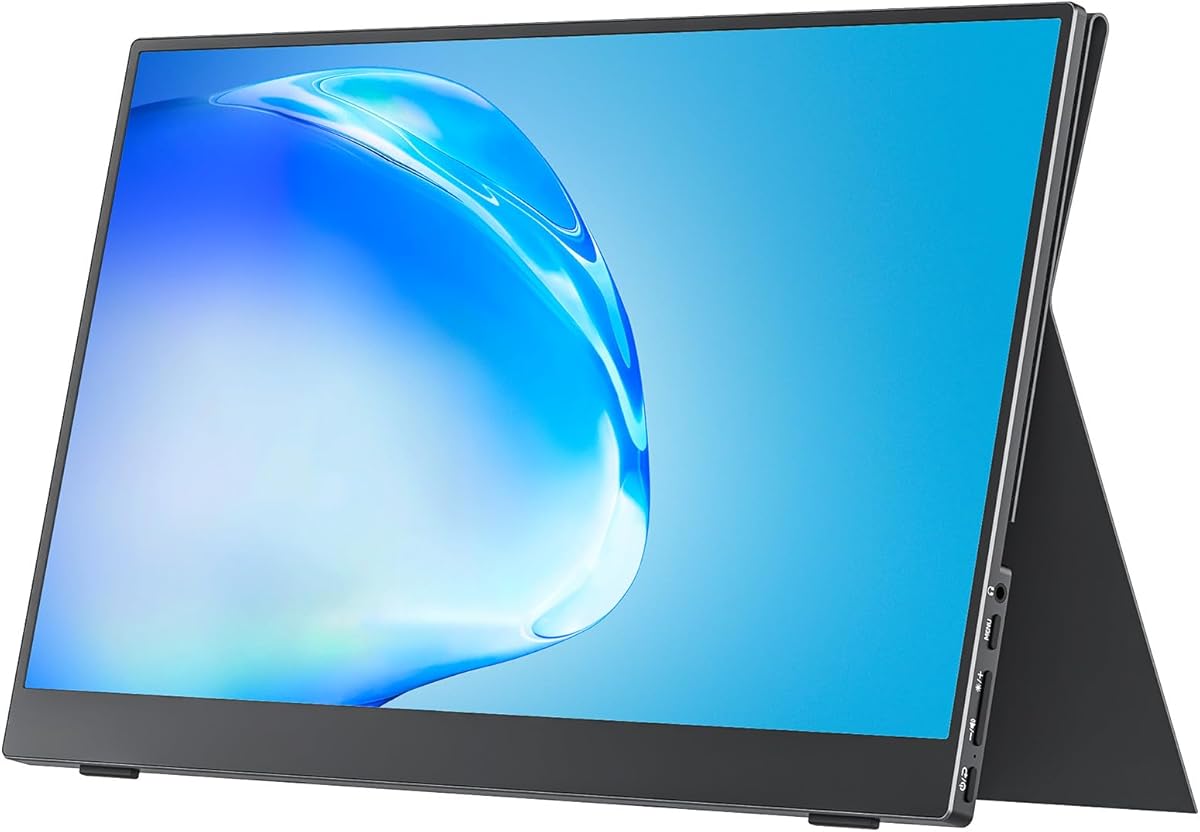
Screen size: 15.6, 16, or 18.5 inches?
Fifteen-point-six inches is the category default because it matches many laptop diagonals and slides into backpacks without forcing a larger sleeve. Cocopar, MNN, InnoView, ASUS, Anyuse, and Lenovo all sit here—ideal for daily commuters and students who want symmetry beside a 14 or 15-inch laptop.
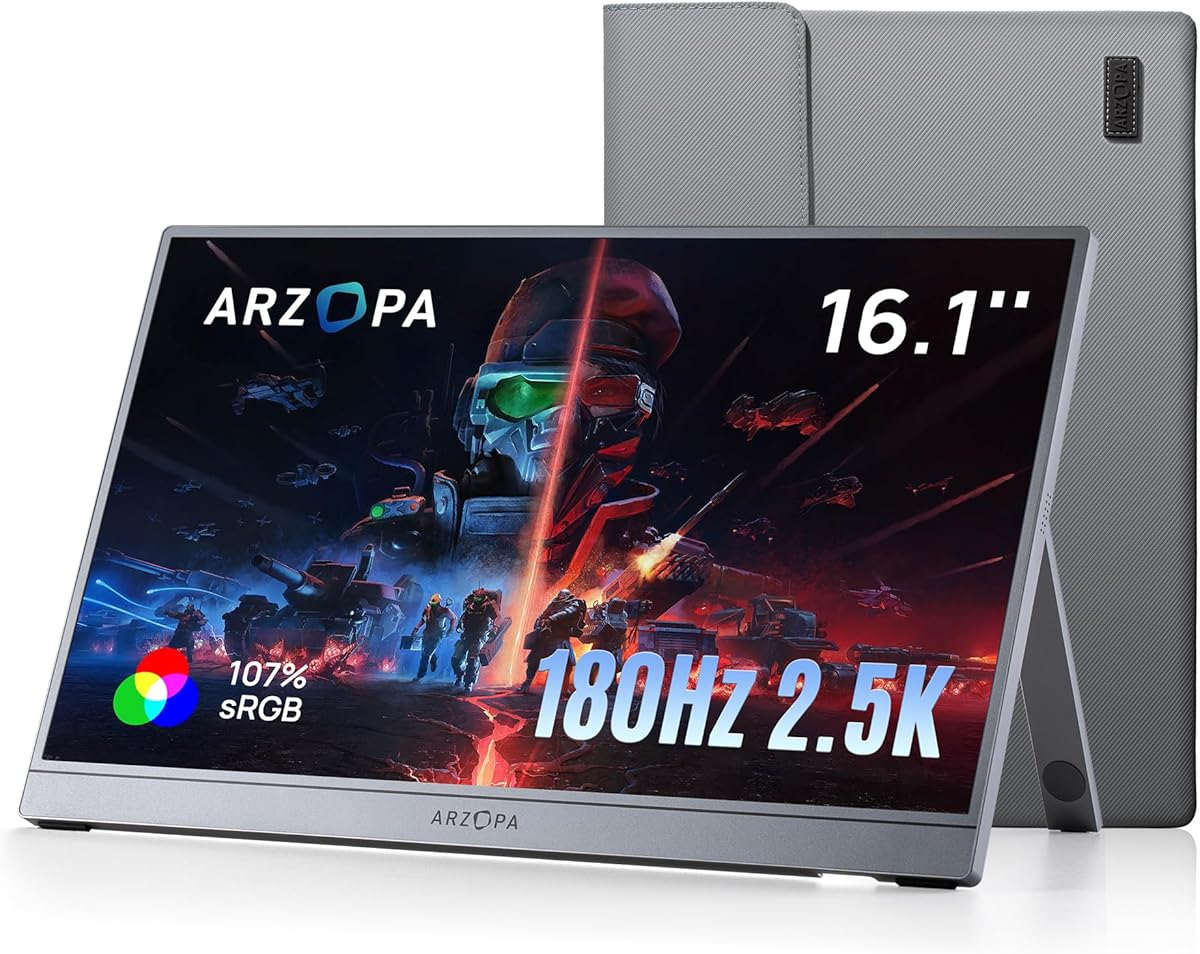
Sixteen and sixteen-point-one inch panels from ARZOPA add a modest width bump that helps gaming HUDs and side-by-side windows without VisionOwl bulk. Choose 16-inch when you want extra area but refuse to carry an 18-inch panel.
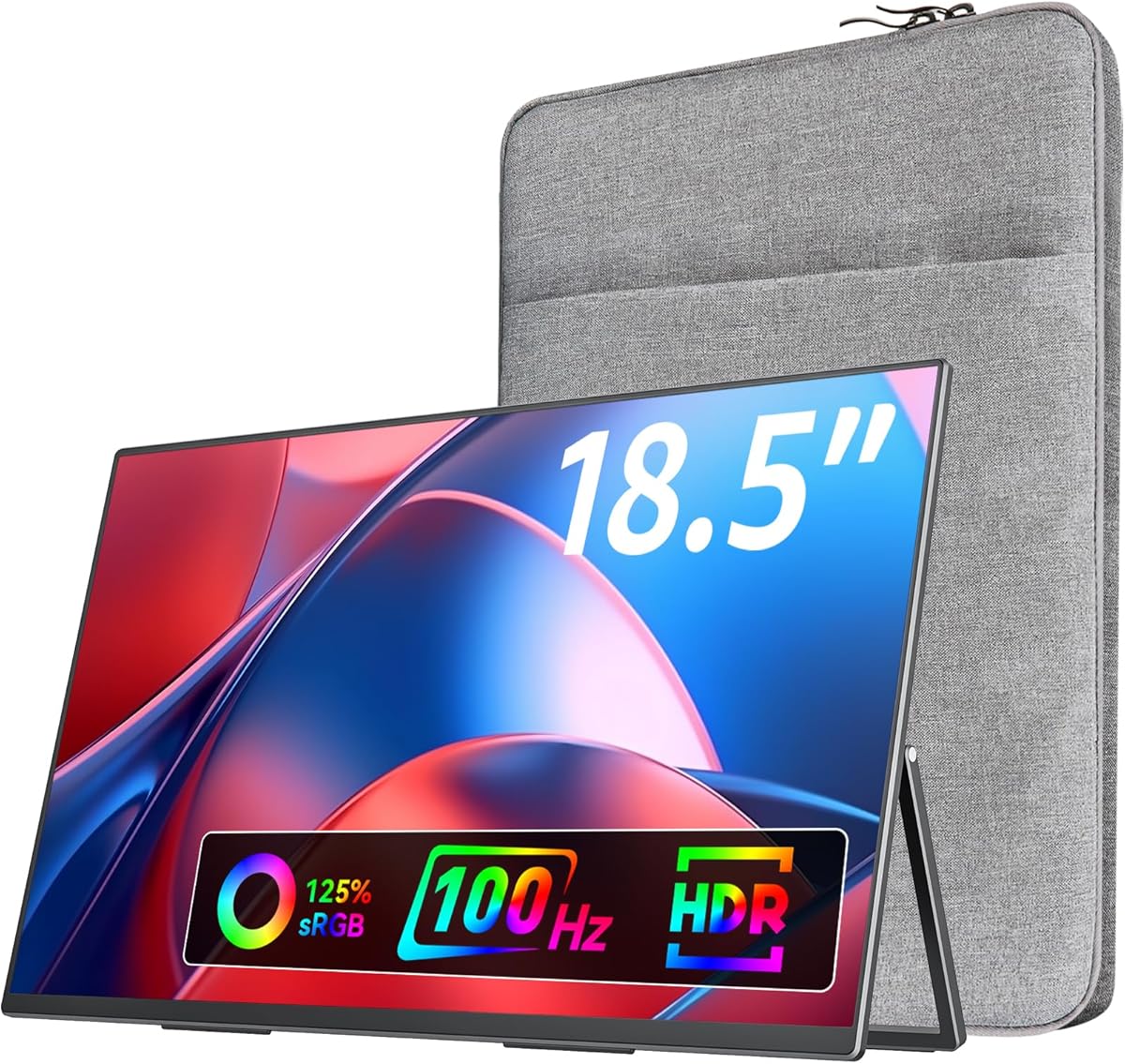
VisionOwl's 18.5-inch screen is the productivity extreme: more columns and timeline tracks, but nearly double the weight of Cocopar bare. Buy it when you drive to coworking spaces or check a bag—skip it for one-bag ultralight flyers.
Resolution and refresh rate tradeoffs
Full HD 1080p at 60Hz remains the reliability baseline. Bandwidth demands are modest, battery impact is lower, and virtually every laptop can drive it. Cocopar, InnoView, and ASUS excel here.
One hundred hertz at 1080p, as on VisionOwl, improves scrolling and casual gaming without taxing integrated graphics heavily.
One hundred forty-four to one hundred eighty hertz on ARZOPA Z1FC and Z3FC transforms travel gaming but requires capable outputs and accepts power draw increases.
1440p and 1600p on ARZOPA Z3FC and Z1RC sharpen text dramatically—developers and analysts benefit—but Windows scaling and GPU bandwidth become variables you must test with your exact machine.
USB-C one-cable versus HDMI plus power
True one-cable operation needs USB-C with DisplayPort Alt Mode or Thunderbolt 3/4. MacBook Pro, Surface, and recent business laptops usually qualify. A single USB-C cable carries video and power, minimizing hotel desk clutter.
Without Alt Mode, you connect HDMI for video and a separate USB cable for power—InnoView explicitly notes power is not included for HDMI-only paths. Pack a charger you already trust.
Power pass-through from laptop USB ports can flicker when the port outputs insufficient wattage. If pulsing appears, connect the monitor's dedicated power adapter while keeping the data connection—this behavior appears across brands, not one defective unit.
Mini HDMI on ARZOPA and Anyuse suits consoles; standard HDMI on VisionOwl reduces adapter hunting. ASUS ZenScreen MB169CK focuses on USB-C only—console gamers should pick HDMI-equipped models.
Stands, VESA, and ergonomics
Magnetic cover stands (Cocopar, MNN, InnoView) protect in transit and fold into angles—convenient but can slip under heavy cable tension.
Integrated kickstands (ARZOPA line, VisionOwl, Anyuse) stabilize typing sessions better on wobbly hotel desks.
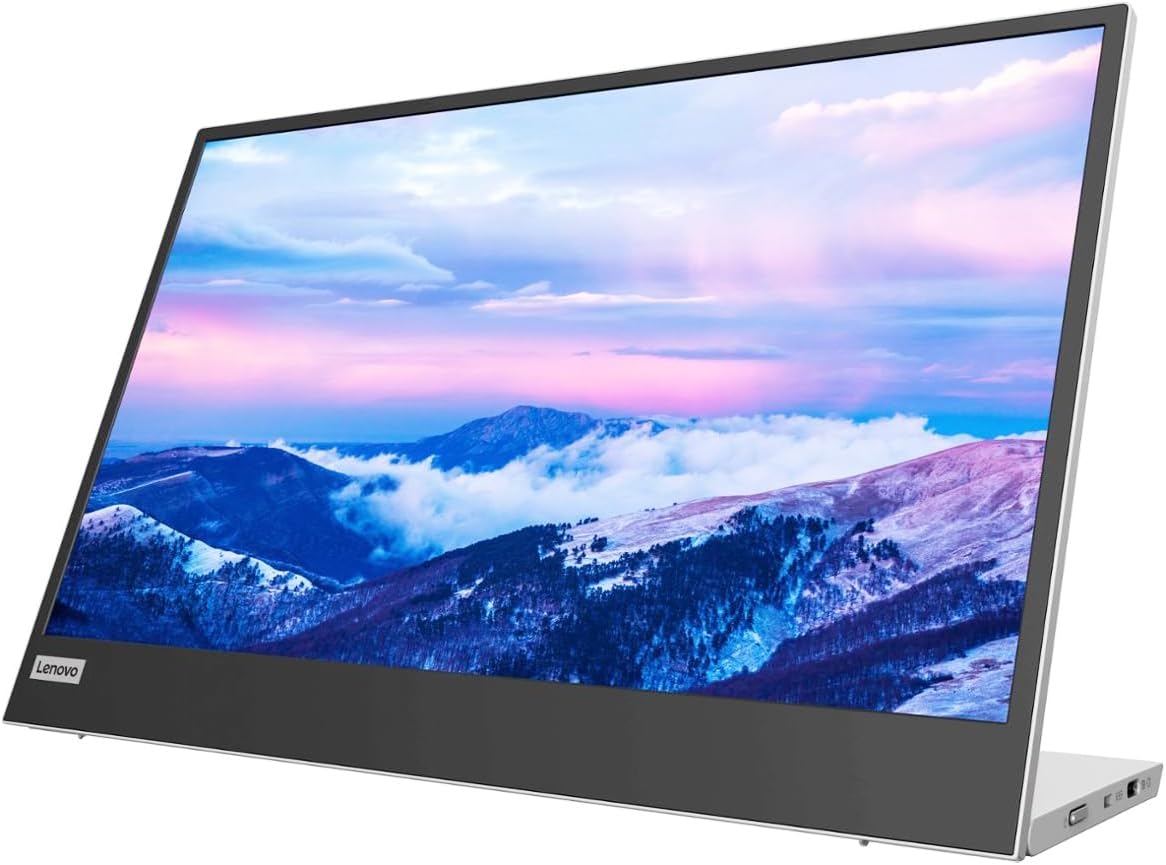
Height-adjustable stands (Lenovo L15) improve neck ergonomics when laptop and monitor share one surface.
VESA 75x75mm on Cocopar and VisionOwl enables desk arms at home—turning a travel purchase into a hybrid setup without buying twice.
Panel coatings and color gamut
Anti-glare IPS on ASUS reduces public-space mirror effect. Glossy IPS on MNN and some ARZOPA units looks vivid indoors but fights window glare.
sRGB coverage above one hundred percent on VisionOwl, ARZOPA Z1RC, and Z3FC helps photo review and brand work. Eighty-five percent on Cocopar suffices for office tasks.
HDR modes on many portables elevate media but do not replace desktop HDR certification—treat HDR as a pleasant bonus, not a professional mastering tool.
Warranty and brand trust
ASUS offers three-year advanced replacement—strongest stated policy in this pack.
InnoView advertises eighteen months plus thirty-day returns.
Lenovo suits corporate buyers with existing vendor relationships.
Generic brands may perform well—Cocopar's 4.8 rating proves it—but verify return windows before travel-critical deadlines.