HP 17 Inch Laptop (i7, 32GB, FHD)
- 10-core Intel i7-1355U with Iris Xe for serious desk multitasking
- 32GB RAM and 1TB SSD keep heavy browser and office stacks fluid
- 17.3-inch FHD IPS anti-glare panel suited to long seated sessions
Expert Review & Guide
A 17-inch laptop is a desk-first computer, not a thicker 15-inch. The job is to replace a monitor for spreadsheets, timelines, code, and research windows while keeping keyboard and trackpad attached when you close the lid. The panel is the product; CPU, RAM, storage, GPU, and weight only matter if they support that big-screen reality.
This guide uses only our current 17-inch pack and judges each machine for seated work first: touch versus non-touch, HD+ versus Full HD, whether graphics can handle light creation or casual games, and how hard the chassis punishes you off the desk. Mainstream HP business configs sit beside a Radeon 680M NIMO and a lighter student board that trades peak silicon for carry comfort.
Ignore weekly price noise. Decide whether you need touch for markup, FHD for sharp media, 32GB for tab chaos, or a stronger iGPU when exports and games share the machine. Below are three top picks, a full comparison table, and reviews of every pack product with honest tradeoffs—including messy listing copy.
As an Amazon Associate we earn from qualifying purchases. We may earn a commission at no additional cost to you.
Use this table as a desk-fit filter. Prioritize resolution for photos and long video, RAM for tab-heavy Office days, and GPU class if creative apps share time with games. Weight is the silent column: decide how often you leave the desk before chasing the biggest chassis.
HP 17.3“ Touchscreen Laptop with Office 365 for The Web
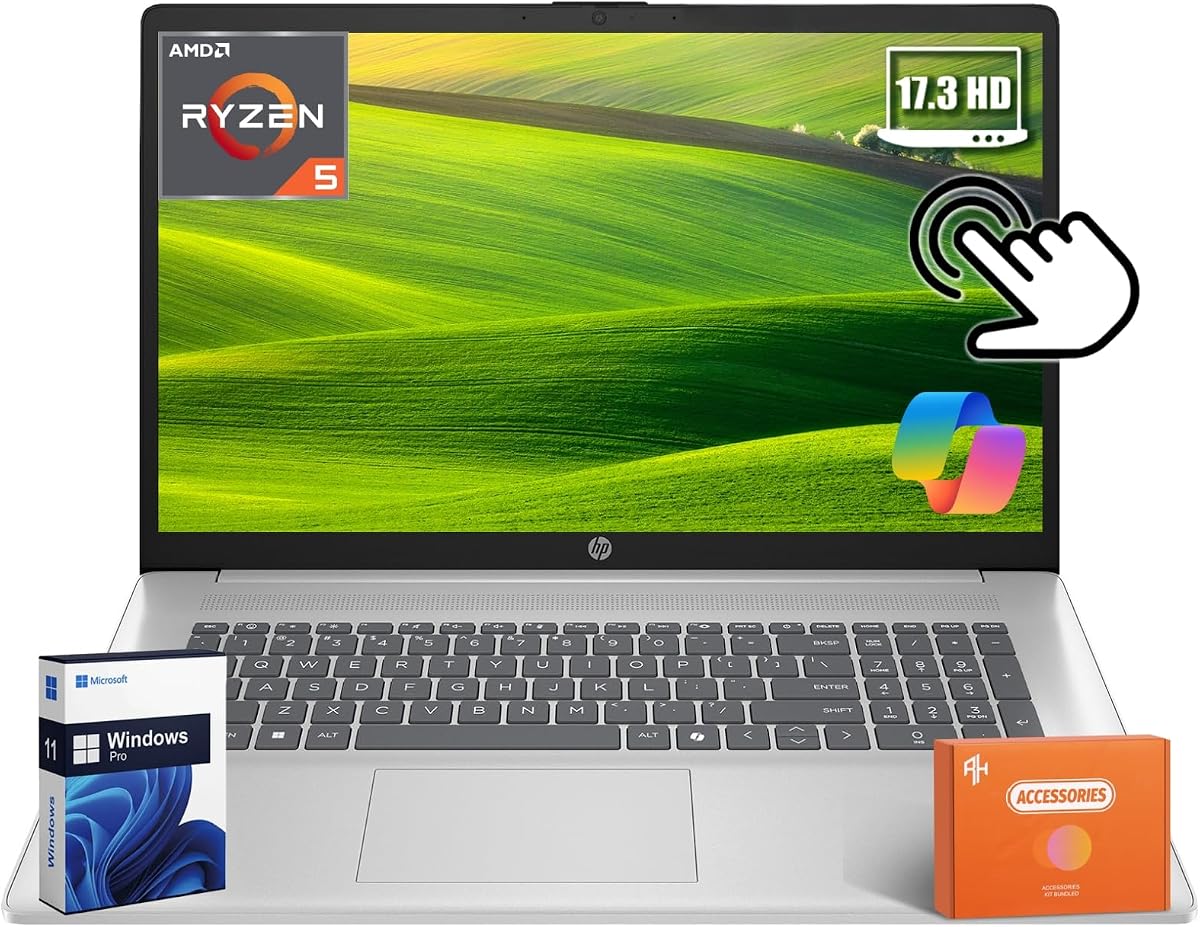
This HP shows that a 17-inch screen can still ship with an entry memory floor. The titled config—Ryzen 5 7430U, 8GB RAM, 256GB SSD, touchscreen, and number pad—targets desk acreage without a maxed business build.
Treat marketplace about-text carefully. Some bullets describe a lighter Celeron-class machine that does not match the Ryzen 5 title. Buy the ASIN that matches the headline and keep order records; we score the titled Ryzen 5 office laptop, not the mismatched bullet fiction.
Eight gigabytes handles Word, Excel, and a few tabs; it collapses under creative suites or all-day chat stacks. The 256GB SSD forces cloud-first habits. On a panel this large those ceilings sting, because the screen invites heavier work than a cheap Chromebook would.
Touch and the 10-key pad redeem seated desk use: pinch-zoom PDFs, tap web apps, enter figures without a separate keypad. Plan to work near an outlet. Portability is room-to-room, not daily commuting across campus.
Buy it for touch and a number pad on a large HP chassis if you accept modest RAM and cloud storage. Skip it if you need FHD photo clarity or already know 8GB/256GB will feel like a wall within a month.
Home users, light bookkeeping desks, and first-time big-screen buyers who prefer touch and keep files in the cloud.
The 16GB/1TB Ryzen 5 touch business and Flagship configs share a similar CPU story with far better multitasking endurance.
We may earn a commission at no additional cost to you.
HP 17 Inch Touchscreen Laptop Computer for Business
If the first HP is the starter plate, this business touchscreen is the main course.
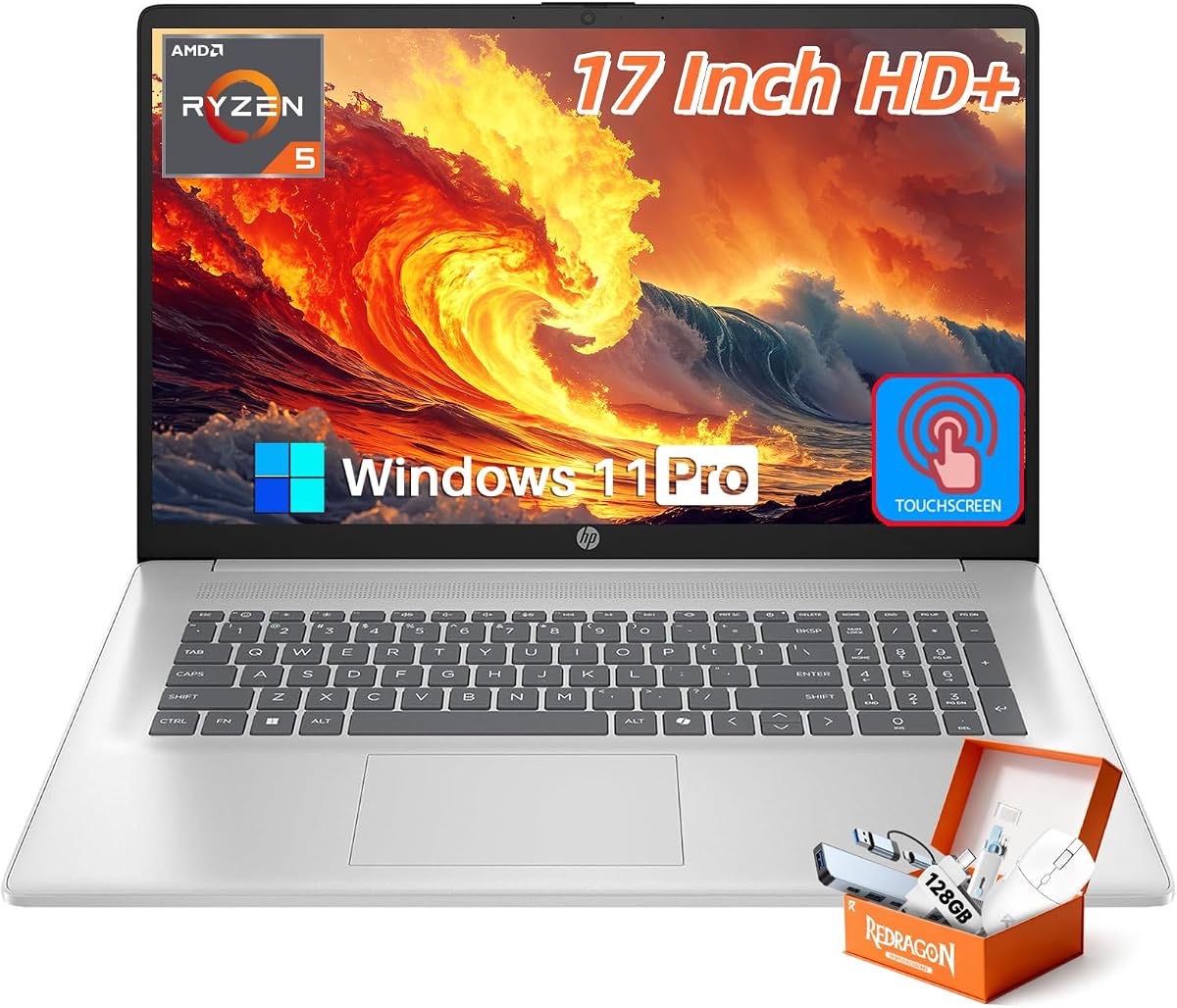
The 17.3-inch HD+ anti-glare IPS touchscreen is the compromise. Wide angles and matte coating help in sunlit kitchens; Full HD sharpness is not included. For email, docs, Zoom, and light Canva, layout space often beats pixel density.
Windows 11 Pro covers small-business security habits. Fast Charge helps when the big panel follows you to a café. USB-C, USB-A, Wi-Fi 6, and Bluetooth 5.4 make the chassis a practical desk hub without a dongle drawer.
Graphics stay office-class: fine for streaming and light edits, not a substitute for the NIMO’s Radeon 680M. Weight still defines lifestyle—this should live on a desk most of the week as a room-to-room computer.
Choose it for calm multitasking on a large touch canvas with Pro expectations. Heavy daily walkers may still prefer a lighter 14-inch laptop plus an external monitor.
Remote kitchen-table workers, students watching lectures beside notes, and households sharing one big Windows laptop.
Stay HD+ touch if layout and tapping matter most. Jump to the i7 FHD HP or NIMO when timelines and sharp text rule.
We may earn a commission at no additional cost to you.
HP OmniBook 3 17.3 inch Laptop PC
The OmniBook 3 argues resolution can matter more than core count for desk comfort. While several HP 17-inch configs stick to HD+, this Full HD IPS panel makes movies, photos, and long reading sessions look correctly sharp across 17.3 inches.
Performance is everyday-tuned: Ryzen 3 30 and Radeon 610M cover streaming, casual games, photo tweaks, and office work inside an 8GB LPDDR5 ceiling. Treat that memory as permanent on many thin designs. The 512GB SSD is healthier than 256GB for a local media library.
Long battery language and Fast Charge intent matter even if real streaming days land shorter than lab slides. Call niceties—AI noise reduction and an FHD camera with HDR auto-switch—help because a 17-inch lid often sits farther back on a desk.
EPEAT Silver Climate+ and ENERGY STAR will not raise frame rates, but schools and policy-driven buyers check them. Aesthetically it reads as mainstream HP, not a gaming slab.
Choose OmniBook when FHD clarity and battery manners outrank raw cores. Skip it when you already overflow 8GB or need Windows 11 Pro with fingerprint-centric security.
You notice soft text on 1600x900 panels and want nicer everyday media without gaming noise.
Radeon 610M is entertainment graphics. For exports or newer games, the NIMO’s 680M is the pack step up.
We may earn a commission at no additional cost to you.
Huge 17-inch panels make weak iGPUs obvious during scrubbing and games. The NIMO answers with Ryzen 7 7735HS and Radeon 680M—a high-end RDNA 2 iGPU closer to older entry discrete cards.
Thirty-two gigabytes of DDR5 and a 1TB SSD match that ambition. Browsers, chat, an editor, and a game launcher can coexist. Dual M.2 PCIe 4.0 language matters for creators who archive footage locally instead of replacing the machine when the first drive fills.
FHD IPS is the right desk resolution, and a 180° hinge helps client reviews. Backlighting earns its keep late at night. A 100W USB-C PD charger softens travel brick pain even though this remains a heavy relocator. Wi-Fi 6E helps in congested apartments.
Fans spin under load; HS silicon uses power. Silent carrels may prefer a U-series HP. Read seller warranty terms. Weight is the tax for GPU headroom: sit at a desk, relocate occasionally, and do not pretend it is a five-building campus hopper.
Choose NIMO when timelines and games co-own the screen. Choose the HP i7 or Flagship touch when silence, fingerprint habits, and Pro office manners matter more than 680M frame rates.
Use a stand for airflow, keep the 100W PD brick nearby, and offload finished projects so the SSD stays responsive.
Think 1080p with thoughtful settings—not maxed ray tracing. Esports and older AAA titles fit this pack best.
We may earn a commission at no additional cost to you.
17.3 Inch Laptop Computer for Home Office & Students
Most 17-inch advice pretends weight is a footnote. This student and home-office model makes it the headline: about 4.1 pounds, 18 mm thin, FHD IPS, and a 180° hinge.
Intel N150 is the honest limiter: browsers, documents, streaming, light multitasking—not CAD all-nighters or 4K timelines. Sixteen gigabytes of RAM and a 1TB SSD keep the system feeling responsive inside that modest CPU envelope. Canvas, Zoom, and Netflix users are the audience.
Ergonomics help: lay-flat hinge for study groups, anti-glare FHD for long reading, backlit keys, and a camera shutter for shared housing.
Efficiency silicon plus USB-C charging supports shorter unplugged stretches better than gaming chassis, but brightness still drains a 17.3-inch panel. Outlet access remains normal for full school days.
This is the pack’s best answer when you want the screen and refuse gym-bag weight. Accept the CPU tradeoff, or spend mass budget on NIMO or HP i7 performance instead.
Students moving dorm–library–home and first Windows buyers prioritizing screen size plus carry comfort over gaming.
Skip for CAD, heavy VMs, or game-design pipelines—the N150 bottlenecks long before the SSD does.
We may earn a commission at no additional cost to you.
This is the mental image of a 17-inch work laptop: Core i5-1334U, 16GB RAM, 512GB SSD, Windows 11 Pro, fingerprint login, and a 17.3-inch HD+ anti-glare screen. It is not a gaming showcase.
Ten cores with Turbo near 4.6GHz handle browser-heavy bursts—large Excels, Teams kicks, client zips—while efficiency cores keep idle heat saner than HS gaming chips. Sixteen gigabytes is the correct 2026 baseline on a machine this large.
Fingerprint unlock personalizes a big chassis. Pro Windows adds encryption and management freelancers actually use. The bundled AI voice recorder is niche meeting value, not the core reason to buy.
HD+ at roughly 250 nits favors text under office lighting, not color-critical photography. Plan an external drive if you keep large media libraries. Ports and Wi-Fi 6 are calm business standards.
Buy it for fingerprint security, Pro Windows, and Intel office manners on a big matte panel. Choose Flagship touch or NIMO when touch or GPU axes dominate your week.
Beats the older i3-plus-32GB HP on CPU freshness and fingerprint convenience; loses to the i7 32GB FHD on RAM and sharpness.
Add a vertical mouse for long typing days and use HDMI for true dual-screen sessions.
We may earn a commission at no additional cost to you.
Marketing leans into video editing; our desk-first read is cautious. You get FHD anti-glare, a Ryzen 5 7520U that can beat older Intel i7-U chips in some bursts, Windows 11 Pro, and a privacy shutter.
Short social clips and homework cuts are plausible. Multi-layer 1080p projects with effects are where frustration starts. It still belongs here because FHD plus Pro software fixes mushy HD+ UI without jumping into gaming hardware.
Office, browsing, and conferencing feel responsive until Electron apps and tabs hit the ceiling. Connectivity is adequate rather than flashy. Integrated Radeon graphics stream well and create lightly; they do not replace 680M.
If “editing” drew you to the title, prioritize RAM and GPU first, resolution second. This machine reverses that order on purpose—or by bundle accident.
Verdict: a credible FHD Windows 11 Pro desk laptop for documents, classes, and casual media if you stay disciplined. Stretch to 16GB or 32GB siblings when creative apps or chaotic browsers show up.
Homework, light photo crops, Zoom nights, and FHD movies—not sustained Premiere or large Photoshop stacks.
Both offer FHD near 8GB. OmniBook leans battery and calls; this HP leans Pro Windows and accessory bundling.
We may earn a commission at no additional cost to you.
This configuration surrounds an older 11th Gen Core i3-1125G4 with 32GB of RAM and a 1TB SSD. Many office slowdowns are memory and disk thrash, not Geekbench bragging.
Four cores and roughly 3.7GHz Turbo remain competent for mainstream Pro documents, but they will not match Ryzen 5 7430U or 10-core Intel i5/i7 units during compresses or compiles. Buy when RAM is the bottleneck you already know. Skip when CPU freshness matters more.
The HD+ anti-glare panel is built for fluorescent offices, not color-critical photography. Spreadsheet users get acreage; media editors get compromise. Pro Windows keeps BitLocker-style options relevant. Ports are straightforward; wireless is competent rather than cutting-edge.
Live near a charger. The value is avoiding Chrome’s pause-tabs message while keeping years of client folders local on a desk tank.
Situational, not default. Newer i5/i7 HPs feel snappier in CPU-bound moments; NIMO owns creative GPU needs. If 32GB and 1TB on a big screen are non-negotiable and you accept an older i3, shop with clear eyes.
Researchers and support agents with enormous browser sessions who want maximum RAM and storage on Pro Windows.
If Excel waits or local video/AI exports dominate, take the i5-1334U or i7-1355U—memory cannot invent CPU generations.
We may earn a commission at no additional cost to you.
HP Flagship 17" Touchscreen 2025 Laptop Computer
This Flagship earns a top-three slot by covering what most 17-inch shoppers need: large anti-glare touch, Ryzen 5 7430U, 16GB RAM, 1TB SSD, Windows 11 Pro, and Fast Charge—without pretending to be a gaming laptop.
Touch on 17.3 inches changes interaction: scrolling reports, signing PDFs, and resizing windows feel direct. Matte coating stays usable near windows. Brightness in the familiar indoor class is not a sunlight tablet replacement.
Six cores and twelve threads fit this chassis. Sixteen gigabytes separates “works” from “works all afternoon,” and 1TB avoids a full disk before semester’s end. Fast Charge toward roughly half capacity in about 45 minutes supports café hops even if ultraportable endurance is fantasy.
Speakers, 720p camera, Wi-Fi 6, Bluetooth 5.4, and a numeric keypad are what a desk-primary laptop should offer. Versus the i7 32GB FHD HP, this wins on touch; that wins on CPU nameplate, RAM ceiling, and sharper non-touch pixels.
Buy when touch is part of how you work. Skip if you need maximum GPU muscle or a non-touch FHD panel for color work with a mouse doing everything else.
Snap a call beside notes, keep a microfiber cloth nearby, and disable touch only if palm hits bother typing.
Tab maximalists, compilers, and FHD sharpness absolutists should prioritize the Intel i7 32GB FHD model.
We may earn a commission at no additional cost to you.
This is the pack’s best default if a 17-inch laptop will be your actual computer.
Thirty-two gigabytes lets research tabs, Office, chat, music, and a light creative app coexist. One terabyte means photo libraries need not be exiled on day two. On a 17-inch panel, that unlocks side-by-side windows without constant minimizing—the form factor’s real promise.
FHD IPS anti-glare is the quiet hero for shoulder glances and afternoon light. AI noise reduction, a camera shutter, Copilot, and Pro Windows cover real collaboration days. Fast Charge acknowledges couch wanderings even if mixed productivity runtimes land shorter than marketing playback claims.
It yields on specialty axes: Flagship wins touch; NIMO wins GPU; N150 wins pounds. For the broad middle—business, study, media, and light creation on a big sharp screen—this i7 configuration is the most complete pack answer.
Buy it when you are done compromising on RAM and resolution in the same sentence. Live near a charger, set a proper desk height, and let the panel replace the monitor you never bought.
It wins desk-usable screen quality, CPU credibility, and memory headroom without requiring gaming fans or touch.
Use a riser for eye level, consider an external keyboard for all-day typing, and try about 150% Windows scaling on FHD.
We may earn a commission at no additional cost to you.

Decide whether you need touch for markup, Full HD for media and sharper text, or HD+ acreage for spreadsheets. FHD shows up on OmniBook 3, NIMO, the lean Ryzen 5 HP, the N150 student model, and the i7 overall pick.
Ask how many days per week the machine leaves the house. If zero or one, buy for screen and silicon. If four or five, consider the lighter N150—or a 14-inch laptop plus a cheap external monitor.
Iris Xe and mainstream Ryzen graphics handle office life and streaming. Radeon 610M steps up casual entertainment. Radeon 680M on the NIMO is the meaningful creator and gaming iGPU here. Be honest about evenings—32GB of RAM will not fix weak frame time.
Treat 16GB as the practical floor for desk-primary Windows 11, and 32GB as the comfort tier for tab maximalists. Storage at 512GB works with disciplined cloud habits; 1TB is calmer on a computer this large.
Windows 11 Pro appears throughout this pack because freelancers like BitLocker options and management features. Fingerprint readers speed secure login on shared desks. Camera shutters earn trust on machines that sit open at home.
Yes—if you want one device that is screen, keyboard, and computer without docking every morning. A cheap monitor plus a small laptop often wins for daily travelers. For people who work from one primary surface and hate cable rituals, the built-in 17-inch panel removes friction.
Traditional 17-inch Windows machines often feel obvious in a backpack after a few blocks. That is why the roughly 4.1-pound N150 model is notable, and why gaming-leaning chassis feel like another lifestyle. Weight matters because an unused big laptop helps no one. Optimize for the carry pattern you already have.
For spreadsheets, documents, and calls, HD+ can be acceptable because window layout is the main benefit. For photography, detailed design UI, and crisp text, Full HD is noticeably better at this size. Our overall pick and GPU pick both move to FHD because sharpness becomes comfort across long seated sessions.
Only if games or GPU-accelerated creation are real weekly tasks. Iris Xe and mainstream Ryzen graphics handle office life and streaming. The NIMO’s Radeon 680M is the pack option for better frame rates and export help. Buying a louder chassis “just in case” is how people end up hating fans in quiet meetings.
It can serve carefully scoped use: a few Office apps, modest browsing, and cloud files. It is a poor match for the multitasking a huge screen encourages. Treat 8GB configs here as specialist buys. Sixteen gigabytes is the safer mainstream floor; thirty-two is the comfort tier for tab maximalists.
Students who live mostly at a dorm desk or library table can love them—especially lighter FHD options like the N150 model. Students who walk campus all day with a full backpack may prefer 14-inch machines.
Both are credible for office multitasking. In this pack, the i7 Best Overall also ships with 32GB RAM and an FHD IPS panel, which matters as much as the CPU name. Ryzen 5 7430U shines in the 16GB/1TB touch Flagship and business touch models. Compare full configurations, not badge letters alone.
For many people, yes—especially configs with 16–32GB RAM, fast SSDs, and FHD panels. You may still want an external keyboard and a riser for ergonomics. Desktops still win for peak GPU upgrades and serviceability, but they lose when you want to close a lid and reclaim a table after work.
Assume you will work plugged in more often than ultraportable owners do. Marketing numbers use gentle workloads. Fast Charge on several HPs and USB-C PD on the NIMO shorten low-battery pain. If unplugged endurance is your top priority, reconsider the category or prioritize efficiency chips like the N150, knowing real results vary.
Marketplace pages sometimes reuse about-text across similar ASINs. That is why we call out the entry HP touchscreen listing’s conflicting Celeron-style bullets against a Ryzen 5 title. Always reconcile the title, spec table, and Q&A before buying, and keep order records.
The best 17-inch laptop in 2026 admits what the size is for: desk replacement with more windows, more spreadsheet rows, and fewer excuses to buy a separate monitor. These machines punish denial about weight and battery.
Everyone else fills a lane: the lighter N150 student carry, OmniBook FHD manners, the i5 fingerprint workhorse, the RAM-heavy older i3 tank, and leaner 8GB configs that only make sense with disciplined habits. Match the lane to your week.
Put the winner on a decent desk surface, give your neck a riser if you need one, and let the 17-inch screen show more of your work at once.