Start with your desk posture, not the spec sheet
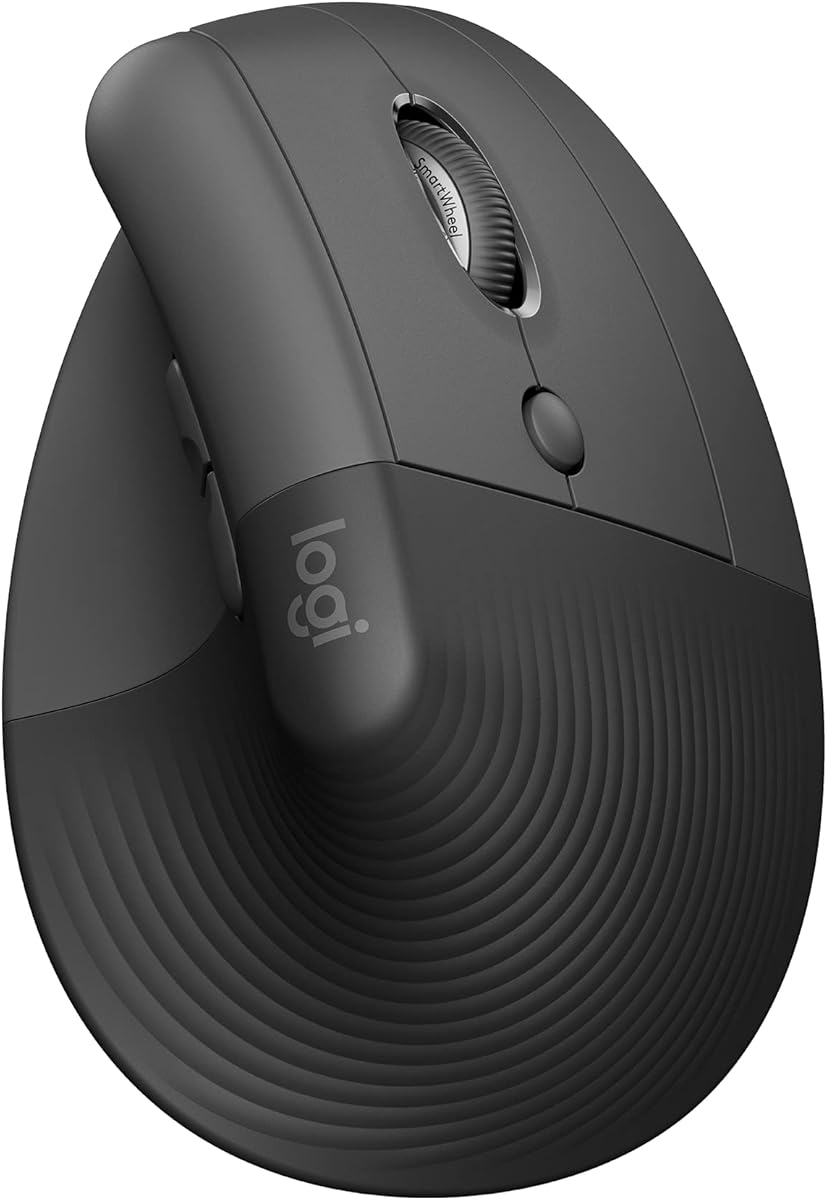
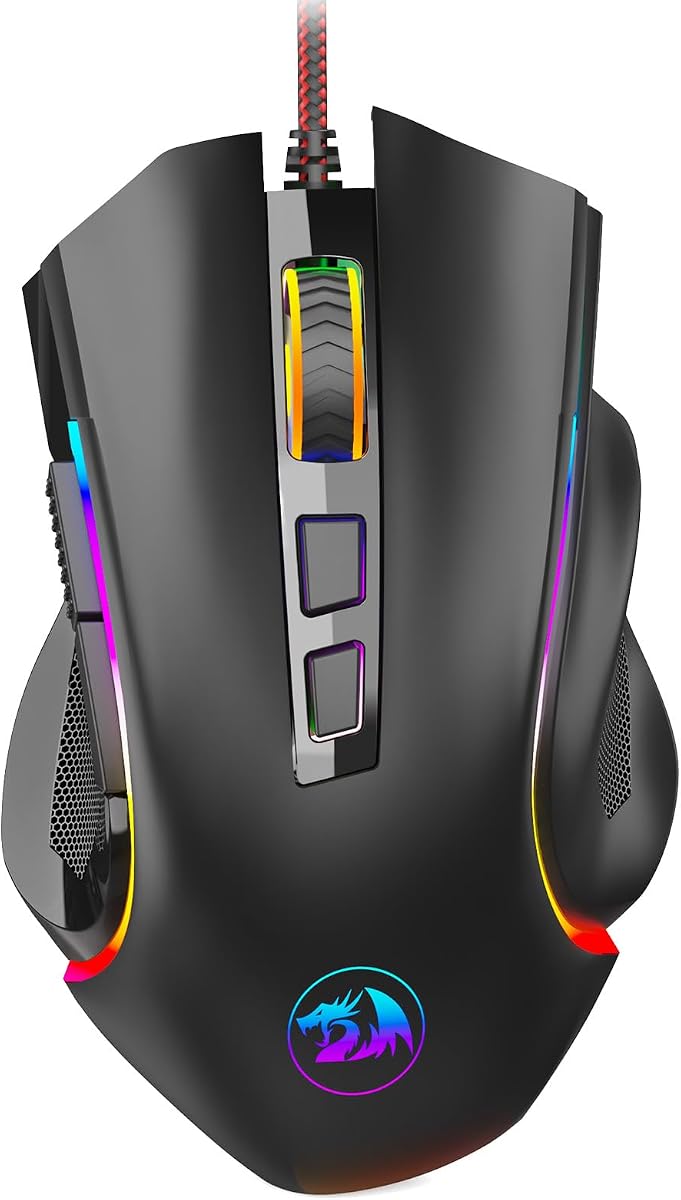
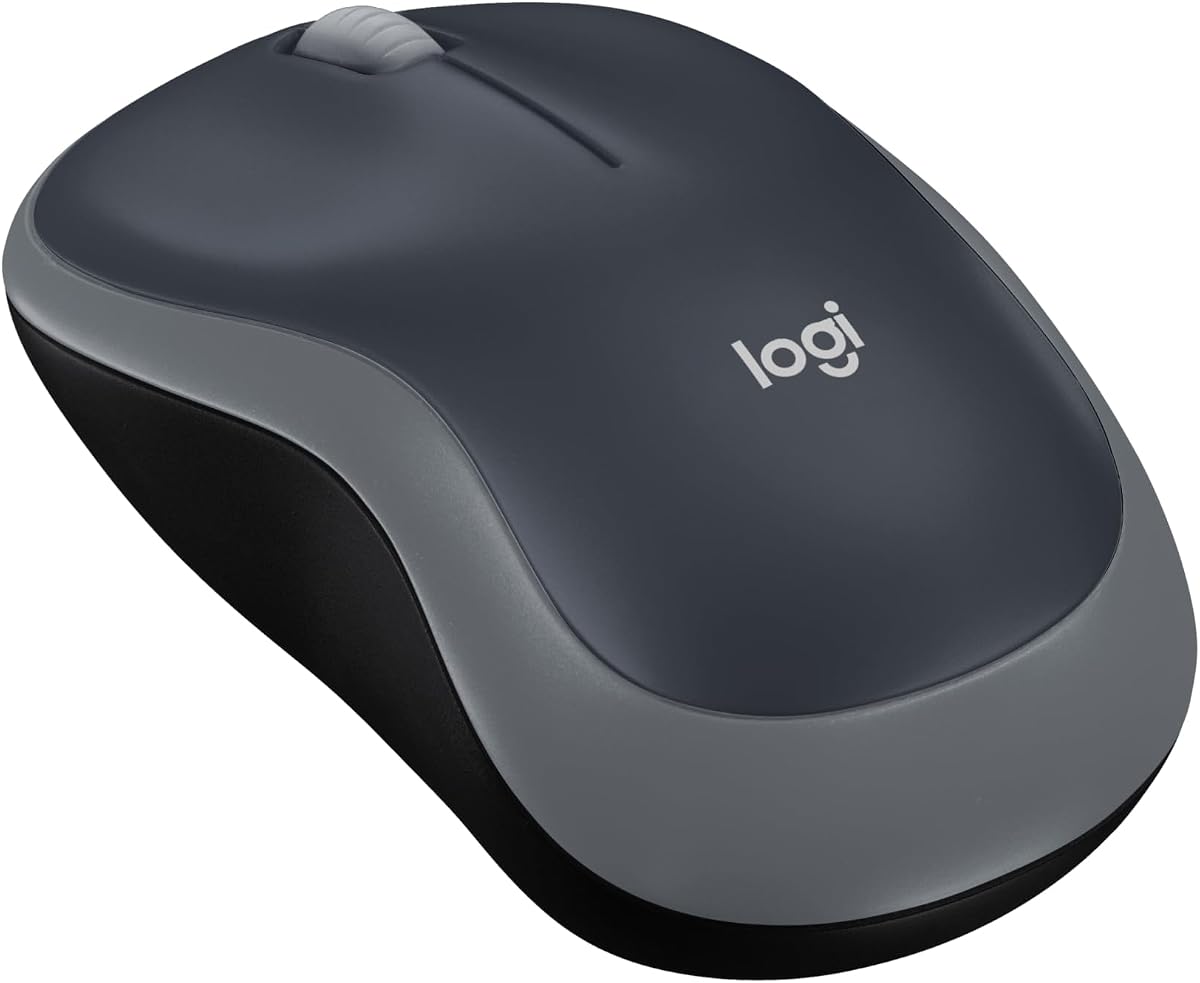
Before you chase maximum DPI, decide how your wrist actually rests during a normal workday. Flat palm-grip mice dominate because they feel familiar, but vertical designs like the Logitech Lift and UGREEN shell rotate the forearm into a handshake angle that many developers find easier during eight-hour stretches. Small-handed coders often prefer compact shells such as the M185 or the Lift sizing, while larger palms may outgrow honeycomb gaming shapes unless grip style is claw or fingertip. Take thirty minutes with your current mouse and note where pressure builds—thumb pinch, outer palm, or ulnar side—then shortlist shapes that redistribute that load.
Monitor size matters too. A 27-inch or ultrawide display at native resolution rewards sensors that stay precise at higher DPI without acceleration smoothing. Programming rarely needs esports-level polling, yet wired 1000 Hz or strong 2.4 GHz wireless can still feel snappier when snapping between IDE panes, browser dev tools, and terminal windows. If you dock a laptop and external monitor daily, prioritize multi-device switching so one mouse controls both without re-pairing rituals.
Programmable buttons: useful, but easy to overbuy
Macro buttons shine when they map repeatable actions: run tests, toggle breakpoints, switch Git branches, or paste boilerplate snippets. The G502's eleven inputs and the Naga's nineteen-button grid are extreme examples—powerful for IDE power users, overwhelming if you only need back, forward, and one custom key. Most productive setups land between five and nine buttons. Map two side keys to browser navigation, one to a build shortcut, and leave the rest untouched until muscle memory forms. Onboard memory profiles help when you move between a work laptop and a personal desktop without reinstalling software.
Remember that software quality varies. Logitech G HUB and Logi Options+ are mature; Redragon and TMKB offer usable configurators; TECKNET explicitly notes non-programmable buttons despite rich hardware. If your workflow depends on cross-platform remapping, verify macOS and Linux support before buying a Windows-first gaming mouse.
Scroll wheels and silent clicks for real office life
Documentation-heavy roles punish a mediocre scroll wheel. Free-spin modes on the G502, Naga HyperScroll, and similar designs let you fly through Stack Overflow threads and generated API docs, then switch to tactile notches for precise line-by-line log reading. Horizontal scrolling is underrated for programming adjacent work: TECKNET's side wheel saves wrist zig-zags in wide spreadsheets, Figma canvases, and database result grids. If you share a room or take calls at the same desk, quiet switches on Lift, Lenovo Yoga, UGREEN, and TECKNET reduce the audible tap track that cheap office mice broadcast on microphone.
Battery philosophy splits the pack. AA-powered longevity—Lift, M185, Lenovo Yoga, UGREEN, G309—suits travelers and anyone who hates charging cables on a cluttered desk. Rechargeable packs on TECKNET and TMKB Falcon M1 mean fewer disposables but require remembering a USB-C top-up every few weeks. Wired options like the G502 and Redragon M602 eliminate battery anxiety entirely at the cost of cable routing.
Connection type and latency expectations