Skip to content

Best Keyboards for Wrist Pain in 2026

By Priya NairUpdated July 5, 2026

We may earn a commission from links on this page, at no extra cost to you. Learn more.

If typing leaves your wrists aching by the afternoon, the keyboard in front of you is often the culprit. A flat, standard board forces your hands together and rolls your wrists inward, a posture that builds strain over hours and, for some people, contributes to conditions like carpal tunnel. The good news is that a well-designed ergonomic keyboard can ease that load considerably, by splitting and angling the keys so your forearms sit in a straighter, more relaxed line, and by cushioning your wrists as you type. This guide ranks three of the best keyboards for wrist pain you can buy in 2026, spanning premium and budget ergonomic designs, so there is a comfortable pick whatever your setup and spend.

Top 3 Best Keyboards for Wrist Pain

Our top 3 picks, reviewed

1Best Overall

Logitech Ergo K860 Wireless Ergonomic Keyboard

The Logitech Ergo K860 is the strongest all-round answer to wrist pain. Its curved, split keyframe and pillowed memory-foam rest are designed to cut wrist bending by around a quarter and add over half again the support of a flat board. Adjustable negative-tilt legs let you fine-tune posture whether seated or standing, and the whole design is certified by United States Ergonomics. It is the reassuring, evidence-backed choice.

Design
Curved split keyframe
Rest
Pillowed memory-foam
Connectivity
Bluetooth + USB
Tilt
0, -4, -7 degrees

What we liked

  • Certified by US Ergonomics for posture
  • 54 percent more wrist support claimed
  • Adjustable negative-tilt palm lift
  • Scooped keys match fingertip shape

Worth noting

  • Premium price for the category
  • Large one-piece desk footprint
2Best Value Split

Arteck Split Ergonomic Wireless Keyboard

The Arteck split keyboard delivers most of the wrist relief of pricier boards at a far gentler price. Its split ergonomic layout positions your wrists and forearms naturally, and the soft cushioned wrist and palm rest supports your hands through long sessions. A rechargeable battery rated for six months means little maintenance, and the nano receiver makes setup effortless. For proven comfort on a budget, it is our value pick.

Design
Split ergonomic
Rest
Cushioned wrist & palm
Connectivity
2.4G USB wireless
Battery
6-month rechargeable

What we liked

  • Soft cushioned wrist and palm rest
  • Split layout relaxes forearm posture
  • Six-month battery per charge
  • 24-month warranty and support

Worth noting

  • No Bluetooth, receiver only
  • Fixed frame is not separable
3Best Budget Pick

Nulea RT07B Wireless Ergonomic Split Keyboard

The Nulea RT07B proves you do not have to spend a lot to take pressure off aching wrists. Its ergonomic split layout is designed to reduce forearm twisting and ease the strain linked to carpal tunnel syndrome, while a soft palm rest keeps your wrists comfortably supported. Stable scissor-switch keys type nicely, and dual-mode Bluetooth and 2.4G connectivity add flexibility. For a first ergonomic keyboard on a budget, it is an easy recommendation.

Design
Ergonomic split layout
Rest
Soft palm rest
Connectivity
Bluetooth + 2.4G
Battery
200-hour rechargeable

What we liked

  • Split layout eases carpal-tunnel strain
  • Soft supportive palm rest
  • Dual Bluetooth and 2.4G modes
  • USB-C rechargeable, no batteries

Worth noting

  • Shorter 200-hour battery life
  • Palm rest is firmer than premium pads

How We Chose the Best Keyboards for Wrist Pain

Best Keyboards for Wrist Pain in 2026

When your wrists hurt, the last thing you want is to gamble on a keyboard that does not actually help. So rather than chasing spec sheets, we focused on the features that genuinely reduce strain and sorted our picks by who each one suits best. Every board here shares the same core aim, easing the bent, twisted posture that a flat keyboard imposes, but they achieve it at very different price points and with different levels of support. Our job was to identify which one makes sense for whom, from someone ready to invest in the most refined solution to someone testing the waters on a tight budget.

From there we weighed the things that matter most to a pain-prone typist. The layout came first, because a split or curved design is what actually straightens your wrists and opens your shoulders. The wrist or palm rest came next, since a cushioned pad keeps your hands level and stops them dropping as fatigue sets in. We then considered key feel and typing effort, connectivity and battery life for the wireless models, and overall value. Because relief is the whole point, we favoured proven ergonomic designs with honest trade-offs, and we deliberately spanned premium and budget models so there is a sensible, comfortable choice at any spend.

What Causes Keyboard-Related Wrist Pain

Understanding the problem makes it easier to fix. On a standard flat keyboard, two things work against your wrists at once. First, the keys sit in one block, forcing your hands together in the middle, which rolls your forearms and cocks your wrists outward. Second, the flat surface encourages your wrists to bend upward to reach the keys, a position that compresses the tendons and nerves running through the wrist. Hold both of those for hours a day, week after week, and it is little wonder that aches, tingling and fatigue creep in.

An ergonomic keyboard tackles both issues directly. By splitting the halves apart and angling them, as the Arteck and Nulea boards do, it lets your wrists run in a straighter line and your shoulders sit more openly. By adding a cushioned rest and, in the case of the Logitech Ergo K860, a negative tilt that drops the front edge, it keeps your wrists level or even slightly lowered rather than bent up. The combination is what relieves the load. No keyboard can undo a diagnosed condition on its own, but reducing the daily strain that feeds those problems is exactly what these designs are built to do, and for many typists the difference is felt within days.

Matching the Keyboard to Your Situation

For the Most Complete Relief

If you want the best-engineered, best-supported solution and are willing to invest, the Logitech Ergo K860 is the clear choice. Its curved split keyframe, pillowed memory-foam rest and adjustable negative-tilt legs are designed as a system, and the certification from United States Ergonomics is genuine reassurance if wrist pain is a persistent problem for you. It is the board we would point to first for anyone treating comfort as a priority rather than an afterthought.

For Proven Comfort on a Middle Budget

If the premium price is more than you want to spend but you still want a full cushioned wrist and palm rest, the Arteck split keyboard is the sweet spot. It delivers the same split principle that straightens your posture, adds a soft supportive rest, and asks for very little maintenance thanks to its six-month battery. It is the sensible middle ground between the flagship and the budget entry.

For Testing the Waters Cheaply

If you are not sure an ergonomic keyboard will help and want to try one without a big outlay, the Nulea RT07B is the pick. It offers a genuine split layout aimed at easing carpal-tunnel strain, a soft palm rest and dual-mode connectivity, all at the lowest price here. It is an honest, low-risk way to see whether a better layout eases your symptoms before spending more.

Comfort Features That Actually Reduce Strain

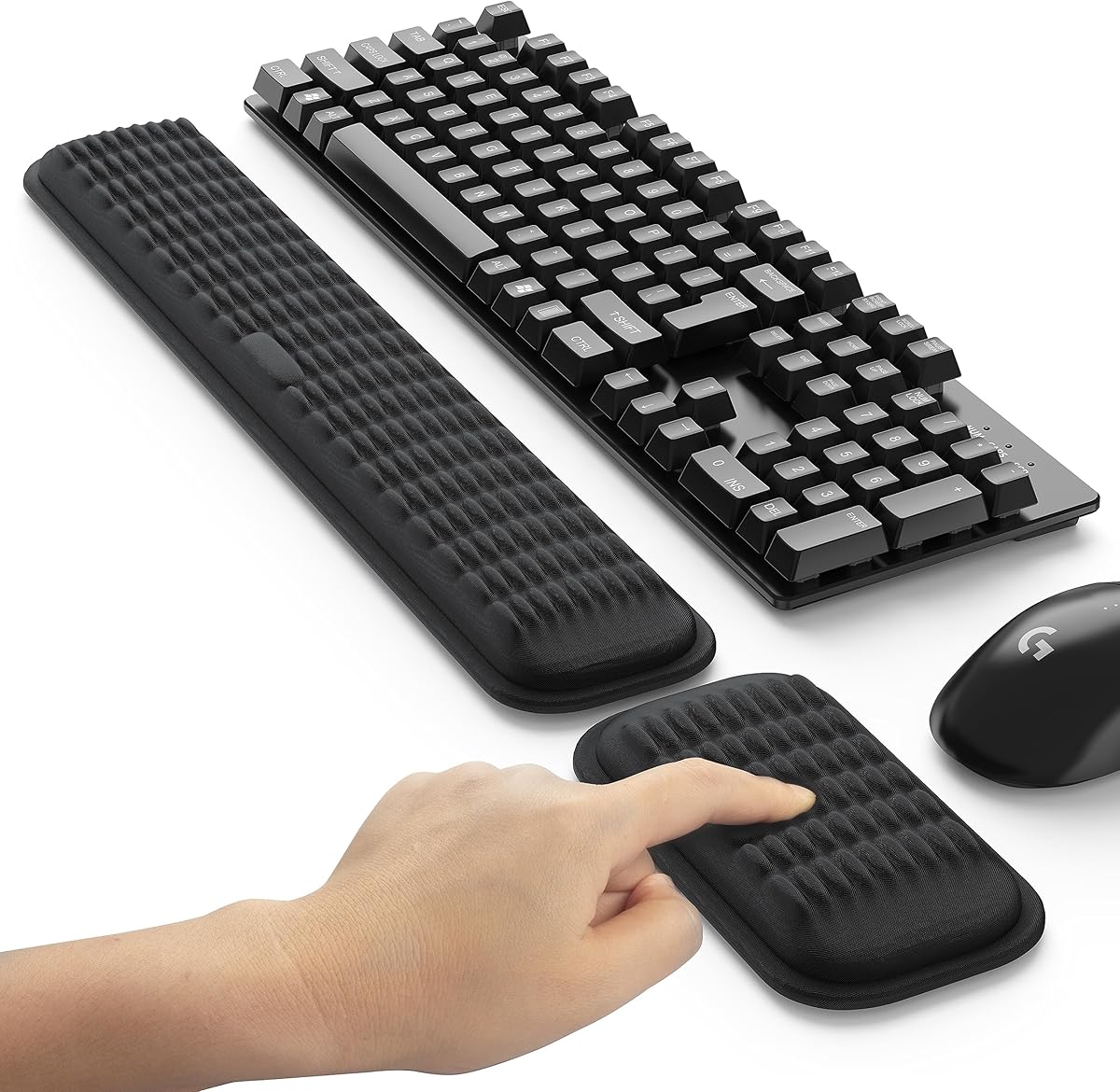
Two features do most of the work in a keyboard built to relieve wrist pain: the layout geometry and the wrist support. The geometry, meaning how the keys are split, curved or tilted, is what corrects your posture, so it is the first thing to get right. A split layout, shared by all three picks, opens your hands apart and eases the forearm twist that aggravates the wrist. The Logitech Ergo K860 goes further with a curved keyframe and negative tilt, which not only splits your hands but also drops your wrists into a more neutral angle rather than bending them upward.

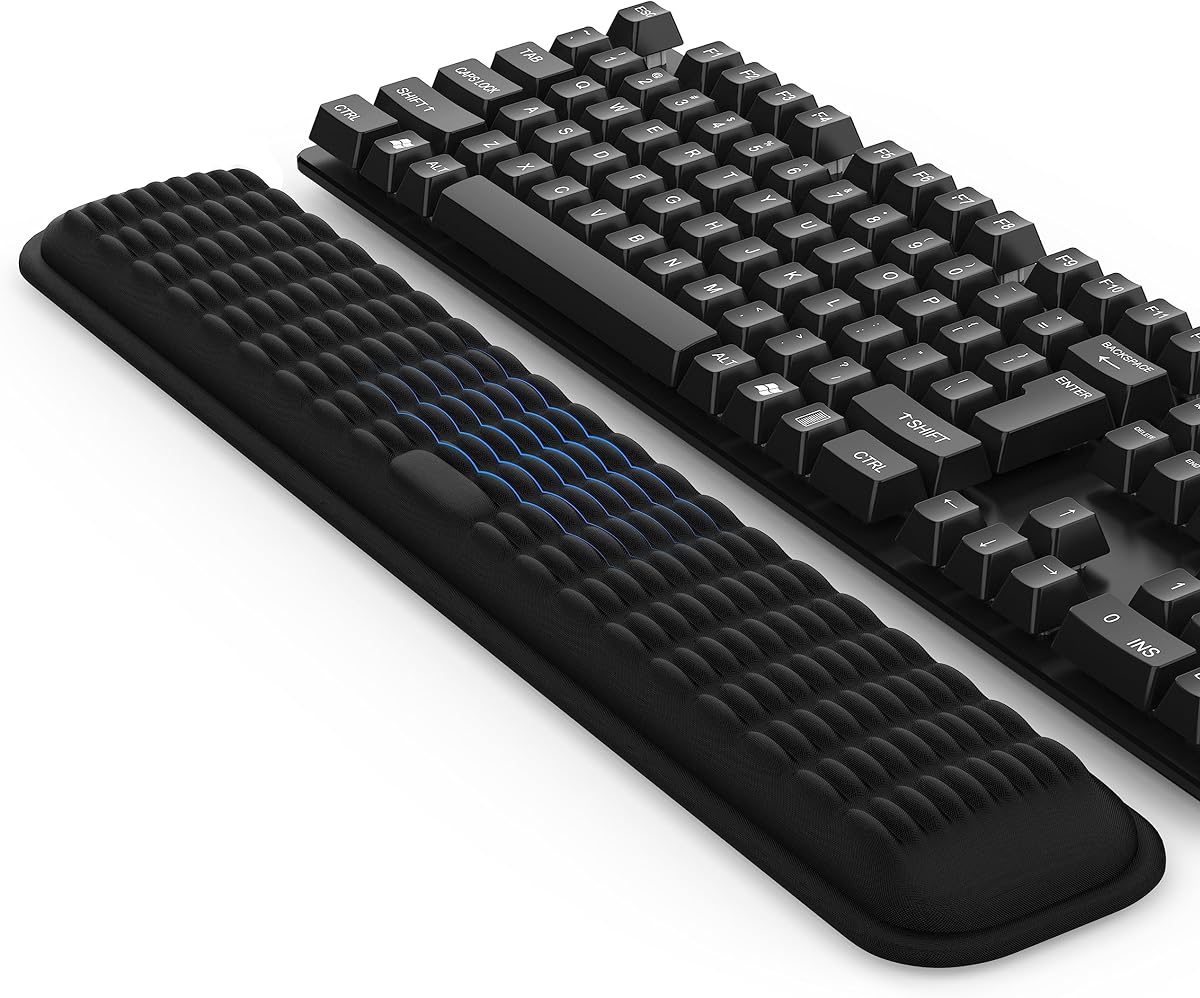
The wrist support is the second essential. A cushioned or pillowed rest keeps your hands level with the keys so your wrists do not sag and bend as you tire late in the day. The memory-foam pad on the Logitech Ergo K860 is the most refined, but the soft rests on the Arteck and Nulea boards do the same job well. Key feel matters too, because a keyboard that requires heavy presses adds effort to every stroke. The scissor-switch keys on the Nulea are light and stable, and the scooped keys on the Logitech match the shape of your fingertips. Together, a good layout, a supportive rest and low-effort keys are what turn a painful typing day into a comfortable one.

A Closer Look at the Top Picks

The Logitech Ergo K860 earns the top spot because it addresses wrist pain more thoroughly than anything else here. Its curved split keyframe straightens your posture, its pillowed memory-foam rest keeps your wrists supported, and its adjustable negative-tilt legs let you find a genuinely neutral angle. The certification from United States Ergonomics is not just marketing; it reflects a design built around lowering muscle strain and improving posture. For anyone whose wrist pain is a real, ongoing concern, it is the most reassuring choice on the list.

Behind it, the Arteck split keyboard captures most of that comfort at a far friendlier price, pairing the same split principle with a soft cushioned wrist and palm rest and an easy six-month battery. The Nulea RT07B rounds out the list as the budget entry point, offering a genuine ergonomic split aimed at easing carpal-tunnel strain, a supportive palm rest and flexible dual-mode connectivity for the lowest outlay. Whichever tier fits your budget, all three share the split layout and wrist support that make the real difference.

Tips for Getting the Most From an Ergonomic Keyboard

The keyboard is one piece of the puzzle, so set it up thoughtfully. Adjust your chair and desk so your forearms are roughly parallel to the floor, keep your wrists straight rather than bent up or down, and use any tilt adjustment, like the negative-tilt legs on the Logitech Ergo K860, to reach a neutral angle. Rest your hands lightly on the wrist pad between bursts of typing rather than pressing into it constantly, since the rest is there to support pauses, not to lean on while you type.

Give yourself time to adapt, too. A split layout feels unfamiliar at first, and most people are slower for a few days before their fingers relearn the spacing, so stick with it rather than reverting to your old board. Take short, regular breaks to stretch your hands and wrists, since no keyboard replaces the value of moving. If your symptoms are significant or persistent, treat an ergonomic keyboard as one helpful change alongside proper medical advice rather than a cure. And because comfort is personal, buy from a listing with clear return protection so you can try a board and send it back if it does not suit your hands.

Final Recommendation

For most people dealing with wrist pain, the Logitech Ergo K860 is the best keyboard in 2026, combining a curved split layout, a pillowed memory-foam rest and adjustable negative tilt into an ergonomist-certified design built to reduce strain. If its premium price is more than you want to spend, the Arteck split keyboard delivers proven cushioned comfort at a middle price, and the Nulea RT07B offers a genuine ergonomic split for the lowest outlay. Whichever you choose, set it up with your wrists straight and supported, give yourself a week to adjust, and pair it with sensible breaks. The right keyboard can turn an aching typing day into a comfortable one.

How we picked

We judged each keyboard on how well it eases wrist and forearm strain, the quality of its split or curved layout, the support offered by any wrist or palm rest, key feel and typing effort, connectivity and battery life, and overall value. Because comfort is personal and relief matters most, we favoured proven ergonomic designs with honest trade-offs, and we spanned premium and budget models so pain-prone typists have a sensible choice at any price.

Frequently asked questions

Can a keyboard really help with wrist pain?

Often, yes. Much wrist strain comes from the bent, twisted posture a flat keyboard forces on your hands. Ergonomic boards like the Logitech Ergo K860 split and angle the keys so your wrists run straighter, and add a cushioned rest so they stop dropping as you tire. It is not a substitute for medical advice if you have a diagnosed condition, but for everyday typing strain it can make a real difference.

Are split keyboards good for carpal tunnel?

Split designs are among the most recommended for carpal tunnel discomfort because they reduce the inward twist of the forearm that aggravates the wrist. The Nulea RT07B specifically cites easing carpal-tunnel strain, and the Arteck and Logitech Ergo K860 share the same split principle. If you have a diagnosis, treat a keyboard as one supportive change alongside proper medical guidance rather than a cure.

Do I need a keyboard with a built-in wrist rest?

A built-in rest helps keep your hands level with the keys so your wrists do not bend downward as you type. All three picks here include one, from the pillowed memory-foam pad on the Logitech Ergo K860 to the cushioned rests on the Arteck and Nulea boards. That saves you buying a separate pad and keeps the support properly aligned with the keys.

How should I set up my keyboard to reduce wrist strain?

Keep your wrists straight and level, not bent up or dropped down, and let your shoulders sit open rather than hunched. Use any adjustable tilt, like the negative-tilt legs on the Logitech Ergo K860, to find a neutral angle. Position the wrist rest so your hands rest lightly rather than pressing hard, and pair the keyboard with a monitor at eye level and a supportive chair.

Is a wireless or wired ergonomic keyboard better for wrist pain?

Both can relieve strain equally, since the benefit comes from the layout, not the cable. All three picks here are wireless, which reduces desk clutter and lets you position the board freely for a comfortable posture. The Logitech Ergo K860 and Nulea RT07B add Bluetooth for multi-device use, while the Arteck uses a simple receiver. Choose based on convenience rather than expecting a difference in comfort.