Best Keyboard for Mac in 2026
We may earn a commission from links on this page, at no extra cost to you. Learn more.
macOS works with almost any keyboard, but the best Mac keyboards go further: proper Mac key layouts (Command, Option, media keys), seamless multi-device switching, and a feel that suits long days of writing and coding. After living with each on a Mac, these are the seven best keyboards for Mac in 2026, from Apple's own board to premium mechanicals.
Quick comparison
| Keyboard | Best for | Rating | Price | |
|---|---|---|---|---|
| 1Keychron Q1Keychron | Best Overall | 4.8 | $$$ | Check Price |
| 2Apple Magic KeyboardApple | Best Official Apple | 4.5 | $$$ | Check Price |
| 3Logitech MX Keys SLogitech | Best for Productivity | 4.7 | $$$ | Check Price |
| 4Keychron K3 MaxKeychron | Best Low-Profile | 4.5 | $$$ | Check Price |
| 5Nuphy Air75 V2Nuphy | Best Portable | 4.6 | $$$ | Check Price |
| 6Logitech K380Logitech | Best Compact Multi-Device | 4.4 | $$$ | Check Price |
| 7Keychron C3 ProKeychron | Best Budget Mechanical | 4.3 | $$$ | Check Price |
Our top 7 picks, reviewed
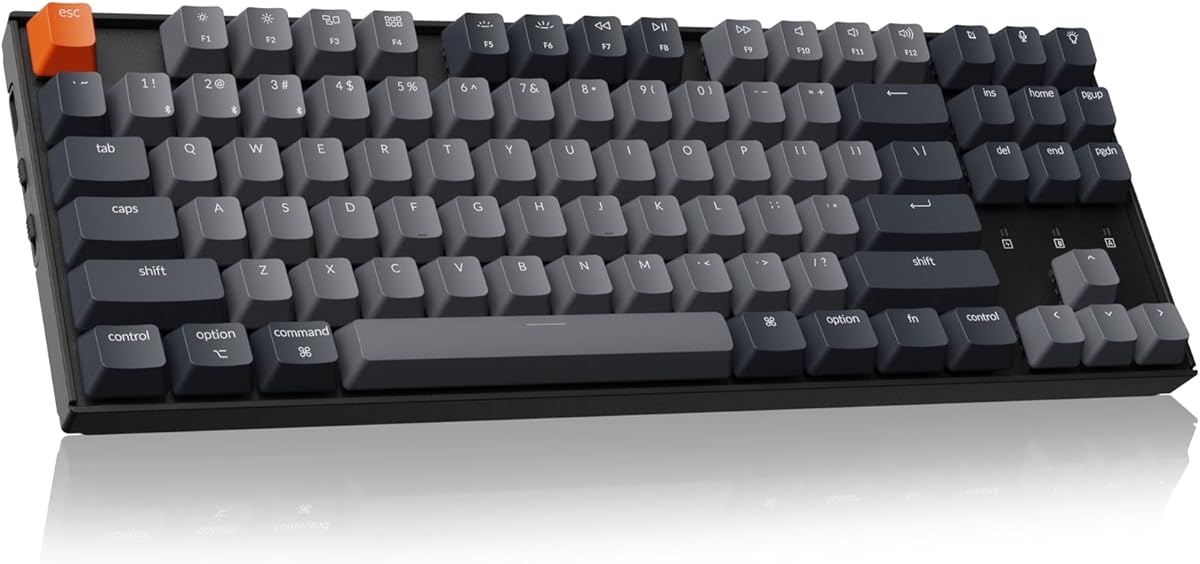
Keychron Q1
Keychron built its name on Mac-friendly mechanical keyboards, and the Q1 is its best. It ships with Mac modifier keycaps, has a dedicated Mac mode, and its aluminum body and gasket mount feel right at home next to a MacBook or iMac. Full QMK/VIA lets you remap anything. The best all-round Mac keyboard.
- Layout
- 75% (82-key)
- Build
- CNC aluminum
- Software
- QMK / VIA
- Extras
- Mac + Win keycaps
What we liked
- Made with Mac users in mind
- Premium aluminum, superb feel
- Hot-swap + QMK/VIA remapping
- Includes Mac keycaps and modifiers
Worth noting
- Heavy and wired only
- Premium price
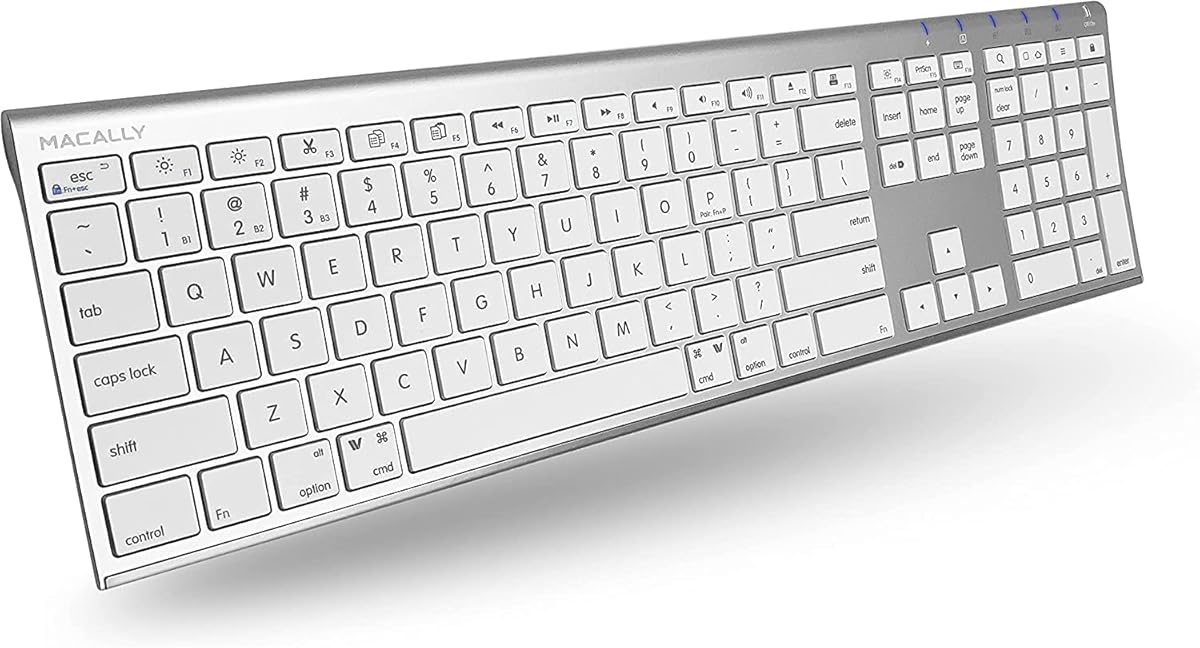
Apple Magic Keyboard
If you want zero fuss and perfect macOS integration, Apple's own Magic Keyboard is the safe pick. Every key and shortcut just works, it pairs instantly, and it matches Apple's hardware. The low, shallow keystroke isn't for everyone, but for many Mac users it's exactly what they want.
- Layout
- Compact
- Connection
- Bluetooth
- Battery
- ~1 month
- Build
- Slim aluminum
What we liked
- Flawless macOS integration
- Slim, iconic design
- Rechargeable, month-long battery
- Native media and function keys
Worth noting
- Shallow, low-travel feel
- No backlighting
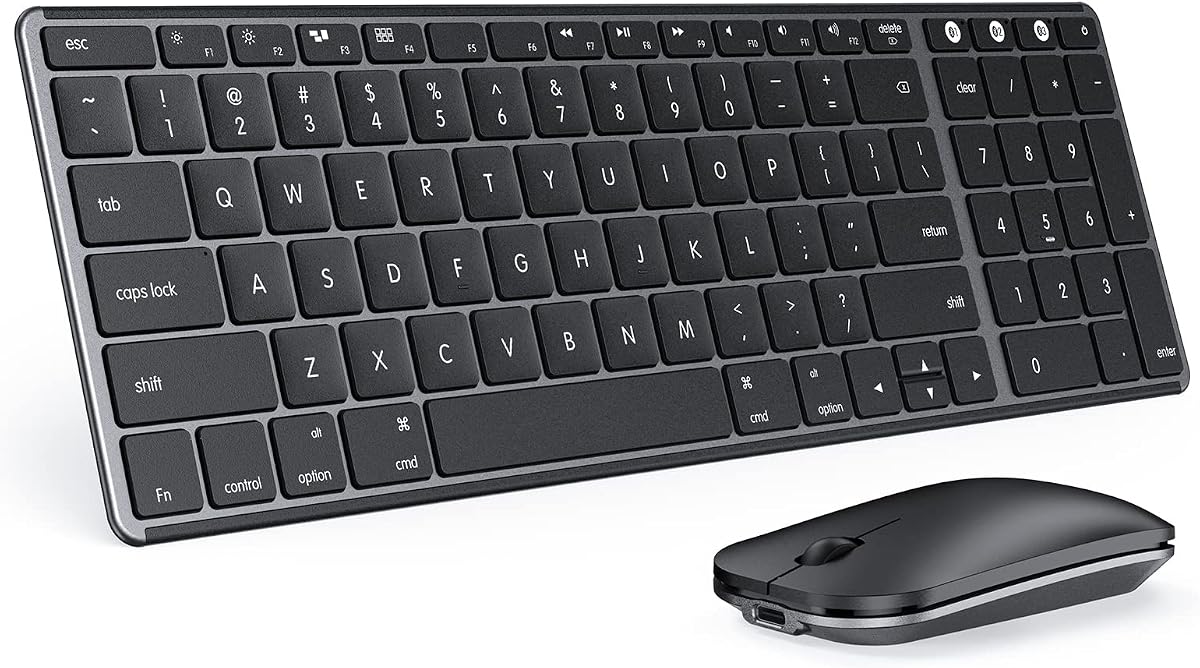
Logitech MX Keys S
The MX Keys S is the productivity favorite for Mac. Its spherically dished, low-profile keys are fast and quiet, smart backlighting lights up as your hands approach, and Logi Options+ adds Mac-specific layouts and Flow to type across a Mac and iPad. A superb all-day work keyboard.
- Layout
- Full-size low-profile
- Connection
- BT / Logi Bolt
- Backlight
- Smart
- Software
- Logi Options+
What we liked
- Comfortable laptop-like typing
- Connects and switches across 3 devices
- Smart backlighting
- Mac layout supported in Options+
Worth noting
- Not mechanical
- Best features need the app
Keychron K3 Max
Want a slim board like Apple's but with real mechanical switches? The K3 Max is it. It's one of the thinnest wireless mechanicals around, ships with Mac keycaps, and supports QMK/VIA so you can map macOS shortcuts exactly how you like. A brilliant low-profile Mac keyboard.
- Layout
- 75% low-profile
- Connection
- 2.4GHz / BT / USB-C
- Software
- QMK / VIA
- Switches
- Hot-swap
What we liked
- Slim mechanical feel for Mac
- QMK/VIA programmable
- Hot-swappable low-profile switches
- Mac keycaps included
Worth noting
- Smaller keycaps take adjustment
- RGB drains battery
Nuphy Air75 V2
MacBook users who want mechanical feel on the go love the Air75 V2. It's slim and gorgeous, has a proper Mac mode and keycaps, and pairs with several devices so you can hop between a MacBook, iPad and iPhone. The best portable Mac mechanical keyboard.
- Layout
- 75% low-profile
- Connection
- BT / 2.4GHz / USB-C
- Keycaps
- PBT
- Battery
- 4000mAh
What we liked
- Beautiful, travel-ready design
- Mac mode and keycaps
- Pairs with up to 4 devices
- Long battery life
Worth noting
- Premium for low-profile
- Sidelit RGB only
Logitech K380
For a cheap, ultra-portable Mac keyboard that pairs with everything Apple, the K380 is unbeatable value. One button switches between your Mac, iPad and iPhone, the battery lasts years, and it slips into any bag. Ideal as a couch or travel keyboard for Apple users.
- Layout
- Compact
- Connection
- Bluetooth
- Devices
- Up to 3
- Battery
- Up to 24 months
What we liked
- Tiny, light and affordable
- Switches between 3 Apple devices
- Works with Mac, iPad, iPhone, Apple TV
- Huge battery life
Worth noting
- Membrane, low travel
- No backlighting
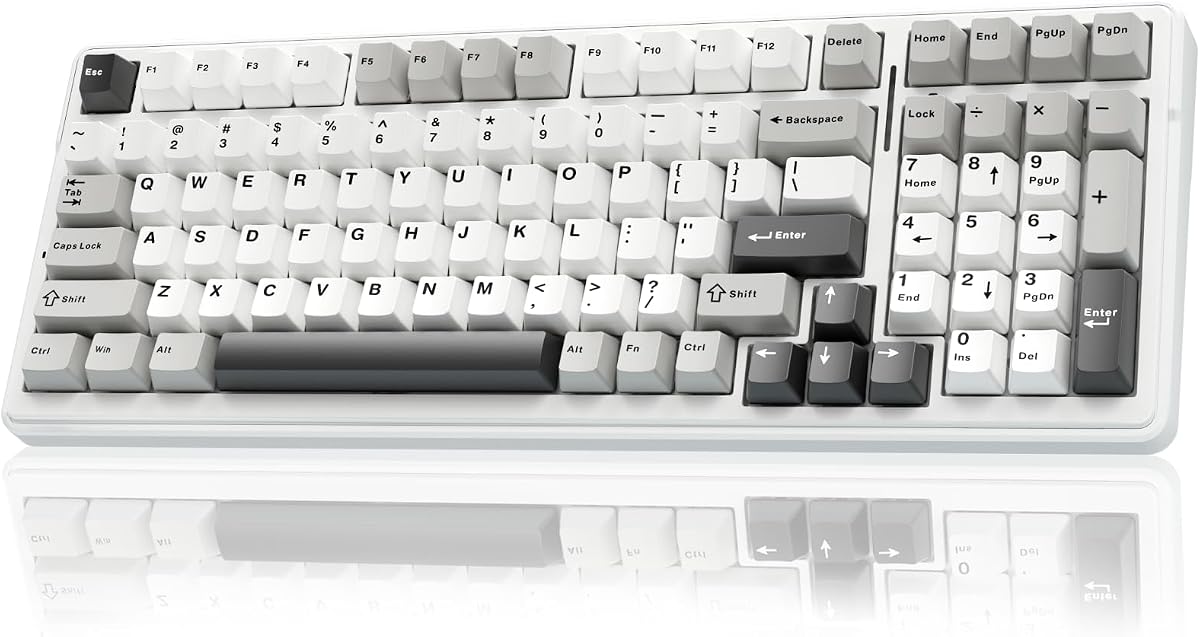
Keychron C3 Pro
The cheapest way onto a real mechanical Mac keyboard. The C3 Pro includes Mac keycaps and a Mac mode, has a gasket mount for a nice feel, and supports QMK/VIA so you can remap macOS shortcuts. Outstanding value for Mac users dipping into mechanical keyboards.
- Layout
- TKL (87-key)
- Mount
- Gasket
- Software
- QMK / VIA
- Extras
- Mac + Win keycaps
What we liked
- Mechanical Mac board for around $45
- Mac mode and keycaps included
- Gasket mount and foam
- QMK/VIA programmable
Worth noting
- Base model wired, not hot-swap
- Red-only backlight
How to choose a keyboard for Mac in 2026
Any keyboard can type on a Mac, but the right one feels native. Here's what to look for.
Mac layout and keys. The big one: you want Command and Option keys in the correct positions and a function row that controls macOS (brightness, volume, media) natively. Apple's Magic Keyboard and Mac-specific boards from Keychron, Logitech and Nuphy include this. With a Windows keyboard you can remap the modifiers in System Settings, and many mechanical boards ship with both Mac and Windows keycaps plus a dedicated Mac mode.
Feel and profile. Apple's own keyboards are slim with a shallow keystroke many Mac users are used to. If you prefer that, the Magic Keyboard, MX Keys S or a low-profile mechanical (Keychron K3 Max, Nuphy Air75 V2) will feel familiar. If you want a deeper, more tactile mechanical feel, the Keychron Q1 or C3 Pro deliver it while staying Mac-friendly.
Multi-device switching. If you bounce between a Mac, iPad and iPhone, get a board that pairs with several devices and switches with a button — the K380, MX Keys S and Nuphy all do this. Logitech's Flow even lets you type across a Mac and iPad seamlessly.
Wireless and battery. Bluetooth is the norm for Mac keyboards. Some (K380) run for years on coin cells; others (MX Keys S, Magic Keyboard) recharge over USB-C. For gaming on a Mac, look for a 2.4GHz dongle (Keychron K3 Max).
Programmability. Power users and developers should look for QMK/VIA support (Keychron boards), which lets you remap keys, build macros and create layers for macOS — no cloud account required.
Decide whether you want Apple's slim feel or a mechanical one, and whether multi-device switching matters, then let our picks above guide you.
Mac-specific keyboard features that actually matter
Several keyboard features are genuinely more relevant to Mac users than to Windows users. Knowing which ones affect your daily workflow helps you avoid paying for features you don't need and missing ones you do.
Mac modifier key layout. Mac keyboards use Command, Option, and Control in specific positions that muscle memory locks in quickly. Switching to a keyboard that places these in different positions — or requires software remapping — creates friction every day. Keychron boards are the strongest recommendation here because they ship with both Mac and Windows keycap sets and include a physical switch on the back that toggles the modifier layout between operating systems. No software required.
Fn key row behaviour. On a Mac, F-keys double as media controls by default (brightness, volume, mission control). Many third-party keyboards require Fn-held combinations for these functions, reversing the Mac default. Check whether the keyboard respects macOS function key behaviour before buying if you rely on the media controls.
Sleep and wake reliability. Some keyboards with aggressive power-saving modes don't wake instantly when you press a key after the Mac's display sleeps. This is a minor but daily frustration. Wired keyboards are immune; Bluetooth keyboards vary by implementation.
Why Keychron dominates the Mac keyboard market
Keychron has built its brand almost entirely around Mac-compatible mechanical keyboards, and the result is a lineup that addresses the specific pain points Mac users face better than any other mechanical keyboard brand.
Every Keychron board comes with a Mac-layout keycap set installed by default, with Windows keycaps included in the box. The modifier toggle on the back switches Command/Option placement without software. Mac-specific legends (the Apple symbols on Command and Option) appear on the included caps, meaning the keyboard looks like it belongs on a Mac desk rather than a generic Windows peripheral.
Beyond layout, Keychron's V and Q series offer QMK/VIA firmware support that works natively in macOS through a web browser — no Windows-only configuration app required. This matters for Mac users who want deep remapping capability without running a virtual machine.
Mechanical vs Apple Magic Keyboard: the honest comparison
The Magic Keyboard is genuinely good. Apple's scissor-switch mechanism produces consistent, low-travel keystrokes that many typists prefer for extended Mac use. The Touch ID integration on current models is genuinely useful. And the Magic Keyboard pairs instantly and reliably with any Apple device.
Where a mechanical keyboard wins: switch variety and long-term feel. The Magic Keyboard offers one switch type — Apple's scissor mechanism — with no variation. A mechanical board lets you choose the exact tactile feedback, actuation weight, and sound profile that suits your typing style. The mechanical switch maintains that feel for tens of millions of keypresses; scissor switches degrade more noticeably over years of heavy use.
For MacBook users who dock at a desk, the most common recommendation is to keep the Magic Keyboard as a travel and away-from-desk option, and use a Keychron or similar mechanical board at the main desk where the switch choice and typing comfort improvements are available for your heaviest typing sessions.
What makes a keyboard great for Mac
A keyboard for a Mac should pair smoothly with macOS, offer a Mac-friendly layout, and ideally match the clean aesthetic of Apple's hardware. macOS uses Command and Option keys where Windows uses Alt and the Windows key, so a board with proper Mac legends and key mapping feels far more natural. Beyond that, you want comfortable switches, reliable wireless and the build quality to sit alongside a Mac. The picks here are chosen for smooth macOS compatibility and a layout that suits Apple users, so the keyboard feels like a natural extension of your Mac rather than a Windows board pressed into service.
Mac layout and modifier keys
The biggest difference for Mac users is the modifier keys. On a Mac, Command sits where Alt would be on a Windows board and handles most shortcuts, while Option replaces the Windows key's neighbour. A keyboard designed or configured for Mac places these correctly and labels them properly, so your shortcuts work without mental translation. Many quality keyboards include both Mac and Windows keycaps and a switch to toggle between layouts, which is ideal if you use both systems. For a pure Mac setup, choose a board with a proper Mac layout so Command, Option and the function keys all behave as expected.
Compatibility and Mac-specific functions
Beyond the modifier keys, a good Mac keyboard supports the function-row shortcuts Apple users rely on, such as brightness, Mission Control, and media controls, either natively or through software. Some third-party boards map these automatically in Mac mode, while others need a quick setup. Bluetooth keyboards pair easily with macOS, and many boards remember multiple devices. Check that a keyboard explicitly supports macOS so these functions work as intended, since a board built only for Windows may leave some Mac-specific keys without their expected behaviour until you remap them.
Wireless and the Apple ecosystem
Most Mac users prefer a wireless keyboard for a tidy desk, and multi-device support is especially valuable in the Apple ecosystem. A board that pairs with your Mac, iPad and even iPhone, and switches between them with a key, lets one keyboard serve your whole setup. Bluetooth is the natural choice for this, keeping a USB port free and matching how Apple devices connect. Battery life on wireless boards is usually long, particularly with lighting dimmed. If you work across multiple Apple devices, prioritising a wireless board with multi-device switching makes for a seamless, clutter-free experience.
Switches and typing feel
A Mac keyboard's switches shape how it feels to type all day. If you are coming from Apple's low-profile keyboards, a low-profile mechanical board offers a familiar height with a crisp mechanical feel, easing the transition. If you want a deeper, more satisfying keystroke, a standard mechanical board with tactile or linear switches delivers it. Quiet or silent switches suit shared spaces and calls. Consider what you are used to and what feels best to you, since the switch and profile determine your daily comfort more than any other factor on a Mac keyboard.
Matching the Mac aesthetic
For many Mac users, looks matter, and a keyboard that complements Apple's clean design completes the desk. Boards in white, grey or silver with minimalist keycaps pair naturally with a Mac, and low-profile designs echo Apple's own slim hardware. Some keyboards are specifically styled for Mac setups with matching colours and Mac legends. While aesthetics are personal, choosing a board that suits your Mac's look makes the whole setup feel cohesive and considered. The picks here include options that both work well with macOS and sit comfortably alongside Apple hardware visually.
Software and customisation on macOS
To get the most from a Mac keyboard, check that any companion software supports macOS, since some gaming-focused software is Windows-only. Mac-compatible software lets you remap keys, set up macros and tune the function row and lighting. macOS itself also lets you remap modifier keys in System Settings, which is handy for fine-tuning. Setting up the software ensures the Mac-specific keys and any extra buttons behave exactly as you want. A board with good macOS support and software gives you full control over how it works with your Mac.
Who should buy a Mac keyboard
A dedicated Mac keyboard suits anyone who works primarily on a Mac and wants a layout, function keys and aesthetic that fit naturally, as well as those who switch between Mac and Windows and want a board that handles both. If you only occasionally use a Mac, a standard board with remapped keys can work, but for daily Mac use a proper Mac-compatible keyboard removes friction and feels far more natural. For Apple users who want a comfortable, capable upgrade over the standard keyboard, a good Mac keyboard is well worth it.
Getting the most from a Mac keyboard
Set your Mac keyboard up to match your workflow for the best experience. Switch it to Mac mode or install the Mac keycaps if provided, confirm the function-row shortcuts work, and remap any keys in macOS System Settings or the keyboard software to your liking. Enable multi-device switching if you use an iPad or iPhone alongside your Mac, and dim the lighting to extend battery life on wireless boards. With a proper Mac layout and a little setup, a good keyboard makes working on a Mac faster, more comfortable and more enjoyable.
A natural extension of your Mac
The right keyboard should feel like a natural extension of your Mac rather than an afterthought. With a proper Mac layout, working function keys, smooth Bluetooth pairing and a look that suits Apple hardware, a good Mac keyboard removes the small frictions that a Windows board brings to macOS. That seamlessness is what makes the upgrade worthwhile, turning everyday typing and shortcuts into something effortless and consistent with the rest of your Apple setup.
Choosing the right Mac keyboard for you
When choosing, weigh the layout, switches, connectivity and look against how you use your Mac. Heavy typists and developers benefit from comfortable switches and a programmable layout, those who switch between Apple devices should prioritise multi-device Bluetooth, and anyone who loves Apple's slim feel may prefer low profile. Match those factors to your needs, pick a board with genuine macOS support, and you get a keyboard that complements your Mac perfectly and makes working on it more comfortable and efficient.
How we picked
We used each keyboard daily on macOS, checking Mac-specific layouts and shortcuts, how easily they pair and switch between a Mac, iPad and iPhone, typing comfort, and build quality. We favored boards with proper Mac keycaps and function-row support, and noted which ones also remap cleanly for power users.
Frequently asked questions
Do I need a special keyboard for Mac?
Not strictly — most keyboards work on macOS — but a Mac-friendly keyboard has the right modifier keys (Command and Option in the correct spots) and media/function keys that work natively. Keychron boards, Apple's Magic Keyboard and Logitech's MX/K-series all include proper Mac layouts, which saves you remapping.
Will a Windows keyboard work on a Mac?
Yes, but the Windows and Alt keys map to Command and Option, which can feel backwards. You can swap them in macOS settings, and many mechanical boards (like Keychron) include both Mac and Windows keycaps plus a Mac mode so you don't have to.
What's the best mechanical keyboard for Mac?
The Keychron Q1 for a premium full-size feel, or the Keychron K3 Max if you prefer a slim, Apple-like low-profile board with mechanical switches. Both ship with Mac keycaps and full QMK/VIA remapping.
Can one keyboard switch between my Mac, iPad and iPhone?
Yes. Multi-device boards like the Logitech K380, MX Keys S and Nuphy Air75 V2 pair with several devices at once and switch with a button press, so you can type on your Mac, then your iPad or iPhone, instantly.