Best Gaming Monitors in 2026
We may earn a commission from links on this page, at no extra cost to you. Learn more.
A great gaming monitor is the difference between a good GPU feeling fast and feeling spectacular. In 2026 the big story is OLED going mainstream — delivering near-instant response, perfect blacks and dazzling colour — alongside ever-higher refresh rates and 4K panels that finally have the bandwidth to run at speed. But the right monitor depends on your GPU, the games you play and your budget: a competitive shooter player wants different specs than a single-player visual enthusiast. After researching and comparing the top models, these are the eight best gaming monitors you can buy in 2026.
Quick comparison
| Keyboard | Best for | Rating | Price | |
|---|---|---|---|---|
| 1ASUS ROG Swift OLED PG27AQDPASUS | Best Overall | 4.7 | $$$ | Check Price |
| 2Samsung Odyssey OLED G8 (32")Samsung | Best 4K Gaming | 4.6 | $$$ | Check Price |
| 3LG UltraGear OLED 27 (27GX704A)LG | Best Value OLED | 4.6 | $$$ | Check Price |
| 4Alienware AW2725Q (27" 4K QD-OLED)Alienware | Best Premium 4K | 4.6 | $$$ | Check Price |
| 5Alienware AW3423DW (34" QD-OLED)Alienware | Best Ultrawide | 4.7 | $$$ | Check Price |
| 6Gigabyte M27Q2 (27" QHD IPS)Gigabyte | Best Value | 4.5 | $$$ | Check Price |
| 7ASUS ROG Swift OLED PG32UCDM (32" 4K)ASUS | Best Big-Screen OLED | 4.6 | $$$ | Check Price |
| 8Acer Nitro QHD IPS (27")Acer | Best Entry-Level | 4.4 | $$$ | Check Price |
Our top 8 picks, reviewed
ASUS ROG Swift OLED PG27AQDP
The ASUS ROG Swift OLED PG27AQDP is the best gaming monitor for most enthusiasts, hitting the sweet spot nobody else quite matches: a 27-inch 1440p QD-OLED running at a blistering 480Hz. That combination gives competitive players the smoothest, lowest-blur motion you can buy, while the QD-OLED panel delivers perfect blacks, vivid colour and near-instant response for gorgeous single-player visuals too. 1440p is the ideal resolution for this speed, keeping it achievable for high-end GPUs. It's premium-priced and, like all OLEDs, needs basic burn-in care, but as a do-everything gaming monitor that's elite at both competitive and immersive play, it's the one to beat.
- Panel
- 27" QD-OLED
- Resolution
- 1440p
- Refresh
- Up to 480Hz
- Sync
- G-Sync / FreeSync
What we liked
- Blazing 480Hz with near-instant OLED response
- Stunning QD-OLED contrast and colour
- Ideal 1440p sharpness for the speed
- Excellent for competitive and immersive play
Worth noting
- Premium price
- OLED needs burn-in care
Samsung Odyssey OLED G8 (32")
The Samsung Odyssey OLED G8 is the best 4K gaming monitor, pairing crisp 4K resolution with a fast 240Hz refresh on a stunning 32-inch QD-OLED panel. It's the dream for players with powerful GPUs who want maximum detail and speed at once — every game looks razor-sharp and buttery-smooth, with the perfect blacks and rich colour only OLED delivers. HDMI 2.1 means it doubles as a superb console display too. You'll need a strong graphics card to drive 4K at high frame rates, and it's expensive, but for big-screen 4K gaming at its finest, the G8 is spectacular.
- Panel
- 32" QD-OLED
- Resolution
- 4K UHD
- Refresh
- 240Hz
- Connectivity
- HDMI 2.1
What we liked
- 4K sharpness at a fast 240Hz
- Gorgeous QD-OLED image
- Big, immersive 32" screen
- HDMI 2.1 for consoles too
Worth noting
- Needs a strong GPU for 4K
- Premium price
LG UltraGear OLED 27 (27GX704A)
The LG UltraGear OLED 27 is the best value OLED gaming monitor, bringing LG's superb OLED image quality and a fast 240Hz refresh to a more attainable price. At 27 inches and 1440p, it's the sweet-spot size and resolution for most gamers, delivering the perfect blacks, vibrant colour and near-instant response that make OLED so special — for noticeably less than the flagship 480Hz panels. It isn't quite as fast as the very top competitive monitors, and OLED needs basic burn-in care, but for gamers who want that gorgeous OLED experience without paying the absolute premium, it's the standout.
- Panel
- 27" OLED
- Resolution
- 1440p
- Refresh
- Up to 240Hz
- Sync
- G-Sync / FreeSync
What we liked
- OLED image quality for less
- Fast 240Hz, near-instant response
- Great 1440p sharpness
- Excellent all-round gaming
Worth noting
- Not as fast as 480Hz panels
- OLED burn-in care
Alienware AW2725Q (27" 4K QD-OLED)
The Alienware AW2725Q packs 4K QD-OLED into a sharp 27-inch frame, making it the best premium pick for players who want maximum pixel density and image quality. At 27 inches, 4K looks incredibly crisp, and the QD-OLED panel delivers the exceptional contrast, perfect blacks and vivid colour Alienware's gaming monitors are known for, in a beautifully built package. It's demanding to drive at 4K and commands a premium price, so it suits enthusiasts with high-end GPUs who prioritise visual fidelity, but for a stunning, detail-rich 4K OLED gaming experience in a desk-friendly size, it's exceptional.
- Panel
- 27" QD-OLED
- Resolution
- 4K UHD
- Refresh
- High-refresh
- Build
- Premium
What we liked
- 4K QD-OLED in a sharp 27" size
- Exceptional contrast and colour
- Premium Alienware build
- Great for detail-focused gaming
Worth noting
- Demanding to drive at 4K
- Expensive
Alienware AW3423DW (34" QD-OLED)
The Alienware AW3423DW remains the best ultrawide gaming monitor and a modern classic, wrapping you in a 34-inch curved 3440x1440 QD-OLED that's breathtaking for immersive games. Single-player adventures, racing and flight sims, and open-world titles look spectacular across its wide, gently curved canvas, with the perfect blacks and rich colour of QD-OLED and a smooth 175Hz refresh. The ultrawide aspect isn't ideal for every competitive esports title (some don't support it well), and it's premium-priced, but for immersion and a beautiful image, this beloved panel is still the ultrawide to beat.
- Panel
- 34" curved QD-OLED
- Resolution
- 3440x1440
- Refresh
- 175Hz
- Sync
- G-Sync Ultimate
What we liked
- Immersive curved ultrawide
- Gorgeous QD-OLED image
- Great for single-player and sim games
- Proven, beloved panel
Worth noting
- Ultrawide not ideal for all esports
- Premium price
Gigabyte M27Q2 (27" QHD IPS)
The Gigabyte M27Q2 is the best value gaming monitor, delivering fast, sharp 1440p IPS gaming at a fraction of OLED prices. Its 27-inch QHD panel hits the resolution sweet spot, the high-refresh IPS motion is crisp and responsive, and Gigabyte throws in genuinely useful extras like a KVM switch and USB hub. As an IPS panel it can't match OLED's perfect blacks and contrast, and the build is less premium, but it also avoids any OLED burn-in concern and costs far less. For gamers who want excellent, dependable 1440p performance on a sensible budget, it's the smart pick.
- Panel
- 27" SS IPS
- Resolution
- 1440p
- Refresh
- High-refresh
- Extras
- KVM, USB hub
What we liked
- Excellent value 1440p gaming
- Fast IPS with great motion
- Useful KVM and USB features
- No OLED burn-in worries
Worth noting
- IPS contrast below OLED
- Less premium build
ASUS ROG Swift OLED PG32UCDM (32" 4K)
The ASUS ROG Swift OLED PG32UCDM is the best big-screen OLED for gamers who want a large, immersive 4K canvas without compromise. Its 32-inch 4K QD-OLED panel combines a fast 240Hz refresh with stunning contrast, vivid HDR and near-instant response, and the connectivity is excellent — HDMI 2.1 for consoles and USB-C for laptops. It's a flagship, so it's expensive and demands a powerful GPU to push 4K at high frame rates, but for enthusiasts who want a big, premium, do-everything 4K OLED for both immersive and competitive play, it's a superb showcase monitor.
- Panel
- 32" QD-OLED
- Resolution
- 4K UHD
- Refresh
- 240Hz
- Connectivity
- HDMI 2.1, USB-C
What we liked
- Big 32" 4K QD-OLED
- Fast 240Hz refresh
- Superb image and HDR
- Great connectivity incl. USB-C
Worth noting
- Expensive
- Needs a powerful GPU
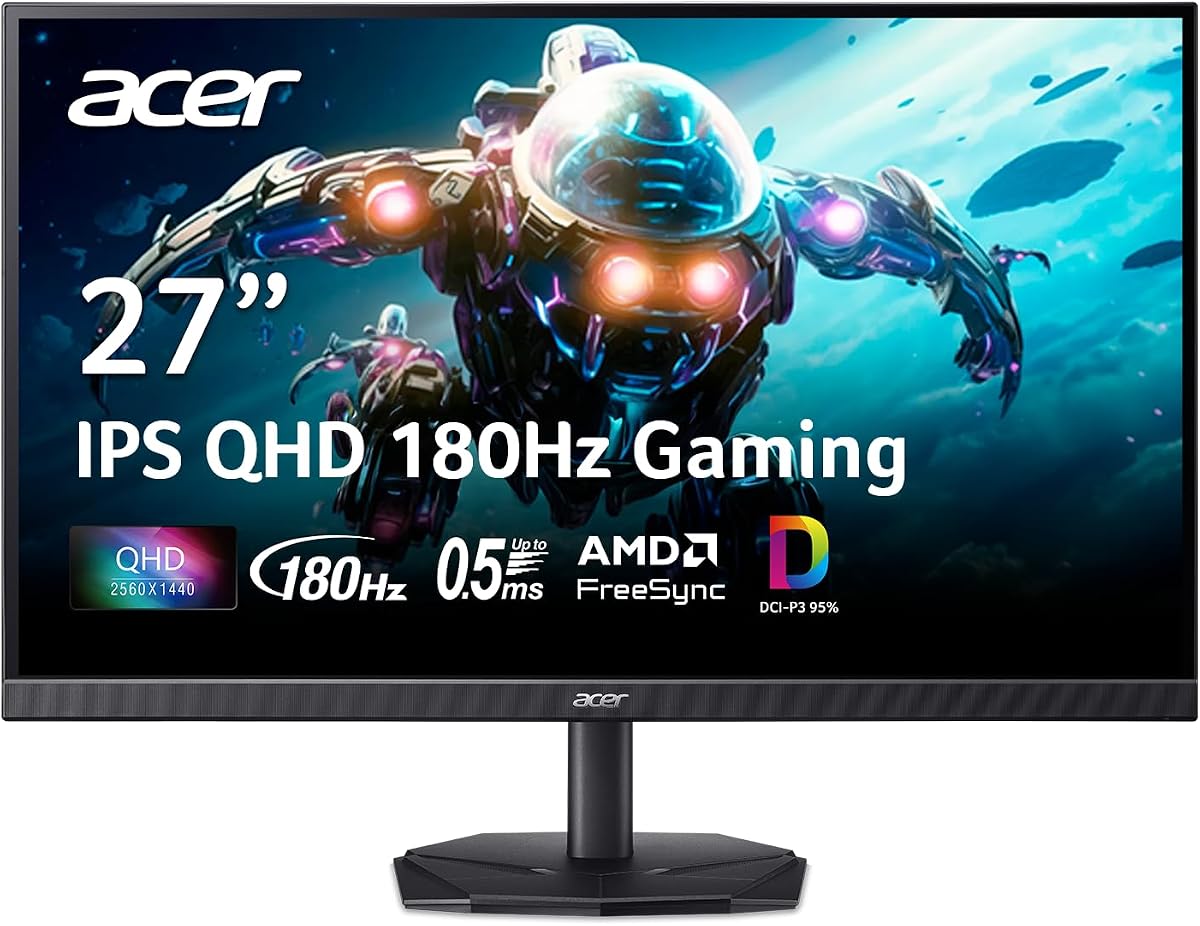
Acer Nitro QHD IPS (27")
The Acer Nitro QHD IPS is the best entry-level gaming monitor, an affordable way to step up to fast 1440p gaming. Its 27-inch QHD IPS panel offers a high refresh rate, crisp motion and good colour for the price, pairing perfectly with mid-range GPUs that can drive 1440p well. The build and stand are basic and there's no meaningful HDR, as you'd expect at this price, but the core gaming experience — sharp resolution, smooth high-refresh motion and responsive IPS performance — is genuinely good. For first-time 1440p buyers or budget builds, it's a sensible, capable starting point.
- Panel
- 27" IPS
- Resolution
- 1440p
- Refresh
- High-refresh
- Sync
- FreeSync
What we liked
- Affordable entry into 1440p gaming
- Fast IPS motion
- Good colour for the price
- Great for mid-range GPUs
Worth noting
- Basic build and stand
- No HDR to speak of
How to choose a gaming monitor in 2026
A gaming monitor is a long-term purchase that shapes every session, so it's worth matching to your GPU, your games and your priorities. Here's what matters most.
Match resolution and refresh rate to your GPU
The two headline specs — resolution and refresh rate — should be chosen together and matched to the graphics card driving them, because a monitor your GPU can't feed is wasted money. If you play competitive shooters, prioritise a high refresh rate (240Hz and up) at 1440p or 1080p, since smooth, low-blur motion is the competitive advantage and these resolutions are easier to run fast. If you love visually rich single-player games and have a powerful GPU, 4K at 144–240Hz delivers breathtaking detail. For most people, 1440p at a high refresh (the ASUS PG27AQDP, LG UltraGear 27, Gigabyte M27Q2) is the sweet spot — sharp, immersive and achievable. Be realistic about the frame rates your GPU actually produces in your games, and buy the resolution and refresh that match.
Understand OLED versus IPS
The biggest decision in 2026 is panel technology. OLED (and QD-OLED) panels deliver the best image quality money can buy: perfect blacks, infinite contrast, vivid colour and near-instant pixel response that all but eliminates motion blur — superb for both competitive and immersive gaming. The trade-offs are higher prices and a small, well-managed burn-in risk. IPS panels are far more affordable, very bright, have no burn-in concern and still offer fast response and good colour, making them the value choice (the Gigabyte M27Q2 and Acer Nitro). Choose OLED if you want the absolute best picture and can manage basic care; choose IPS for excellent gaming on a sensible budget or if you display static content for long hours.
Don't ignore response time and motion clarity
Beyond refresh rate, how cleanly a monitor renders motion determines how sharp fast action looks. OLED panels have a near-instant response time that makes motion exceptionally clear, which is a real advantage in fast games. Fast IPS panels are very good too, while slower panel types (especially cheap VA) can smear in dark scenes. A high refresh rate only helps if the pixels can keep up, so pair a fast refresh with a fast panel. For competitive players especially, motion clarity is as important as the raw refresh number — which is why OLED and high-quality IPS dominate the top of this list.
Get adaptive sync and the right ports
Adaptive sync — NVIDIA G-Sync or AMD FreeSync — synchronises the monitor's refresh to your GPU's frame rate, eliminating screen tearing and stutter for noticeably smoother gameplay. It's effectively standard on quality gaming monitors now (all our picks have it), and many work with both GPU brands, but confirm compatibility with your card. Connectivity matters too: DisplayPort handles the highest PC refresh rates, while HDMI 2.1 is essential if you'll also connect a PS5 or Xbox Series X for 4K 120Hz. Some monitors add convenient extras like USB-C (for charging and connecting a laptop with one cable), a USB hub or a KVM switch — genuinely useful if your monitor doubles as a work display.
Consider size, HDR and the desk
Size and immersion are personal, so think about your desk and games. 27 inches at 1440p is the versatile all-rounder; 32 inches suits 4K for a big, immersive image; and ultrawide (34 inches) maximises cinematic immersion for single-player and sim games, at the cost of esports compatibility and desk space. HDR is worth having for visual games — and here OLED has a real edge, since its perfect blacks make HDR genuinely impactful, whereas many IPS monitors offer only token HDR. Also weigh practical factors like stand adjustability (height, tilt, swivel) and whether the monitor fits comfortably at your viewing distance. A monitor that suits your space and games will be more enjoyable than one chosen purely on specs.
Balance the spend across your whole setup
Finally, weigh the monitor against the rest of your setup. A spectacular 4K 240Hz OLED needs a powerful, expensive GPU to do it justice — if your graphics card can't drive it, that money is better spent on a 1440p high-refresh monitor (which most GPUs handle well) and put toward other upgrades. Conversely, a top-tier GPU paired with a slow, low-resolution monitor is held back from showing what it can do. The best gaming monitor is the one that balances with your GPU and budget so the whole system feels fast and looks great together, rather than one component outclassing the rest.
Don't overlook the stand, build and warranty
Because a monitor lasts through several GPU upgrades — often five years or more — the physical details and support matter more than buyers expect. A good adjustable stand (height, tilt, swivel, and ideally pivot) lets you set a comfortable, ergonomic viewing position, which reduces neck and eye strain over long sessions; cheaper monitors often have tilt-only stands, though VESA mounting lets you add an arm. Solid build quality and tidy cable management make the monitor nicer to live with day to day. And for OLED monitors specifically, check the burn-in warranty — the better brands include multi-year coverage that provides real peace of mind. These aren't glamorous specs, but on a long-lived purchase like a monitor, they meaningfully affect your daily comfort and confidence in the buy.
The bottom line: the ASUS ROG Swift OLED PG27AQDP is the best gaming monitor overall, a 480Hz 1440p QD-OLED that excels at everything. Choose the Samsung Odyssey OLED G8 for 4K, the LG UltraGear OLED 27 for value OLED, the Alienware AW3423DW for ultrawide immersion, and the Gigabyte M27Q2 or Acer Nitro on a budget. Use our ranked picks above to match a monitor to your GPU, your games and your desk.
How we picked
We compared gaming monitors on the factors that define the experience: refresh rate and response time for smooth, blur-free motion; panel technology (OLED vs IPS) for response, contrast and colour; resolution matched to realistic GPU performance; adaptive sync (G-Sync/FreeSync); HDR quality; connectivity (including HDMI 2.1 and DisplayPort); build and stand; and value. We weighted balanced, dependable monitors over spec-sheet extremes, and made sure the list spans competitive high-refresh, premium 4K, ultrawide and budget needs across a wide range of prices.
Frequently asked questions
What is the best gaming monitor in 2026?
The ASUS ROG Swift OLED PG27AQDP is the best gaming monitor for most enthusiasts, a 27-inch 1440p QD-OLED running at 480Hz that excels at both competitive and immersive play. For 4K gaming, the Samsung Odyssey OLED G8; for value OLED, the LG UltraGear OLED 27; and for the best budget pick, the Gigabyte M27Q2. The right choice depends on your GPU, your games and your budget.
Is OLED or IPS better for gaming?
OLED offers the best image quality — perfect blacks, infinite contrast, vivid colour and near-instant response with no motion blur — making it superb for both competitive and immersive gaming. IPS is more affordable, very bright, has no burn-in risk and still offers fast response and good colour, making it the value choice. OLED is the premium pick if you want the best picture and can manage basic burn-in care; IPS (like the Gigabyte M27Q2) is the smart budget option that still games beautifully.
What resolution and refresh rate should I get?
Match them to your GPU and games. For competitive esports, prioritise a high refresh rate (240Hz, 360Hz or even 480Hz) at 1440p or 1080p, since smooth motion matters most. For immersive single-player and visual quality, 4K at 144–240Hz looks stunning but needs a powerful GPU. 1440p at high refresh is the sweet spot for most gamers, balancing sharpness and achievable frame rates. There's no point in 4K if your GPU can't drive it, or a 480Hz panel if your games run at 100fps.
Do I need G-Sync or FreeSync?
Yes — adaptive sync (NVIDIA G-Sync or AMD FreeSync) is worth having, as it syncs the monitor's refresh to your GPU's frame rate to eliminate screen tearing and stutter for smoother gameplay. The good news is most modern gaming monitors, including all the picks here, support adaptive sync, and many work with both NVIDIA and AMD GPUs regardless of branding. It's a near-universal feature now, so you'll get it on any quality gaming monitor; just confirm compatibility with your specific GPU brand.
Should I worry about OLED burn-in for gaming?
Modern gaming OLEDs have strong burn-in mitigation (pixel shifting, panel refresh routines, logo dimming) and come with burn-in warranties, so for typical mixed gaming and general use, burn-in is unlikely to be a problem within the warranty period. Basic care helps: vary your content, hide static taskbars where possible, and let the panel run its maintenance cycles. If you display static images for many hours daily (like fixed HUDs or productivity work), an IPS panel avoids the concern entirely; for normal gaming, OLED is well worth it.
What size gaming monitor is best?
27 inches at 1440p is the most popular and versatile size, sharp and immersive without being overwhelming, and ideal for competitive play. 32 inches suits 4K beautifully, giving a big, immersive image with enough pixel density to stay crisp — great for single-player and media. Ultrawide (34 inches, 3440x1440) maximises immersion for single-player, racing and sim games, though it's less ideal for some esports. Choose 27-inch 1440p for all-round and competitive gaming, 32-inch 4K for immersive visuals, or ultrawide for cinematic single-player.