Detailed review
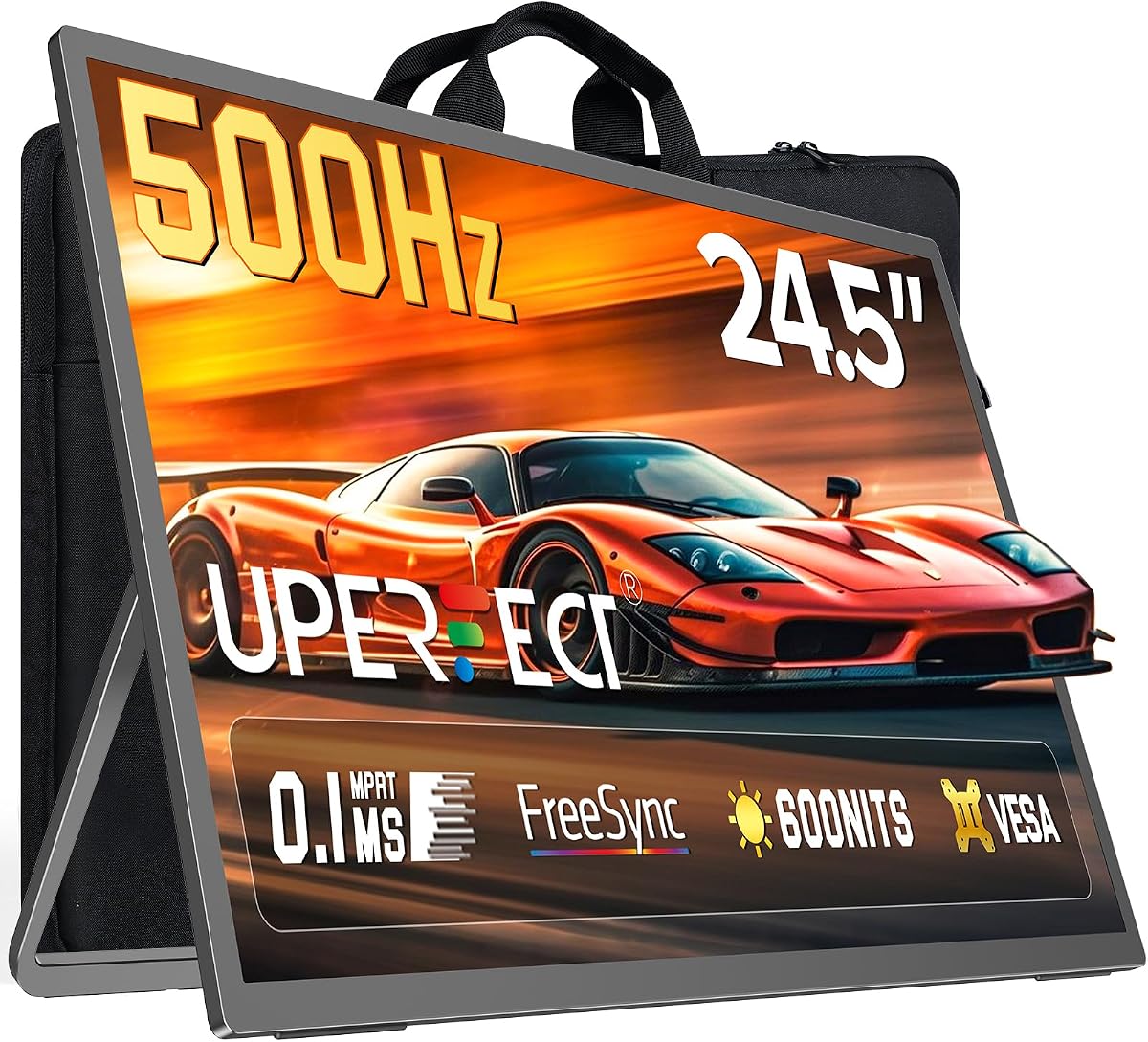
QD-OLED is the headline technology. INNOCN cites 99% DCI-P3 coverage, a 1,500,000:1 contrast ratio, and 10-bit color depth—numbers that translate to inky blacks, luminous highlights, and gradients that LCD backlights struggle to reproduce without blooming. In fast shooters the motion clarity is immediate; in story-driven titles the difference shows up in night scenes, fire effects, and subtle environmental lighting that flat VA or IPS panels wash together.
The 500Hz refresh rate is not marketing filler for everyone, but for esports-focused players with capable hardware it removes another layer of input-to-photon delay. VRR support from 48Hz through 500Hz means you still benefit when frame rates swing—common in battle royale zones or GPU-heavy ray-traced moments—without the tearing that uncapped rendering introduces. G-SYNC compatibility adds peace of mind for NVIDIA users who want adaptive sync without hunting for a specific module.
Connectivity is unusually generous. Two DisplayPort inputs and two HDMI ports cover a gaming PC, PlayStation or Xbox, a MacBook for work, and even a handheld console without constant cable swapping. INNOCN also includes Mac-view OSD modes that aim to reduce color unevenness when Apple devices drive the panel—useful if this monitor doubles as a creative second screen. A 3.5mm audio jack, built-in speakers, and LED atmosphere lighting round out a desk setup that feels complete out of the box.
Ergonomics match the performance story. Height, tilt, and swivel adjustment plus 100x100mm VESA mounting let you align the panel with your eye line for long sessions. HDR500 support improves punch in supported content, though like most gaming HDR implementations you should calibrate expectations versus reference mastering monitors. FPS and RTS-oriented tuning in the OSD helps if you bounce between competitive and strategy titles.
Honest caveats matter with OLED. Static taskbars, minimaps, and channel logos can contribute to uneven wear if you run the same layout at maximum brightness for months without variation. Use screen savers, hide persistent HUDs where games allow, and avoid leaving bright static images overnight. Also verify your GPU can deliver high frame rates at 1440p before buying primarily for 500Hz—you may still love the OLED image at 165Hz or 240Hz, but the premium ceiling rewards top-tier cards.
Who should buy: competitive PC gamers who want OLED image quality without jumping to ultra-premium brands, and hybrid work-and-play users who appreciate Mac tuning and flexible inputs. Who should skip: buyers who need a simple office screen with zero OLED care habits, or players on entry GPUs who will never approach high refresh at QHD and would be happier with a 1080p 310Hz panel like the ASUS TUF later in this list.
Setting up the INNOCN for daily use
Connect your primary gaming PC via DisplayPort for the highest refresh path, enable adaptive sync in both the monitor OSD and your GPU control panel, and spend a few minutes lowering factory brightness to a comfortable indoor level. If you use a Mac, toggle the Mac-view mode and evaluate whether you prefer slightly warmer white points for document work.
For mixed console and PC use, assign inputs in the OSD and rely on the dual HDMI ports for consoles that favor HDMI 2.1 bandwidth. Keep firmware updated if INNOCN releases revisions—they can improve VRR behavior on newer GPU drivers.
How it compares to the ASUS 310Hz pick
The ASUS TUF VG259QMRL5A wins on sheer frame rate at 1080p with Fast IPS persistence tuned for esports. The INNOCN wins on image depth, size, and resolution. Choose INNOCN if you play a mix of competitive and cinematic titles on one panel; choose ASUS if every hour is Valorant, Counter-Strike, or Apex and your GPU can push 300-plus frames at 1080p.