USB-C reality on Apple Silicon Macs
Modern MacBook Air and Pro machines expose USB-C ports that speak USB and often Thunderbolt/USB4. Portable SSDs in this roundup are USB devices. That means you can plug them into Thunderbolt ports, but performance follows the USB generation the drive and cable support—commonly USB 3.2 Gen 2 around 10Gbps for 1050 MB/s class sticks, with newer Extreme and X10 units advertising higher peaks when the path cooperates.
Docks are the silent bottleneck. A beautiful Thunderbolt dock can still present a USB 2.0 or power-limited hub port to accessories. For big copies, plug the SSD directly into the Mac or into a verified high-speed USB-C data port on the dock. Retest after firmware updates if speeds suddenly collapse.
APFS, exFAT, and Time Machine
For a Mac-only archive or Time Machine volume, APFS is usually the right choice: snapshots, encryption options, and native performance. For shuttling files to Windows editors or campus PCs, exFAT remains the compatible compromise. Avoid keeping a critical client library on a half-converted volume—erase cleanly in Disk Utility once, then stick to that plan.
Time Machine prefers its own volume. Many Mac users keep a dedicated backup SSD and a separate media SSD so backup churn never fights media read performance. Size Time Machine roughly to at least the Mac’s internal storage plus growth headroom; exclude huge render folders if you archive those elsewhere.
Capacity planning for creative Mac kits
One terabyte fits documents, photo years for lighter shooters, and school work. Two terabytes is the everyday creative sweet spot in this pack—T7, Extreme old model, X9, and X10 all offer it. Four and eight terabytes are vault territory for multi-year raw libraries and long Time Machine histories. Buy for the library you have plus twelve months of growth, not for a hypothetical forever archive on one stick.
Speed classes without the hype
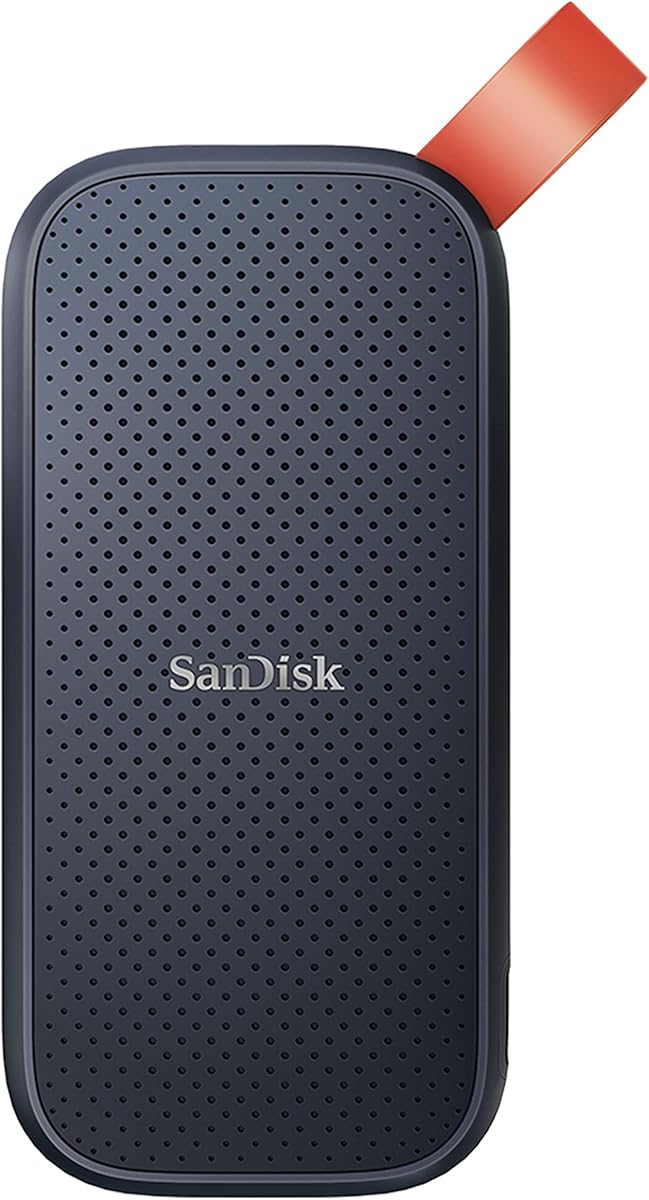
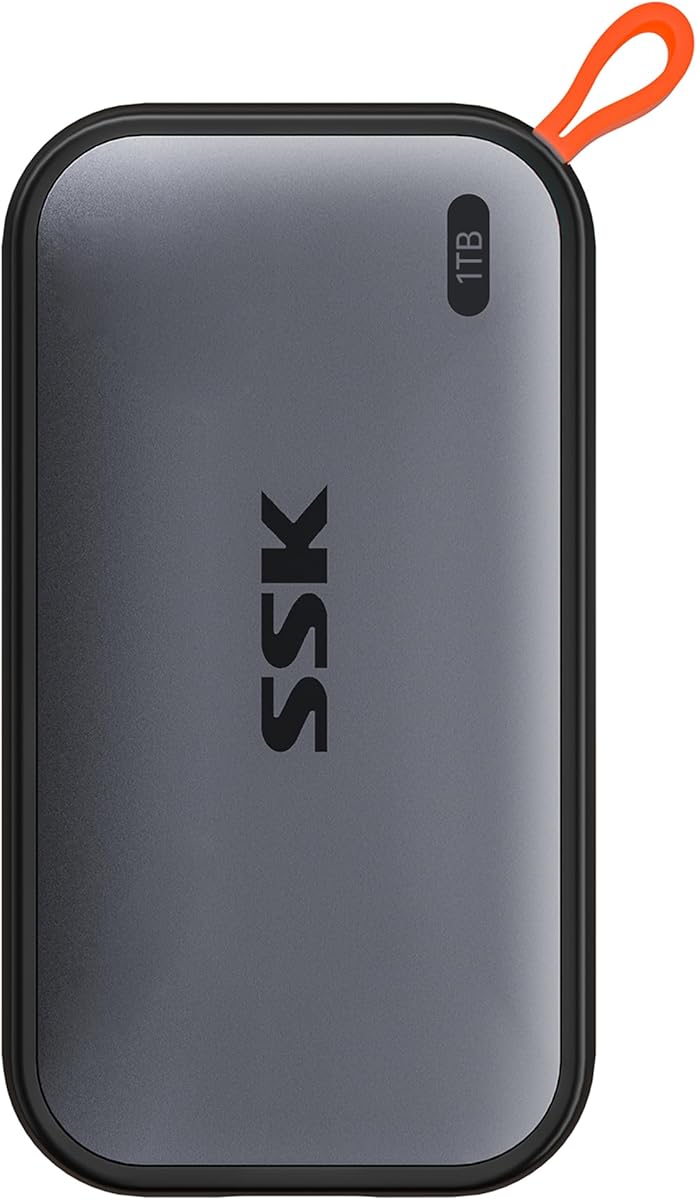
Think in tiers. Around 800 MB/s (SanDisk Portable) already transforms life versus hard drives. Around 1050 MB/s (T7, Extreme old model, X9, SSK) is the mainstream Mac creative tier. Around 2000–2100 MB/s (new Extreme, X10) is for people who regularly move enormous media dumps and own cables and ports that can feed those numbers. If your copies are mostly small documents, stepping from 1050 to 2100 feels smaller than the marketing suggests.
Durability: IP55, IP65, and drop ratings
Cafe Mac life rarely needs IP65. Festival, beach, rain-forest, or dusty trail life does. Extreme and X10 emphasize IP65; X9 advertises IP55; T7 leans on aluminum shock resistance without the same IP weather story. Match sealing to your messiest day, not your cleanest desk photo.
Encryption and losing the stick
Portable SSDs vanish in rideshares. SanDisk Extreme models highlight 256-bit AES password protection; macOS can also encrypt APFS volumes. Enable one method you will actually remember. Keep a recovery path for keys. Never assume a lost unencrypted client drive is a minor oops.
Phones, iPads, and cameras in a Mac ecosystem
Several drives in this pack mention iPhone high-res recording, Android phones, iPad Pro, and camera direct-to-SSD workflows. If your Mac is the edit hub, confirm the capture device’s supported formats and power behavior. Some phones need USB-C cables that support data, and some cameras prefer specific filesystem formats—test before a paid shoot.