Prioritize weight for edit-heavy play
Fortnite’s build and edit cadence creates more continuous hand motion than many tactical shooters. Lighter mice in the roughly 50–65 g class reduce the energy cost of repeating those motions across Creative routines and stacked endgames. Heavier mice can still work—especially for palm grippers who like inertia—but if your main complaint is fatigue or sluggish edit courses, weight should move to the top of your checklist before RGB or button count.
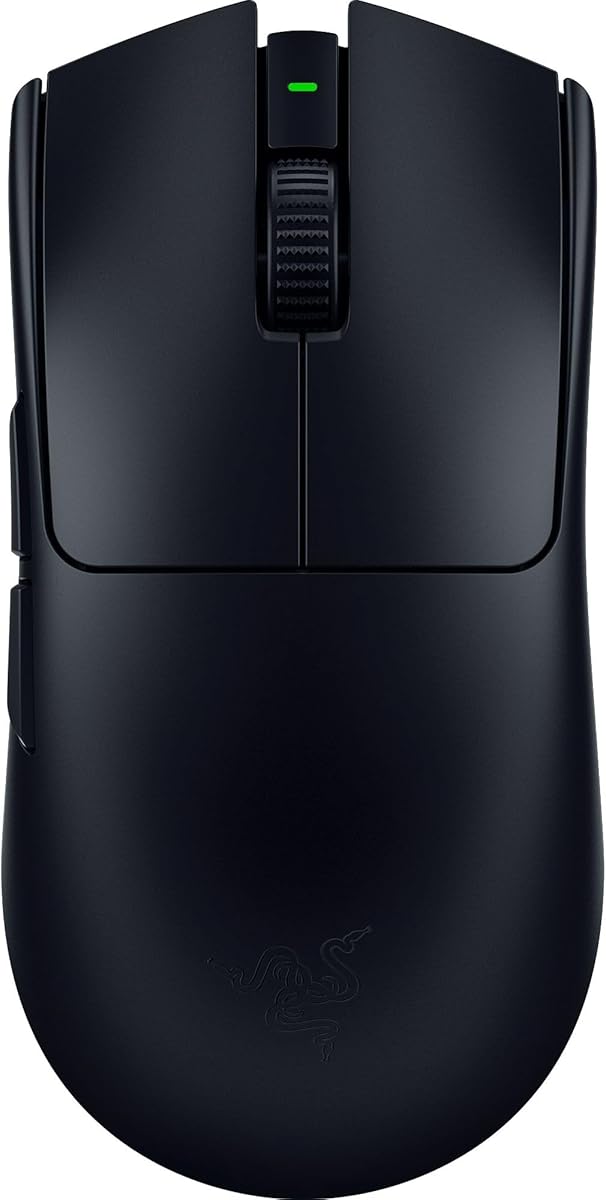
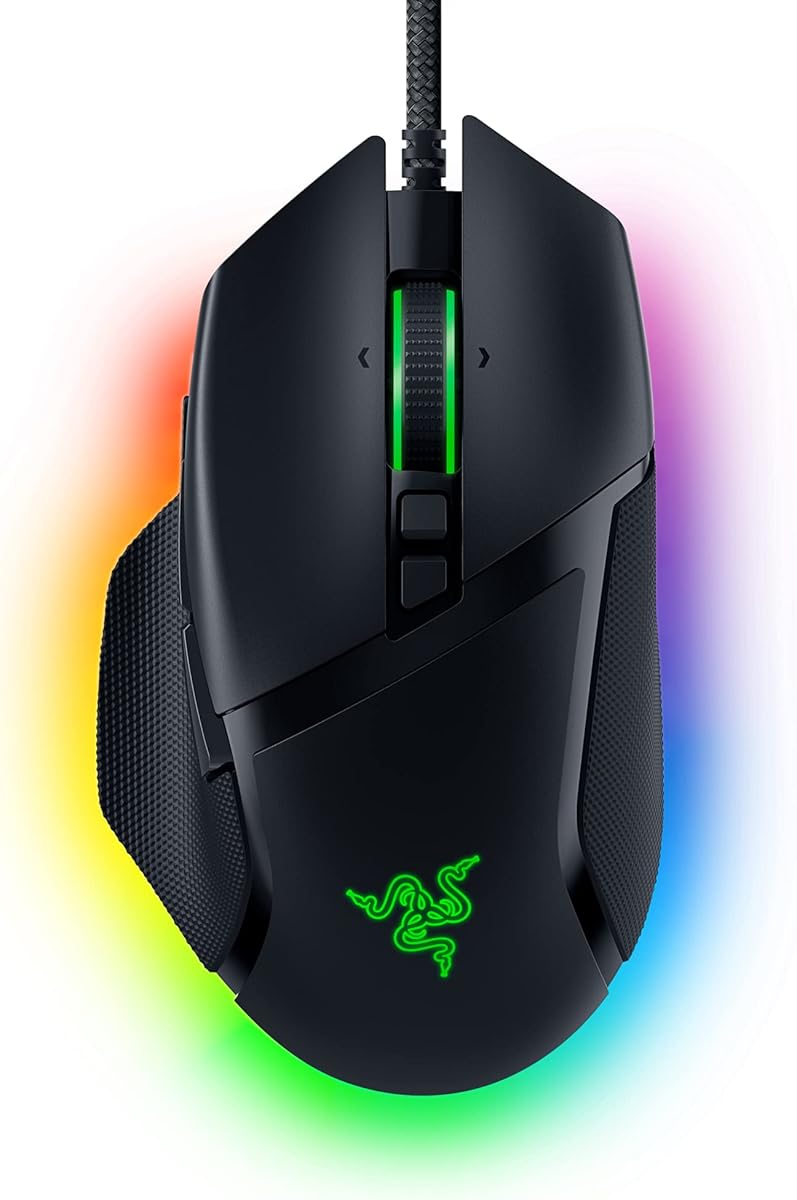
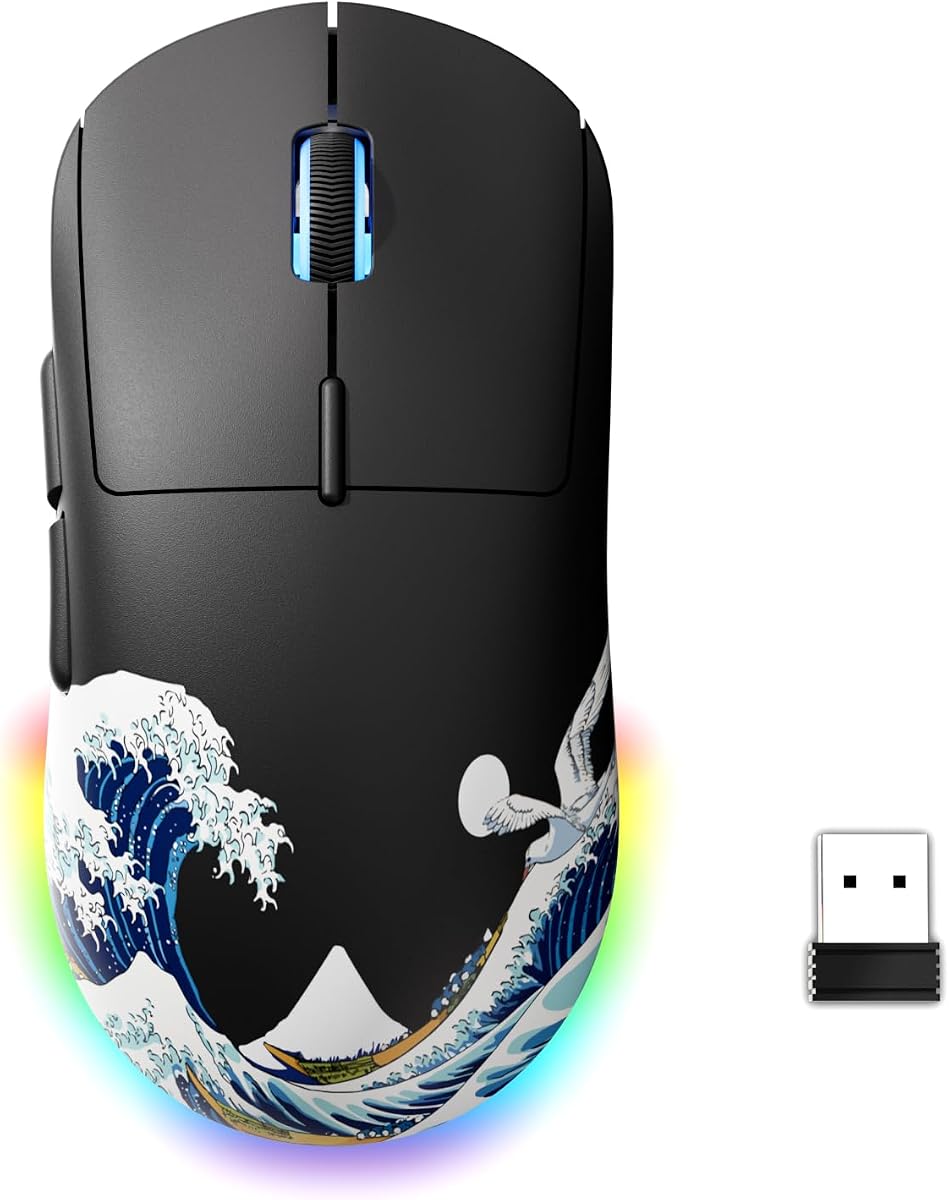
Do not chase grams blindly. A 49 g mouse with a shape that forces an unstable fingertip pinch can feel worse than a 60 g shell that locks into your hand. Use weight as a filter, then confirm shape with hand size and grip style. In this pack, the Attack Shark X3, Viper V3 Pro, and Superlight models are the clearest lightweight answers, while the G502 and Basilisk serve players who knowingly trade mass for controls and comfort.
Match shape to grip before you copy a pro
Claw and fingertip players usually prefer symmetrical low-profile shells like the Viper and Superlight families. Palm grippers often prefer filled right-handed shapes like the Basilisk or DeathAdder Essential. Hybrid grips can go either way depending on whether the thumb wants a rest or freedom to hover over side buttons.
Pro settings screenshots are useful for DPI math, not for forcing a shape that does not fit your hand. A mouse that fits poorly will create tension in the ring finger or wrist, and that tension shows up as inconsistent shotgun timing long before you notice it as “bad aim.” If you are between sizes, prioritize the shape that keeps your wrist neutral on your existing pad height and keyboard angle.
Sensor and eDPI reality for Fortnite
Modern optical sensors in this pack are all capable of Fortnite when Windows enhance pointer precision is disabled and in-game raw input behavior is respected. Flagship options such as Focus Pro and HERO 2 mainly buy you refinement, higher tracking ceilings, and better behavior on imperfect surfaces. A 6,400 DPI starter sensor is still enough if your technique is the bottleneck.
Pick a cm/360 you can repeat, then choose DPI as a convenient integer that lands near that distance. Many Fortnite KBM players land in medium-low eDPI bands so they can track spray and still flick when needed. Changing mouse brands is a bad reason to reinvent sensitivity; convert first, then micro-adjust after a few Creative sessions.
Buttons, binds, and why less can win fights
Side buttons are valuable when they host actions you press in almost every fight—commonly edit or crouch. They become harmful when they host rare utilities you fat-finger while rotating. Five-button pro mice exist because many competitive players want that discipline. Eleven-button mice exist because other players offload a full bind sheet from the keyboard.
Be honest about your current layout. If you already hit edits consistently on keyboard, you do not need to buy a G502 just because it has more buttons. If your keyboard is overcrowded and your thumb is idle, a Basilisk or G502 can unlock cleaner movement. The PRO 2’s magnetic side buttons are the middle path for people who want to experiment without buying two mice.
Wireless latency, polling, and desk hygiene
Good 2.4 GHz wireless from Razer HyperSpeed or Logitech LIGHTSPEED is more than good enough for Fortnite when the dongle sits close to the pad. High polling rates such as 4000–8000 Hz can feel snappier on high-refresh monitors, but only if your USB topology and CPU frame pacing stay clean. An unstable high-polling setup is worse than a stable 1000 Hz setup.
Cable mice still win on simplicity and cost. If you use a bungee and a flexible cable, wired options like the G502 Hero, Basilisk V3, and DeathAdder Essential remain competitively valid. Wireless wins when you hate cable drag during wide arm swipes or you play on temporary desks where cable routing is ugly.
Battery life and practice consistency
The hidden ranked killer is not a slightly older sensor. It is the night you play a cup on 5% battery with wireless power-saving quirks you never tested. Prefer mice with long competitive battery claims—Viper V3 Pro, Superlight 2, PRO 2, Viper V3 HyperSpeed’s AA approach, or the Attack Shark’s long runtime—and charge on a schedule.
AA-powered designs trade rechargeable elegance for swappable uptime. Rechargeable USB-C designs win for cable-drawer simplicity. Either philosophy is fine if you actually maintain it. Pair battery discipline with the same sensitivity, the same pad, and the same warm-up so your hand learns one system.