Best 24-Inch Monitors in 2026
We may earn a commission from links on this page, at no extra cost to you. Learn more.
The 24-inch monitor is the quiet workhorse of the desk. It is large enough to be comfortable for full days of work yet compact enough to fit almost any space, pair up in a dual setup or sit neatly in a dorm or small office. Crucially, Full HD resolution actually looks sharp at this size, so you get crisp text without paying for pixels you cannot see, which is why 24 inches remains the most sensible mainstream choice. This guide ranks nine of the best 24-inch monitors you can buy in 2026, from fast IPS gaming panels to frameless office screens and genuine bargains, so there is a right pick whether you play games, grind through spreadsheets or simply want a reliable everyday display.
Top 9 Best 24-Inch Monitors
Our top 9 picks, reviewed
MSI PRO MP243L E14 144Hz IPS
The MSI PRO MP243L is the best all-round 24-inch monitor here, blending a fast 144Hz refresh with an IPS panel that gives accurate colour and wide viewing angles, all at a mid-range price and the top owner rating on the list. Flicker-free operation and low blue light keep long sessions comfortable, and 1ms response handles fast games well. Only a tilt-only stand holds it back from perfection.
- Size
- 23.8in
- Resolution
- FHD 1920x1080
- RefreshRate
- 144Hz
- Panel
- IPS, HDMI + VGA, FreeSync
What we liked
- Fast 144Hz on an IPS panel
- 1500:1 contrast with wide angles
- TÜV flicker-free and low blue light
- Highest owner rating on the list
Worth noting
- Tilt-only stand, no height adjust
- HDR is entry-level, not true HDR
Philips 241V8LB 100Hz Full HD
The Philips 241V8LB is our value pick, offering a frameless Full HD screen with a contrast-rich VA panel and a smooth 100Hz refresh for a very low price. The standout is a four-year advance-replacement warranty, which is unusually generous at this level and buys real peace of mind. EasyRead mode helps with long documents. Viewing angles are narrower than IPS, but for a bright, dependable everyday screen it is hard to beat.
- Size
- 23.8in
- Resolution
- FHD 1920x1080
- RefreshRate
- 100Hz
- Panel
- VA, HDMI + VGA, frameless
What we liked
- Strong contrast from the VA panel
- Smooth 100Hz refresh
- Frameless three-side design
- Four-year advance-replacement warranty
Worth noting
- VA angles trail IPS
- Basic tilt-only stand
LG 24G411A-B UltraGear IPS 144Hz
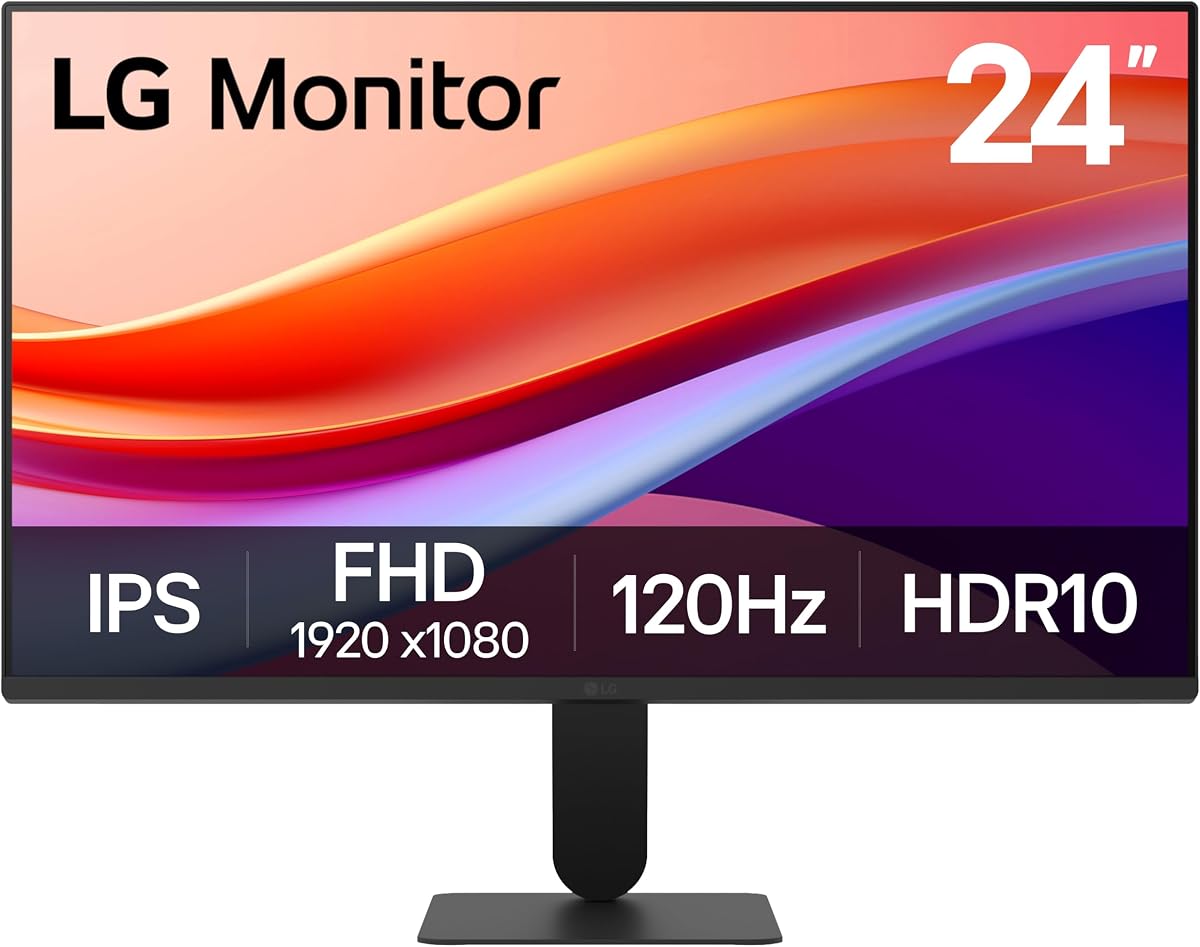
The LG UltraGear 24G411A is the pick for gamers, pairing a fast IPS panel with 120Hz native refresh, overclockable to 144Hz, and both G-Sync and FreeSync for tear-free play. HDR10 and 99% sRGB coverage make colours vivid, while 1ms motion blur reduction keeps fast action clear. It costs a little more than the budget crowd, but for competitive play on a 24-inch screen it delivers the smoothest, sharpest experience here.
- Size
- 24in
- Resolution
- FHD 1920x1080
- RefreshRate
- 144Hz (O/C)
- Panel
- IPS, HDR10, G-Sync + FreeSync
What we liked
- 120Hz native, 144Hz overclocked
- IPS with 99% sRGB and HDR10
- G-Sync and FreeSync tear-free play
- 1ms MBR keeps motion crisp
Worth noting
- Priced above most rivals here
- Slim stand offers tilt only
LG 24U411A-B IPS 120Hz
The LG 24U411A is a superb home-office screen, delivering a crisp IPS panel with 99% sRGB colour and a smooth 120Hz refresh that makes scrolling and everyday motion feel fluid. The three-side borderless design looks clean and works beautifully in a dual-monitor setup, while Reader Mode and Flicker Safe ease long working days. It leans toward productivity over gaming, and the slim stand offers tilt only, but it is a polished daily driver.
- Size
- 24in
- Resolution
- FHD 1920x1080
- RefreshRate
- 120Hz
- Panel
- IPS, HDR10, borderless
What we liked
- Sharp IPS with 99% sRGB colour
- Smooth 120Hz for scrolling
- Three-side borderless design
- Reader Mode and Flicker Safe
Worth noting
- Tilt-only slim stand
- No DisplayPort listed
Amazon Basics 24 IPS Monitor
The Amazon Basics 24-inch IPS monitor is a tidy all-in-one for home and office, adding built-in speakers, a genuinely adjustable stand and a full set of HDMI, DisplayPort and VGA inputs to a solid IPS panel. Wide viewing angles keep colour consistent, and VESA compatibility means you can wall-mount it later. At 75Hz it is not built for fast gaming, but for calls, documents and streaming it is a well-rounded, fuss-free choice.
- Size
- 24in
- Resolution
- FHD 1920x1080
- RefreshRate
- 75Hz
- Panel
- IPS, HDMI + DP + VGA, speakers
What we liked
- IPS panel with accurate colour
- Built-in speakers save desk space
- Adjustable, VESA-compatible stand
- Wide HDMI, DP and VGA inputs
Worth noting
- Only 75Hz, not for fast gaming
- Basic speaker quality
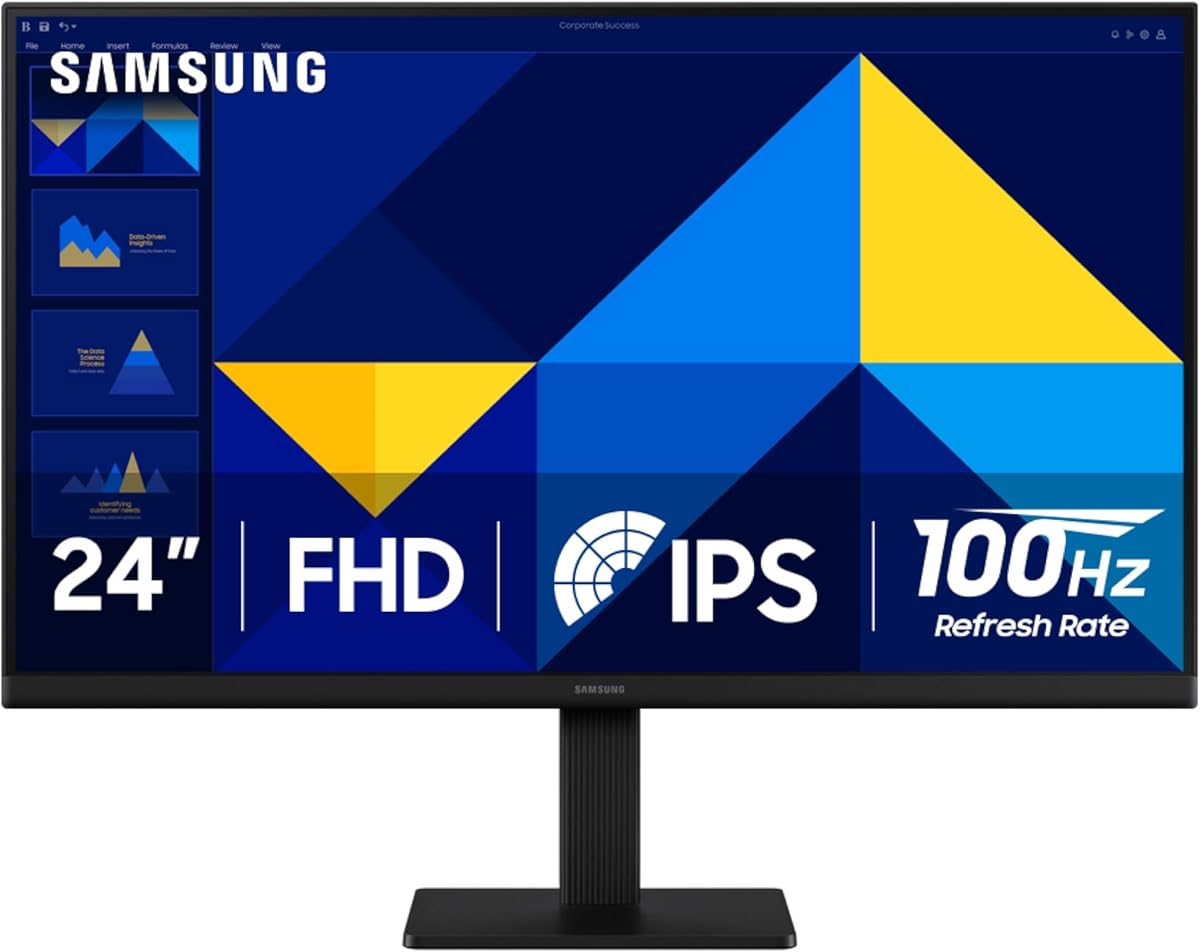
Samsung 24 S30GD Essential IPS
The Samsung S30GD Essential is a stylish everyday screen with a vivid IPS panel that keeps colour bright and consistent from any angle, plus a smooth 100Hz refresh that makes general use feel snappy. Ultra-slim bezels give it a modern, uncluttered look that suits a clean desk or a dual setup, and eye-care features reduce blue light and flicker. There are no speakers and only a tilt stand, but as a good-looking daily monitor it delivers.
- Size
- 24in
- Resolution
- FHD 1920x1080
- RefreshRate
- 100Hz
- Panel
- IPS, ultra-slim bezel, Game Mode
What we liked
- Vivid IPS colour across angles
- Smooth 100Hz refresh
- Ultra-slim modern bezels
- Advanced eye-care features
Worth noting
- Tilt-only stand
- No built-in speakers
ASUS 24 VA249QG IPS 120Hz
The ASUS VA249QG is the pick when colour matters, covering 99% of the sRGB gamut on a frameless IPS panel for consistent, true-to-life tones ideal for light creative work and everyday use alike. A 120Hz refresh and 1ms MPRT keep motion smooth, built-in speakers and HDMI, DisplayPort and VGA cover connectivity, and a three-year warranty adds confidence. It costs a touch more, but the colour accuracy and features justify the outlay.
- Size
- 24in
- Resolution
- FHD 1920x1080
- RefreshRate
- 120Hz
- Panel
- IPS, 99% sRGB, HDMI + DP + VGA
What we liked
- 99% sRGB for accurate colour
- Smooth 120Hz with 1ms MPRT
- Speakers and full input selection
- Three-year warranty for reassurance
Worth noting
- Sits at the top of the price range
- Stand offers limited adjustment
Samsung 24 S40GD Business IPS
The Samsung S40GD is the outright bargain of this list, and remarkably it still includes a height-adjustable stand that pivots to vertical, a feature usually reserved for pricier screens. The borderless IPS panel gives good colour and wide angles, 100Hz keeps everyday motion smooth, and eye-care modes ease long sessions. There are no speakers and the styling is plainly business-focused, but for the money the ergonomics and image quality are outstanding.
- Size
- 24in
- Resolution
- FHD 1920x1080
- RefreshRate
- 100Hz
- Panel
- IPS, height-adjust + pivot
What we liked
- Remarkably low price
- Height-adjustable and pivots to vertical
- IPS colour with 100Hz refresh
- Borderless business-friendly design
Worth noting
- No speakers included
- Aimed at business, so plain styling
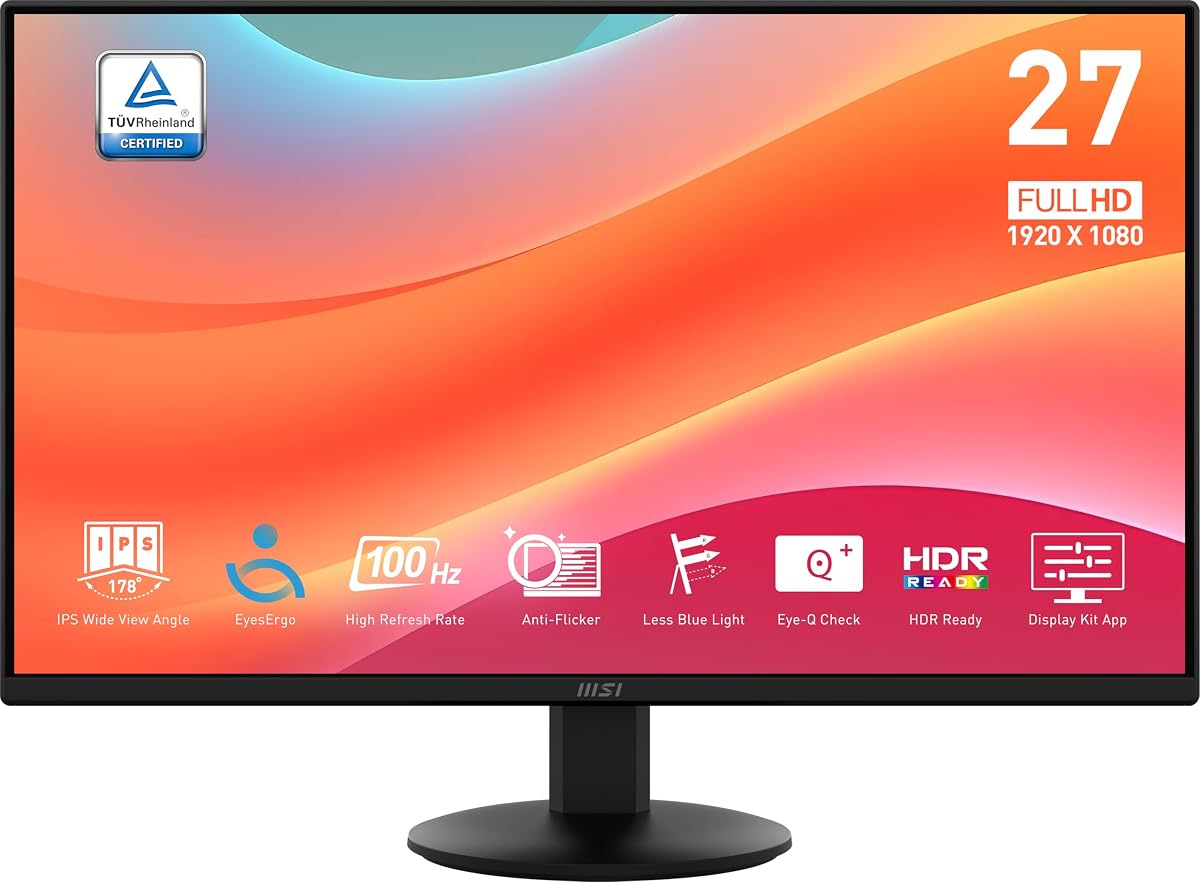
MSI PRO MP242LE 100Hz IPS
The MSI PRO MP242LE is a clean, affordable office screen with a four-sided frameless design that looks great in a multi-monitor row, plus 100Hz Adaptive Sync for smooth everyday motion. Tool-free assembly and an integrated cable clip make setup painless, and TÜV-certified flicker-free operation eases eye strain. Its owner rating trails the others here, so lean on return protection, but as a simple, tidy productivity panel it does the essentials well.
- Size
- 23.8in
- Resolution
- FHD 1920x1080
- RefreshRate
- 100Hz
- Panel
- IPS, HDMI + DP, frameless
What we liked
- Frameless four-sided design
- 100Hz with Adaptive Sync
- Tool-free assembly and cable clip
- TÜV flicker-free and low blue light
Worth noting
- Lowest owner rating on the list
- Tilt-only stand
How We Chose the Best 24-Inch Monitors

At 24 inches, the buying decision shifts away from resolution and toward the qualities that shape everyday feel. Full HD already looks sharp at this size, so rather than chasing pixel counts we focused on panel technology, motion smoothness, connectivity, stand ergonomics and, above all, value. A 24-inch monitor is often bought in pairs or as a dependable daily driver, so consistency and comfort matter more than headline flash.
We started with panel type, since an IPS or VA layer sets the tone for colour and viewing angles, then weighed refresh rate for anyone who games or simply wants smoother scrolling. Because a 24-inch screen is so often bought to sit alongside a second identical unit, we paid particular attention to bezel width and frameless designs, which determine how seamless a dual setup looks. Connectivity earned attention because these screens frequently connect to older machines and second devices, so HDMI, DisplayPort and VGA all count. We looked at stand adjustment and VESA support, because ergonomics are easy to overlook and hard to live without, and we checked eye-comfort features for long sessions. Finally, we kept the list deliberately broad, from fast gaming IPS panels to frameless office screens and true bargains, so buyers with any priority and budget can find a match rather than a single compromise.
Why Full HD Works So Well at 24 Inches
The great advantage of the 24-inch class is that Full HD resolution genuinely suits it. Pixel density, the measure of how tightly packed the dots are, stays high enough at this size that text looks crisp and images clean without the softness you see when the same 1920 by 1080 pixels are stretched across a 32-inch panel. That means you are not paying for resolution you cannot really appreciate, and your graphics card has an easier time driving high frame rates, which is a bonus for gaming.
This is why every monitor on this list is a 1080p panel, and why none of them feels compromised for it. The MSI PRO MP243L, LG UltraGear 24G411A and Samsung S30GD all deliver sharp, comfortable images because the resolution and size are well matched. It also keeps prices sensible: without the cost of a higher-resolution panel, more of the budget goes into the things that actually improve a 24-inch screen, such as a faster refresh rate, an IPS panel or a better stand. It also means a 24-inch screen scales its demands gently, so an older or modest graphics card can drive it at a high frame rate without strain, which is part of why these panels remain such popular gaming choices. The takeaway is reassuring, at 24 inches Full HD is not a compromise but the correct choice, so you can focus your decision on panel quality, smoothness and features instead.
Matching the Monitor to Your Needs
For Gaming
If play is your priority, look for a fast refresh rate and adaptive sync. The LG UltraGear 24G411A is the standout, with 120Hz native refresh overclockable to 144Hz, IPS colour, HDR10 and both G-Sync and FreeSync. The MSI PRO MP243L is a close, more affordable alternative at a full 144Hz. Both keep fast action smooth and tear-free, and their 1ms motion handling reduces blur when things move quickly.
For Home Office and Productivity
For documents, calls and spreadsheets, prioritise a comfortable IPS panel and useful extras. The LG 24U411A offers a crisp 120Hz IPS screen and a clean borderless design ideal for dual setups, while the Amazon Basics monitor adds built-in speakers and an adjustable stand for a tidy all-in-one. The MSI PRO MP242LE is a simple, frameless option for a multi-monitor office row.
For Colour and Everyday Style
If you want accurate colour or a screen that looks good on the desk, the ASUS VA249QG covers 99% of sRGB for true-to-life tones, and the Samsung S30GD Essential pairs vivid IPS colour with ultra-slim, modern bezels. Both suit light creative work and general use where image quality and appearance matter alongside function.
For the Tightest Budget
When cost leads, the Samsung S40GD is remarkable value and, unusually, still includes a height-adjustable pivoting stand, while the Philips 241V8LB backs its low price with a four-year warranty. Either delivers a capable everyday screen for very little.
Specifications That Matter Most
Panel type is the first thing to weigh. IPS, used by most screens here, gives the most consistent colour and the widest viewing angles, which is why it is the default recommendation for work, dual setups and shared viewing. VA, as on the Philips 241V8LB, offers deeper blacks and higher contrast that flatter film and darker games, at the cost of some angle consistency. For most buyers, IPS is the safer, more versatile choice.
Refresh rate is the next key spec, and it neatly divides the list. A 120Hz or 144Hz panel like the LG UltraGear or MSI PRO MP243L is a real upgrade for gaming and makes even ordinary scrolling feel smoother, whereas 75Hz or 100Hz is perfectly comfortable for office work and costs less. Connectivity is worth checking, since these screens often meet older hardware, so the mix of HDMI, DisplayPort and VGA on models like the Amazon Basics and ASUS is genuinely useful. Do not ignore the stand: many 24-inch monitors offer tilt only, so if height and pivot matter, favour the Samsung S40GD or a VESA-mounted arm. Finally, flicker-free operation and blue-light filters, present across these picks, keep long days at a bright screen comfortable.
A Closer Look at the Top Picks
The MSI PRO MP243L takes the top spot because it balances everything a 24-inch monitor should do and carries the highest owner rating on the list. A fast 144Hz refresh on an IPS panel is an unusually good combination at this price, giving smooth gaming and accurate, wide-angle colour for work in one screen, while flicker-free operation keeps it easy on the eyes. Only its tilt-only stand keeps it from being flawless.
Behind it, the Philips 241V8LB is the value champion, its four-year warranty and contrast-rich VA panel making it a dependable bargain, while the LG UltraGear 24G411A is the gamer's choice for its fast, adaptive-sync IPS panel. The LG 24U411A and Amazon Basics monitor cover home-office duties well, the ASUS VA249QG leads on colour accuracy, and the Samsung S30GD adds everyday style. Rounding out the list, the Samsung S40GD is an outstanding budget pick with rare ergonomics, and the MSI PRO MP242LE is a clean, affordable office panel.
Tips for Setting Up a 24-Inch Monitor
A few small adjustments make a 24-inch screen far more comfortable. Set the top of the display at roughly eye level and sit about an arm's length away; on the tilt-only models here, a stack of books or a VESA arm can raise a too-low panel to a healthier height. If you use two monitors, matching frameless models like the LG 24U411A or MSI PRO MP242LE line up with minimal gap for a seamless workspace.
Get the most from the panel by connecting the right way and enabling the right modes. Use DisplayPort or a suitable HDMI cable on high-refresh screens such as the LG UltraGear to reach their full 120Hz or 144Hz rather than defaulting to 60Hz. Turn on adaptive sync in your graphics settings for tear-free gaming, and switch on the flicker-free and low-blue-light modes these monitors include if you work long hours. If your screen has built-in speakers, like the Amazon Basics or ASUS, they are handy for calls and video even if you keep a headset for serious listening. With sensible placement and settings, a 24-inch monitor is one of the most comfortable, cost-effective upgrades a desk can have.
Final Recommendation
For most buyers, the MSI PRO MP243L is the best 24-inch monitor in 2026, combining a fast 144Hz IPS panel, accurate colour and strong eye comfort at a fair price and the top owner rating here. Gamers who want the smoothest play should look at the LG UltraGear 24G411A, while home-office users are well served by the LG 24U411A or the speaker-equipped Amazon Basics. If colour accuracy leads, the ASUS VA249QG is the pick, and anyone on a tight budget should grab the ergonomic Samsung S40GD or the warranty-backed Philips 241V8LB. Because Full HD looks genuinely sharp at this size, you can choose confidently on panel quality and features, and a 24-inch screen will serve you reliably for years.
How we picked
We judged each 24-inch monitor on panel type and colour, refresh rate and motion handling, connectivity, build and stand ergonomics, eye-comfort features and value for money. Because Full HD looks genuinely sharp at this size, we focused less on resolution and more on panel quality, smoothness and price. We mixed gaming, office and ultra-budget picks so the list reflects the many roles a 24-inch screen plays on a desk.
Frequently asked questions
Is a 24-inch monitor big enough?
For most people, yes. A 24-inch screen is comfortable for full-day work, fits almost any desk and pairs well in a dual setup. Full HD looks genuinely sharp at this size, so you get crisp text without wasted pixels. If you want a more immersive single screen for gaming or film, a 27 or 32-inch model may suit better, but 24 inches remains the mainstream sweet spot.
What resolution is best for a 24-inch monitor?
Full HD (1920x1080) is the right match for 24 inches. At this size it delivers a sharp, clean image with good pixel density, which is why every pick here, from the MSI PRO MP243L to the LG UltraGear, is a 1080p panel. Higher resolutions add cost without a clear visible benefit on a screen this size unless you sit unusually close.
Do I need a high refresh rate on a 24-inch monitor?
Only for gaming. A 120Hz or 144Hz panel like the LG UltraGear 24G411A or MSI PRO MP243L makes fast play noticeably smoother, and even makes scrolling feel snappier. For office work, browsing and video, a 75Hz or 100Hz screen such as the Amazon Basics or Samsung S30GD is perfectly comfortable and usually cheaper.
IPS or VA for a 24-inch monitor?
IPS is the safer all-round choice, giving accurate colour and wide viewing angles, which is why most picks here use it. VA panels, like the Philips 241V8LB, trade some angle consistency for deeper blacks and stronger contrast, making them appealing for film and darker scenes. For work, dual setups and shared viewing, IPS is generally the better fit.
Can I mount a 24-inch monitor on an arm?
Most can, provided they list VESA compatibility, such as the Amazon Basics and MSI models here with a 100x100mm pattern. A monitor arm frees desk space and improves ergonomics, which is especially useful for the tilt-only screens on this list. The Samsung S40GD already includes a height-adjustable, pivoting stand if you would rather not buy an arm.