Detailed review
Logitech’s posture claims are specific enough to be useful. The sloping split design targets wrist and forearm strain; the curved wrist rest with a memory foam layer is marketed as offering substantially more wrist support and less wrist bending than a standard keyboard without a palm rest. In lived use, the rest feels plush without trapping heat the way cheap gel pads sometimes do. The scooped Perfect Stroke keys give a confident, quiet press that suits open offices and video calls.
Adjustable palm lift is the K860’s underrated feature. Legs offer 0, -4, and -7 degree positions so you can pursue a more neutral wrist when seated or when a standing desk changes your elbow height. Many people still prop the back of a keyboard up out of habit; negative tilt often feels better once you try it. Take a day at each angle rather than guessing from the product photo.
Wireless options cover Bluetooth and the included USB receiver, so you are not locked into one pairing style. The layout stays full-size in spirit—familiar navigation cluster and function row—so spreadsheet and document power users lose less than they would on a tiny tenkeyless. Caps Lock indicator and quiet key travel help it feel like a professional tool rather than a novelty ergo gadget.
Sustainability details matter to some buyers: Graphite plastic parts include a high share of certified post-consumer recycled plastic, and packaging uses FSC-certified paper. That does not change typing feel, but it aligns with buyers who want comfort upgrades without ignoring materials. Logitech Options software remains the customization layer for Fn keys, shortcuts, and battery notifications.
The honest tradeoff is adaptation. Expect a week or two where Y, B, and number-row reaches feel slightly off. Most people who stick with it report that the awkwardness fades and wrist pressure drops. If you cannot afford that learning dip during a deadline week, start with Wave Keys and graduate later. If you can, the K860 is the best overall ergonomic keyboard in this set.
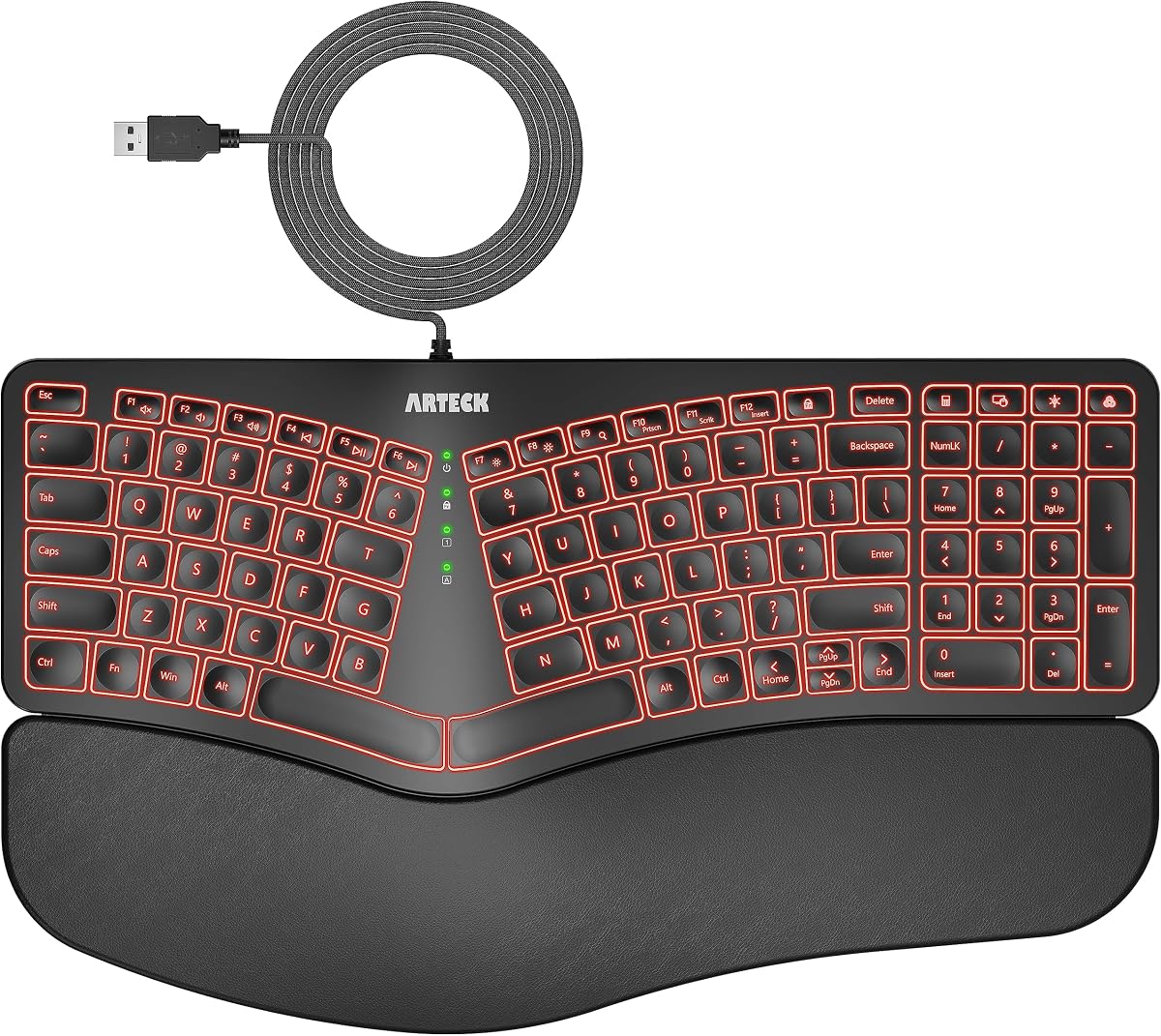
Skip the K860 only if you need a hardwired always-on connection with zero batteries, prefer a budget Arteck split, or want RGB backlight for dark rooms. Everyone else shopping this category should shortlist it first.
Best for deep ergonomic correction
Choose the K860 if a clinician, physical therapist, or your own trial-and-error has pointed you toward a split layout. Writers, editors, developers, and analysts who log long continuous sessions benefit most. Pair it with a chair that supports upright elbows; no keyboard fixes a desk that is six inches too high.
Standing desk tip
When you raise the desk, drop the K860 into a negative tilt setting and recheck elbow height. The goal is forearms roughly parallel to the floor with soft wrists. Recheck mouse position after the keyboard move—splits change where your right hand lands.
K860 versus Wave Keys
K860 wins on split depth, tilt adjustability, and maximum posture change. Wave Keys wins on compactness, easier first week, and multi-device Easy-Switch polish. Buy K860 for commitment; buy Wave Keys for a lower-friction upgrade.