Detailed review
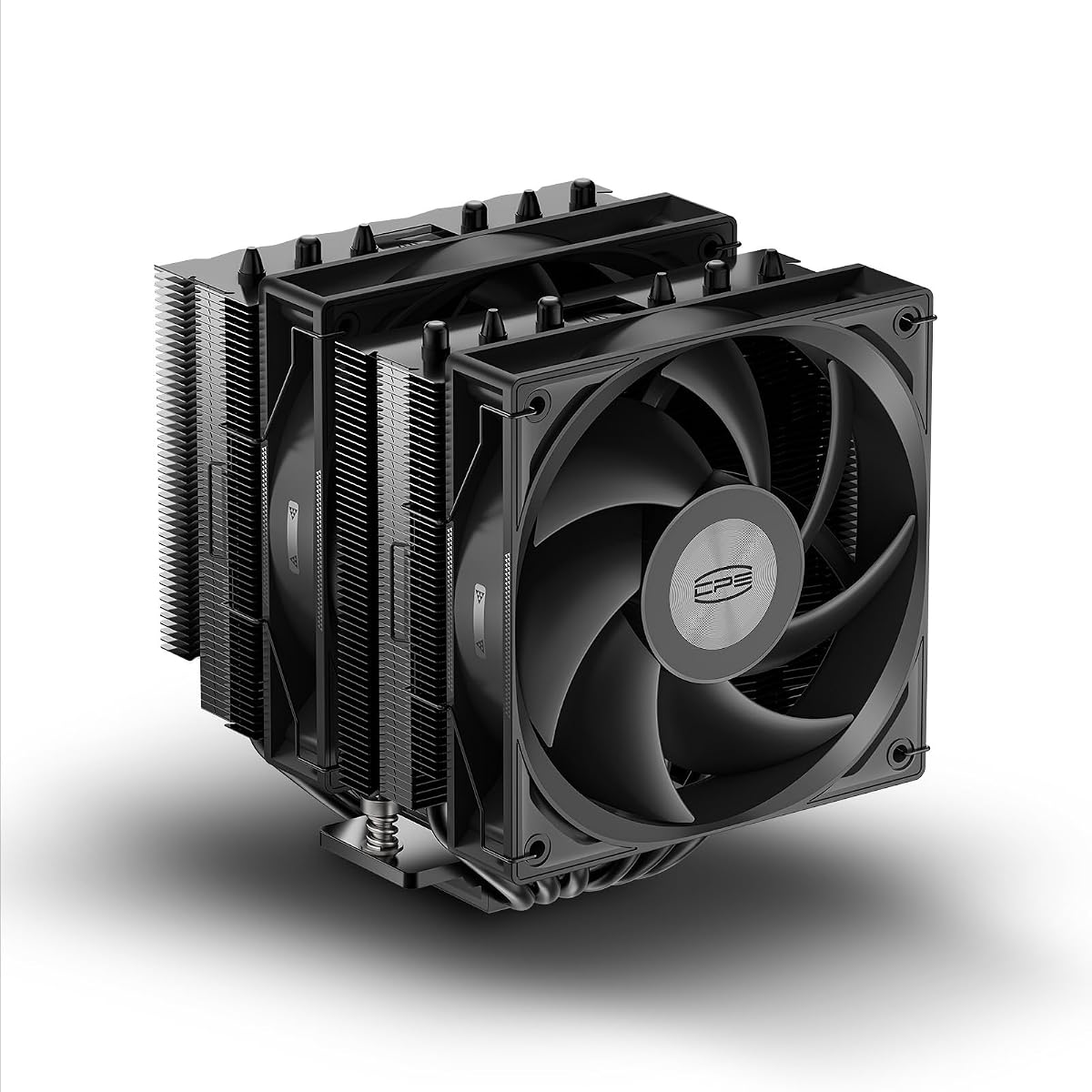
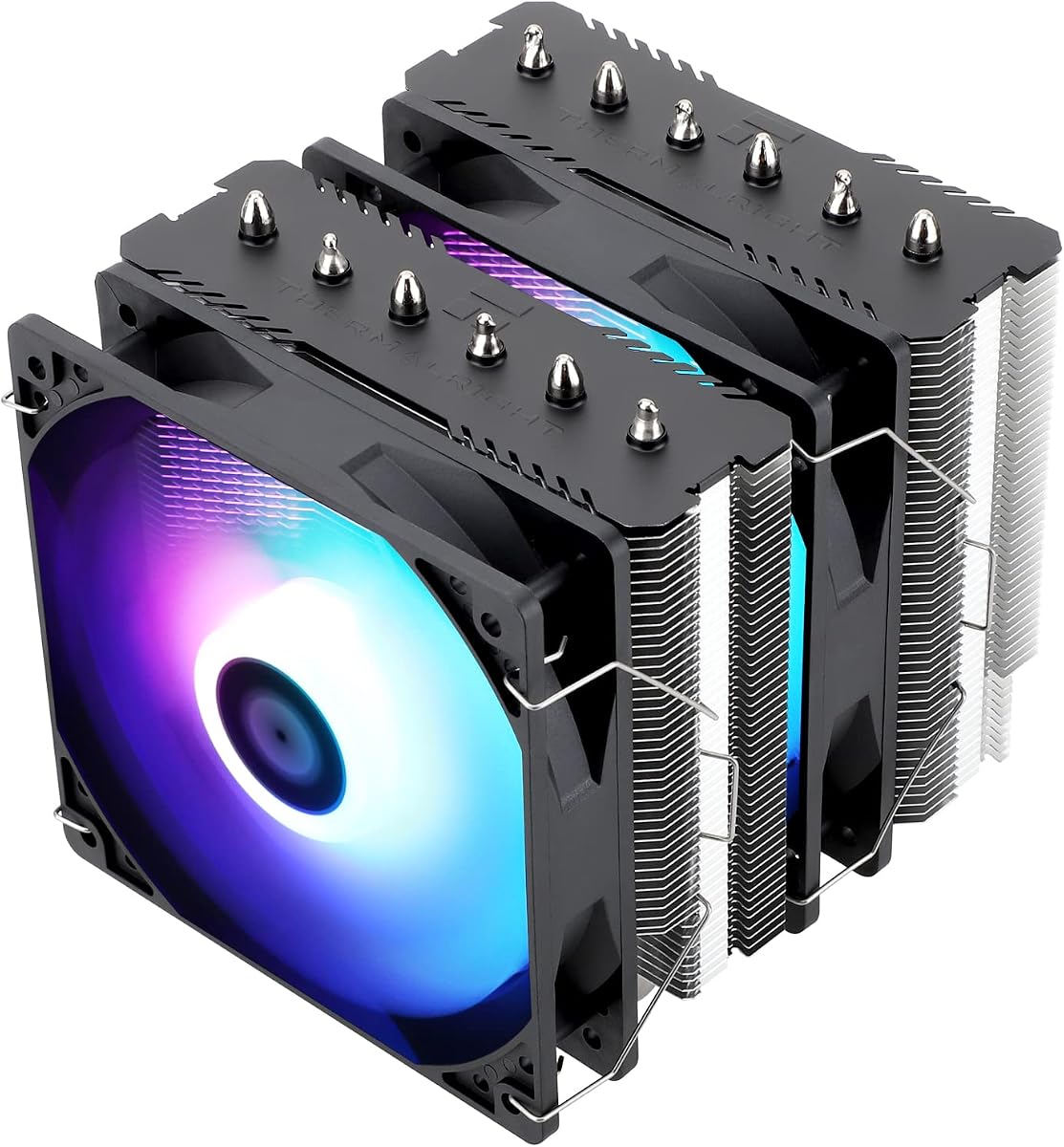
Two TL-C12C 120 mm PWM fans pull and push air through both towers at up to 1550 RPM with a combined airflow rating of 66.17 CFM per fan. That is modest on paper compared with the V2 revision's thicker fans, but in real desktop workloads the Peerless Assassin 120 SE consistently keeps Ryzen 7 and Core i7-class processors well below throttling thresholds when paired with a sensible case fan layout. PWM control through a four-pin header lets your motherboard ramp speeds based on CPU temperature rather than running both fans at a fixed high RPM all day.
At 125 mm deep, 135 mm wide, and 155 mm tall, the cooler occupies substantial space inside a mid-tower. Thermalright explicitly warns buyers to verify case and motherboard compatibility before purchase, and that advice matters: the fin stack can interfere with the top PCIe slot on some boards if the cooler is mounted with fans in the default push-pull orientation. The memory avoidance cutout in the fin design helps tall heat spreaders fit under the front fan on many AM5 and LGA 1700 boards, though extreme RAM heights still deserve a quick compatibility check against user photos for your specific board model.
Installation hardware covers Intel 115X, 1200, 1700, and 1851 sockets plus AMD AM4 and AM5. Metal fasteners replace the flimsier plastic clips found on older budget coolers, which reduces mounting pressure inconsistencies that show up as hot spots on the CPU lid. On AMD platforms you must reuse the motherboard's stock backplate—Thermalright does not ship a replacement—which is standard for many Peerless Assassin kits but still trips up first-time builders who discard the backplate during an old cooler removal.
Noise performance is a major reason this model stays popular. Thermalright rates the TL-C12C fans at 25.6 dB(A) or less, and with a gentle fan curve the Peerless Assassin 120 SE often stays quieter than a 240 mm AIO pump at idle and light browsing. Under sustained rendering or gaming loads the fans become audible, but the character is broad airflow rather than the whine associated with small high-RPM fans on thin single-tower heatsinks.
If you do not need addressable RGB, integrated displays, or a blacked-out aesthetic, the standard Peerless Assassin 120 SE remains the baseline against which every other cooler in this roundup should be measured. It delivers dual-tower thermal headroom, broad socket support, and mature mounting hardware without asking you to pay for features your build will never use.
Who Should Buy the Peerless Assassin 120 SE
Choose this model if you want maximum cooling per dollar on a current AM5 or LGA 1700/1851 gaming or productivity PC with a mid-tower case that lists at least 160 mm CPU cooler clearance. It fits builders upgrading from a stock cooler who need sustained all-core performance without liquid maintenance.
Skip it if your case height limit sits below 155 mm, if you require synchronized ARGB across fans and pump blocks, or if you plan to run extremely tall RAM modules on a cramped ITX board where fin overlap is likely.
Installation and Fan Wiring Notes
Plan for two four-pin PWM headers on your motherboard or use a Y-splitter if only one CPU fan header is available. Apply thermal paste in a small pea-sized dot unless your paste tube instructions differ, tighten the mounting screws in a cross pattern, and boot into BIOS afterward to confirm both fans report RPM.
Route cables along the side of the tower stack before attaching the front fan so wires do not get pinched between fin and fan frame during final assembly.