Detailed review
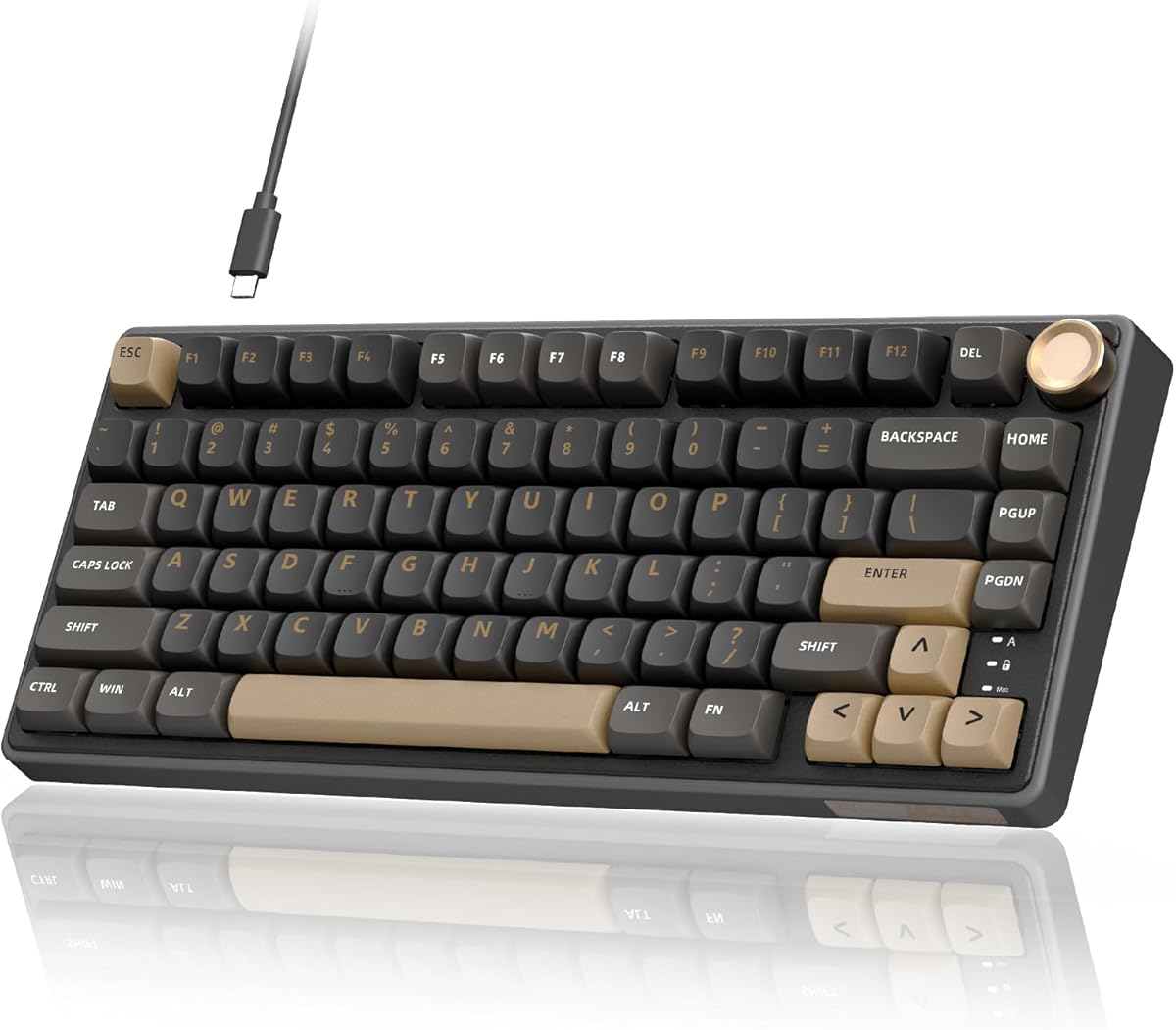
Mount and acoustics are where the K1 earns the overall pick. A gasket-mounted structure with a flexible polycarbonate plate absorbs impact and softens the bottom-out, while five layers of sound-dampening foam cut cavity ping that still haunts cheaper hollow shells. The result is a creamy, rounded typing voice that stays pleasant for hours instead of fatiguing with sharp plate noise. Stabilizers and switch consistency feel sorted for a ready-to-type board, so first-time custom buyers do not need to lube and film everything before the keyboard is usable. Enthusiasts can still pull switches later because the PCB is hot-swappable—exactly the progressive customization path most people want in 2026.
Connectivity covers the modern desk: wired USB-C for charging and latency-sensitive play, Bluetooth 5.0 for tablets and secondary laptops, and 2.4GHz for a dedicated gaming dongle. Windows and Mac compatibility keeps it honest as a multi-machine board rather than a Windows-only toy. Dual independent RGB systems with 16.8 million colors and thirteen backlight modes give more lighting personality than a single underglow strip, and dedicated software lets you remap and restyle without fighting opaque Fn layers alone. If you want one custom-feeling 75% that already looks and sounds intentional, the Mercury K1 is the pack’s clearest all-rounder.
Compared with value cream machines like the AULA F75, the K1 spends more of its identity on chassis and switch exclusivity. That is a fair trade if you care about how the board sits on the desk as much as how it types. Compared with display-forward boards like the Womier SK80 or RK S98, it prefers acoustic and structural polish over a status screen. Competitive players who live on silver short-travel switches may still prefer the RK R75’s speed tuning, but for mixed gaming and typing with real custom DNA, the Mercury K1 sets the bar in this list.
Setup is straightforward: choose connection mode, install software if you want deep RGB and remaps, and decide whether stock linears stay or become your first hot-swap experiment. Keep a spare USB-C cable nearby for firmware moments and long sessions with RGB cranked. Because the shell is visually loud in a good way, pair it with a simple desk mat rather than more glowing accessories if you want the aluminum silhouette to remain the hero. For creators, students, and gamers who want a custom board without soldering, this is the pack’s safest premium landing zone.
We also appreciate that GravaStar did not cut the essentials to fund the look. Gasket feel, dampening stack, hot-swap PCB, and tri-mode radio are all present, so you are not paying purely for sci-fi branding. If your only priority is the absolute cheapest creamy 75%, look at AULA. If your priority is a custom keyboard you will still be proud of after the first month of novelty fades, start here.
Who should buy the Mercury K1
Choose the K1 if you want a visually distinctive aluminum 75% with gasket acoustics, exclusive linear switches, and tri-mode wireless in one package. It fits gamers who also write, designers who care about desk aesthetics, and custom beginners who want hot-swap without buying a barebones kit.
Setup tips for Win and Mac
Pair 2.4GHz for competitive play, Bluetooth for tablets or a second laptop, and USB-C when you want zero radio variables. Confirm the OS layout in software so Command and Windows keys land where your muscle memory expects them.
How it compares in this pack
It beats value boards on chassis quality and switch exclusivity, while display boards beat it on status screens. If aluminum presence and creamy gasket typing matter most, keep the K1 at the top of your shortlist.