Start with the job, not the DPI number
A budget mouse decision gets easier when you name the primary job. Office and school work reward reliable wireless or simple wired tracking, ambidextrous or compact shapes, and battery systems you will not babysit. Competitive or long gaming sessions reward sensors with consistent tracking, comfortable shells for your grip, and side buttons you will actually bind.
Chasing the highest DPI on a listing is usually a distraction. Most people game and work between a few hundred and a few thousand DPI depending on monitor size and sensitivity habits. Stable tracking, solid clicks, and a shape that matches your hand beat a 26K headline you never enable.
Wired, nano 2.4 GHz, Bluetooth, or tri-mode
Wired mice eliminate charging and are still excellent for fixed desks—see the G203, G502 Hero, DeathAdder Essential, TMKB Falcon, and Amazon Basics. Classic office wireless like the M185 uses a nano USB receiver that is simple but needs a USB-A port or adapter.
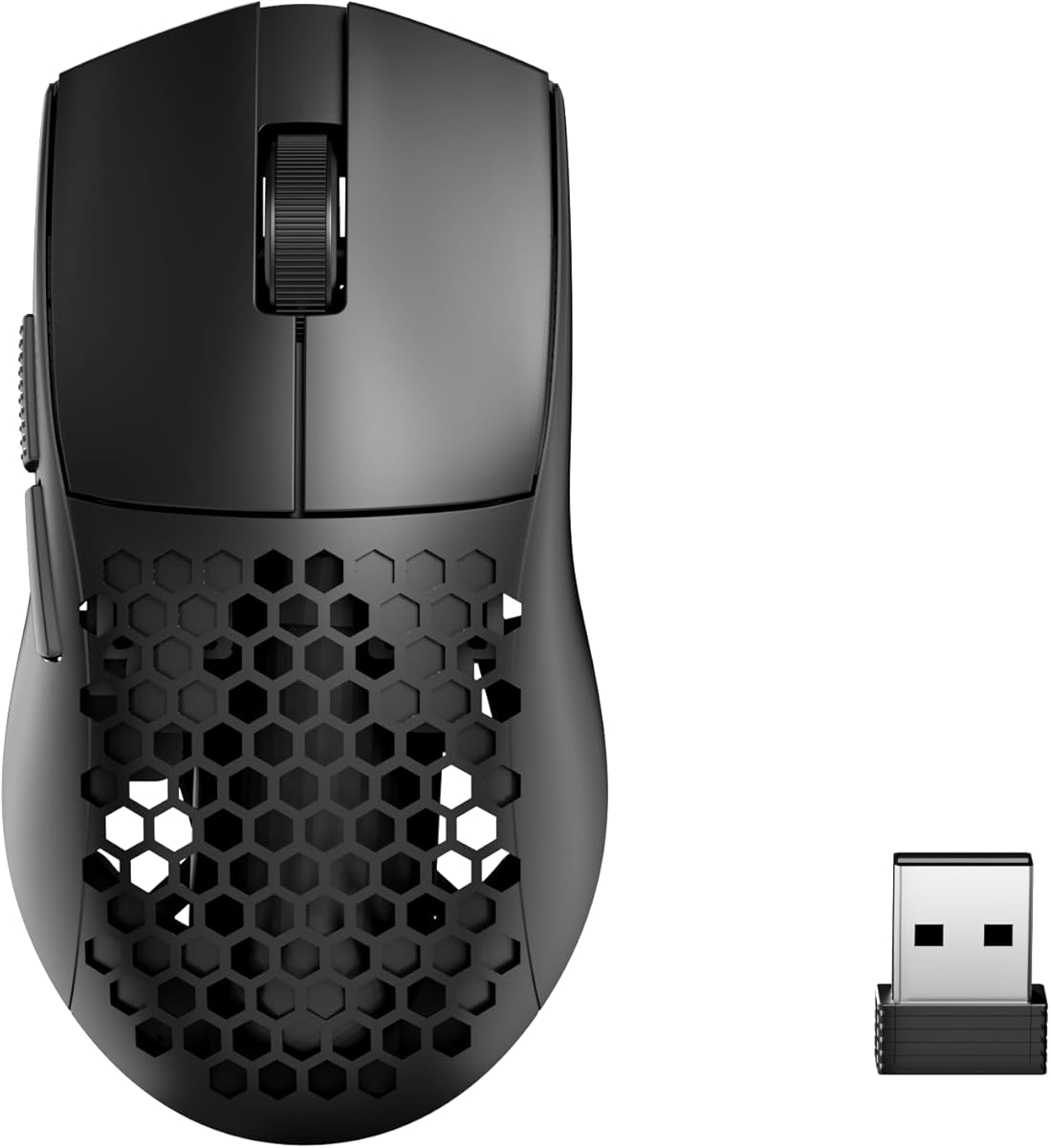
Tri-mode designs (Dragonfly R1 S, Redragon M725, Attack Shark X3) add Bluetooth for laptops and 2.4 GHz for lower-latency play, plus USB charging cables that also run wired mode. Razer’s Basilisk V3 X HyperSpeed pairs HyperSpeed wireless with Bluetooth for a more brand-integrated version of the same idea. Pick tri-mode if your mouse must follow you between machines.
Weight and grip style
Ultralight shells around 49–55 g help claw and fingertip players reduce arm fatigue and change directions quickly. Honeycomb cuts shed weight and heat but collect dust. Midweight ergonomic shells like DeathAdder and Basilisk support palm grippers who want the mouse to fill the hand.
There is no universal winner. Trace your current mouse’s outline on paper, note where your palm and fingers land, then compare photos and dimensions. A perfect sensor in the wrong shape still feels wrong after one long evening.
Buttons, software, and scroll wheels
Three buttons are enough for pure office use. Two side buttons cover most games and browser navigation. Nine to eleven buttons help MMO, productivity macros, and creators who hate keyboard chords. Only buy dense layouts if you will program them; unused buttons become accidental presses.
Software quality varies. Logitech G HUB and Razer Synapse are mature but heavier. Redragon, TMKB, Attack Shark, and ATK tools can be lighter or less polished. Hyper-scroll or high-quality encoders matter more than people expect for timeline and document work.
Battery claims and maintenance reality
Treat multi-hundred-hour battery claims as best-case figures that shrink with high polling rates and bright RGB. AA office mice like the M185 trade rechargeable convenience for swap-in cells. PTFE feet wear over time; replacing feet is cheaper than replacing a whole mouse when glide turns dull.
Clean honeycomb shells and sensor windows occasionally. Disable enhance pointer precision in Windows for consistent aim. Store nano receivers in the same pouch as the mouse so you do not brick a wireless office day by leaving the dongle at home.
What ‘budget’ should still include