Detailed review
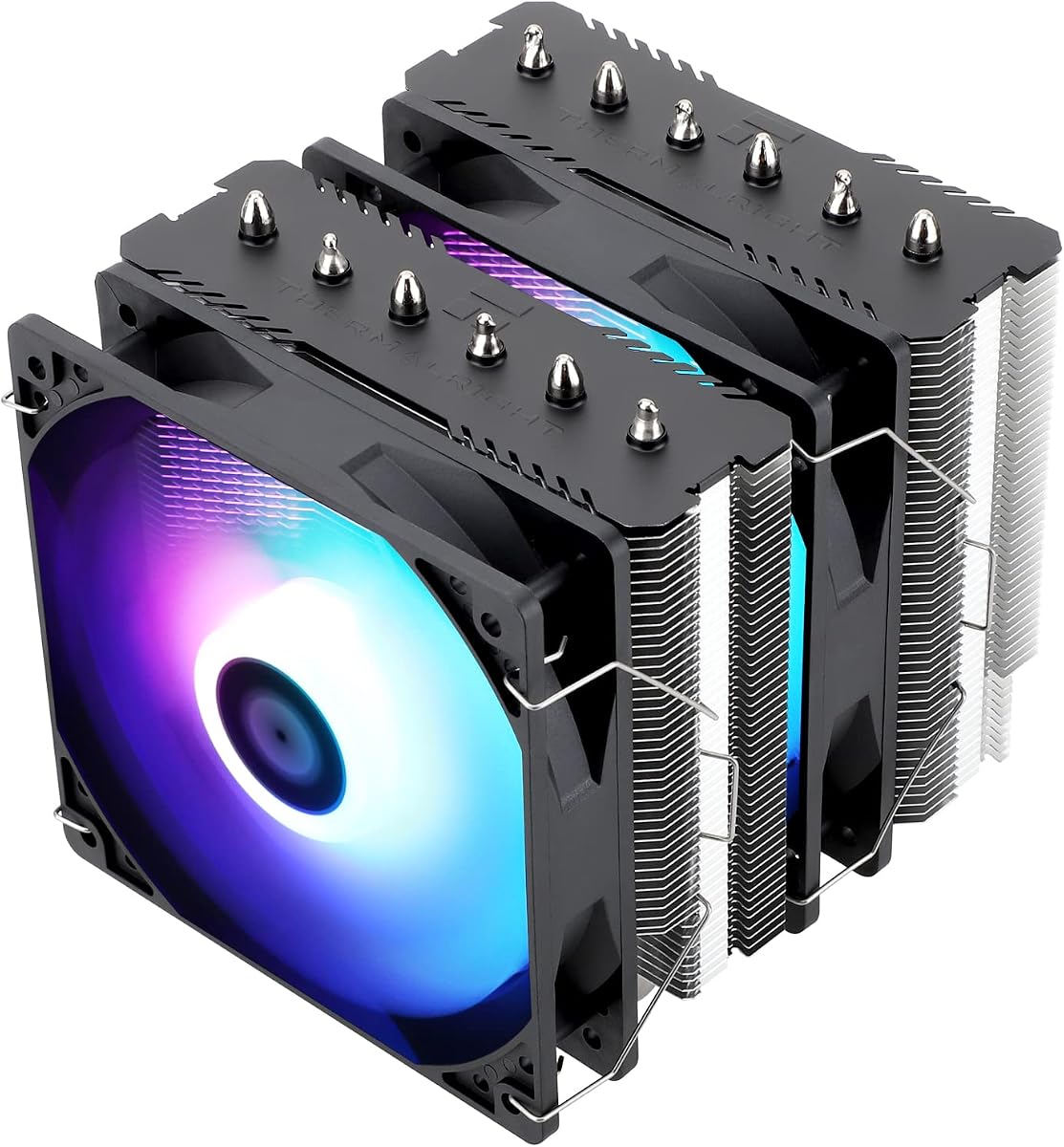
Cooling performance in practice is why this model sits in our value top pick slot. Twin TL-C12C 120 mm PWM fans spin up to about 1550 RPM with a claimed maximum around 66 CFM and noise at or under 25.6 dB(A). That is enough headroom for modern Ryzen 5/7 and Intel mid-to-high chips under gaming and productivity loads when case airflow is competent. You will not silence a heavily overclocked 16-core monster the way a Dark Rock Pro 5 or NH-D15 might under sustained all-core stress, but for the vast majority of gaming and creator desktops the Assassin is the sensible default.
Compatibility is refreshingly wide. Thermalright lists Intel 115x, 1200, 1700, and related 17xx/1851-class support plus AMD AM4 and AM5, with metal fasteners for both camps. Read the AMD note carefully: you reuse the motherboard’s stock backplate rather than finding a separate plate in the cooler box. That is normal for many AM4/AM5 kits, but it surprises first-time builders who expect every screw and plate in one bag. Intel mounts are more self-contained once you pick the right plate for your socket generation.
RAM and GPU clearance deserve a pre-purchase check. Thermalright designed the cooler to leave room for memory so dual-rank kits with moderate spreaders usually fit; extremely tall RGB DIMMs can still kiss the front fan. Measure from the CPU socket to the first DIMM and compare against the cooler’s front tower depth. Likewise confirm your case’s CPU cooler height limit exceeds 155 mm—many compact mATX and ITX shells will not. Side-panel tempered glass rarely cares about cooler aesthetics here; the Assassin looks utilitarian silver and black rather than showpiece ARGB.
Installation is straightforward if you follow the socket diagram and apply a thin thermal paste layer. Seat the base evenly, tighten mounting screws in a cross pattern, and only then clip or screw the fans. Cable the fans to CPU_FAN and an available SYS_FAN or splitter so both get a PWM signal. After first boot, set a quiet fan curve in the BIOS: low RPM at idle, rising only as package temperature climbs. That is how you keep the Assassin’s noise claim honest instead of leaving fans at a flat high duty cycle.
Skip this cooler if you need a white or LCD aesthetic, if your case maxes out under about 155 mm, or if you want the absolute quietest premium fans on the market. Otherwise, for a black or silver dual-tower that simply works on today’s sockets, the Peerless Assassin 120 SE remains the pack’s best answer to “what air cooler should I buy first?”
Who should buy the Peerless Assassin 120 SE
Choose this if you are building or upgrading a mid-tower gaming or workstation PC on AM4, AM5, LGA 1700, or LGA 1851 and want dual-tower thermals without stepping into premium silent brands. It is especially strong when you are replacing a noisy stock cooler or a weak single tower and care more about temperatures and value than lighting.
Setup tips and clearance checks
Verify case cooler height, measure RAM clearance, and confirm you have a free PWM header or a quality splitter. On AMD, keep the stock backplate installed before mounting. After install, stress with Cinebench or a game loop and adjust the fan curve so load noise stays pleasant while package temps stay in a safe range for your chip.
How it compares in this pack
Versus the Phantom Spirit 120SE, you trade one heat pipe and a bit of peak cooling for a similar dual-tower formula that defined the value category. Versus the Assassin X120 Refined SE, you gain a second tower and fan for chips that actually need the area. Versus Noctua and be quiet!, you give up bearing refinement and warranty length but keep most real-world gaming thermals.