Decide the interface before you fall for a speed banner
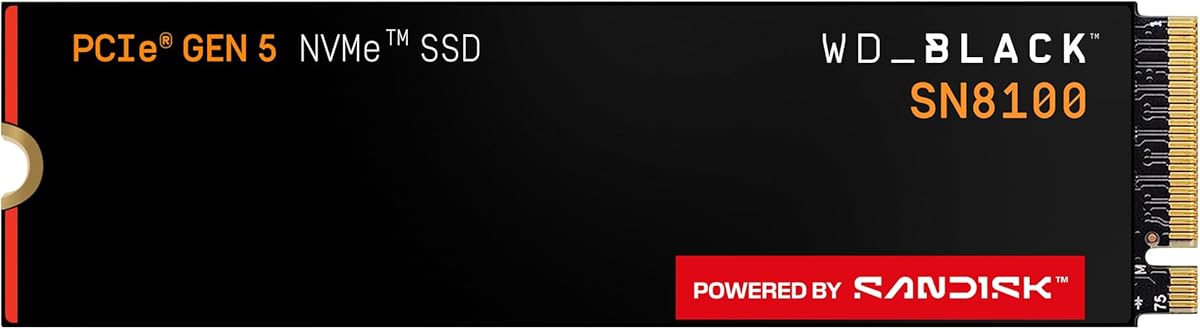
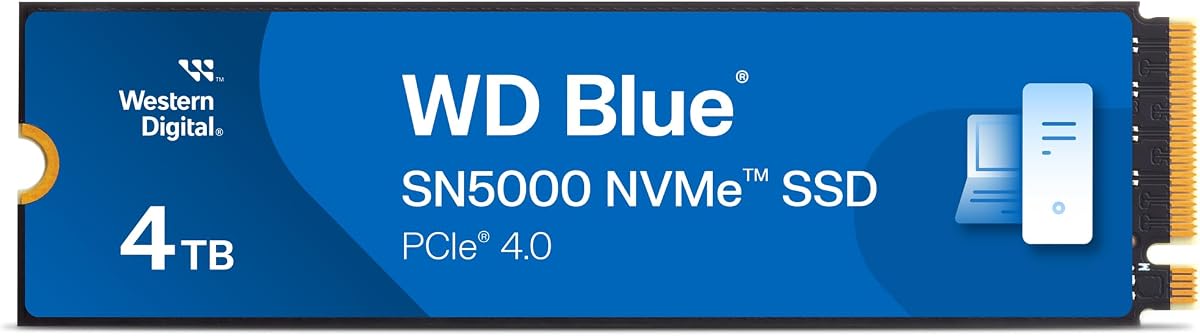
Capacity is the easy part of a 4TB purchase; interface is the hard gate. A PCIe 5.0 x4 drive like the WD_Black SN8100 can deliver transformative sequential bandwidth only when the motherboard slot is truly Gen5-wired and adequately cooled. Drop that same drive into a Gen3-only bay and you leave most of the product’s reason to exist on the table. Gen4 drives such as the Samsung 990 PRO, 990 EVO Plus, BIWIN NV7400, Acer Predator GM7, and WD Blue SN5000 are the broad sweet spot for 2024–2026 PCs: extremely fast in real copying and gaming, widely compatible, and easier to cool. SATA 2.5-inch options—Crucial BX500, fanxiang S101Q, WD Blue SA510—exist for machines that simply do not have NVMe. Portable USB-C models like the SanDisk Extreme serve a different job entirely: storage that leaves the building.
Match sequential claims to the work you actually do
Sequential read/write figures describe large, contiguous transfers—game installs, footage dumps, disk clones. If your week is full of those, Gen4 near 7,000 MB/s or Gen5 beyond 10,000 MB/s is meaningful. If your week is email, browsers, and light Office documents, even a good SATA SSD already feels instant compared with a hard drive. Creators should also think about sustained writes after the SLC cache fills: a drive that posts a heroic first-second score and then halves under a twenty-minute timeline export will frustrate you more than a slightly slower but steadier design. At 4TB you are more likely to keep the drive busy for long sessions, so sustained behavior and free-space headroom matter.
Endurance and write patterns at multi-terabyte scale
Terabytes written (TBW) ratings are estimates, not countdown timers, but they help compare intent. A creator drive advertising around 1,200 TBW at 4TB, as the WD Blue SN5000 listing highlights, signals confidence for frequent rewrites. Gamers who install once and play for months stress endurance less than video editors who rewrite scratch files daily. Regardless of TBW, leave free space, keep TRIM enabled, and maintain backups. A single 4TB failure without a second copy is a career event, not a minor inconvenience.
Thermals, heatsinks, and laptop clearance
Fast NAND dumps heat into a tiny PCB. Desktop motherboards with heavy M.2 armor usually handle Gen4 without drama; Gen5 often wants the best sink you can fit and unobstructed airflow. Laptops and PS5 consoles are stricter about thickness—graphene plates and aftermarket sinks that help in a tower can block a notebook shield or console cover. Always check the service manual. If temperatures climb, improve case airflow before assuming the SSD is defective.
DRAM, HMB, and software tooling
Flagship controllers with robust DRAM caches still have an edge in some mixed workstation loads, while Host Memory Buffer designs borrow system RAM to stay responsive and often win on power and price. Samsung Magician, SanDisk Dashboard, Biwin Intelligence, Crucial Storage Executive, and Acronis migration bundles are not vanity extras—they are how you update firmware, clone an old disk, and notice declining health early. Prefer a slightly slower drive with trustworthy tools over an orphaned bargain with no support path when the SSD holds your only copy of anything.
Portable versus internal: do not make one drive do both jobs
Internal NVMe is for the PC that stays on your desk. Rugged portables are for cameras, client handoffs, and travel days. Enclosing a bare internal drive in a generic USB adapter can work in a pinch, but purpose-built portables add drop ratings, dust seals, and encryption workflows that DIY shells rarely match. If you need both roles, buy both classes rather than compromising a desktop boot drive into a backpack experiment.