21:9 versus 32:9 aspect ratio
Classic ultrawide at 21:9 and 3440×1440 on 34 inches is the default recommendation for most desks. You gain roughly thirty percent more horizontal space than 16:9 without the width of two fused monitors. Super ultrawide at 32:9—typically 49 inches and 3840×1080 or 5120×1440—replaces dual 27-inch setups with one curve and no center bezel. The trade is desk width, GPU load, and often softer pixel density on dual-FHD variants.
Choose 21:9 when your desk is under 48 inches deep or you want WQHD sharpness without flagship GPUs. Choose 32:9 when you already know you want two full apps at native width simultaneously—trading floors, stream layouts, triple-column coding—and you measured the desk.
Curve radius explained
Curve radius numbers like 1000R, 1500R, 1800R, and 3800R describe the radius in millimeters of the circle that matches the panel bend. Lower numbers mean tighter curves. Samsung's 1000R Odyssey wraps aggressively for gaming immersion. LG's 3800R IPS curve is nearly flat—better for grid lines and shared viewing. Most buyers land comfortably on 1500R–1800R for mixed use.
Sit centered at the recommended distance for your panel size. Off-center viewing on VA curved panels shows color shift faster than IPS. If multiple people view the screen, favor gentler curves and IPS like the LG 34U650A-B.
Refresh rate tiers
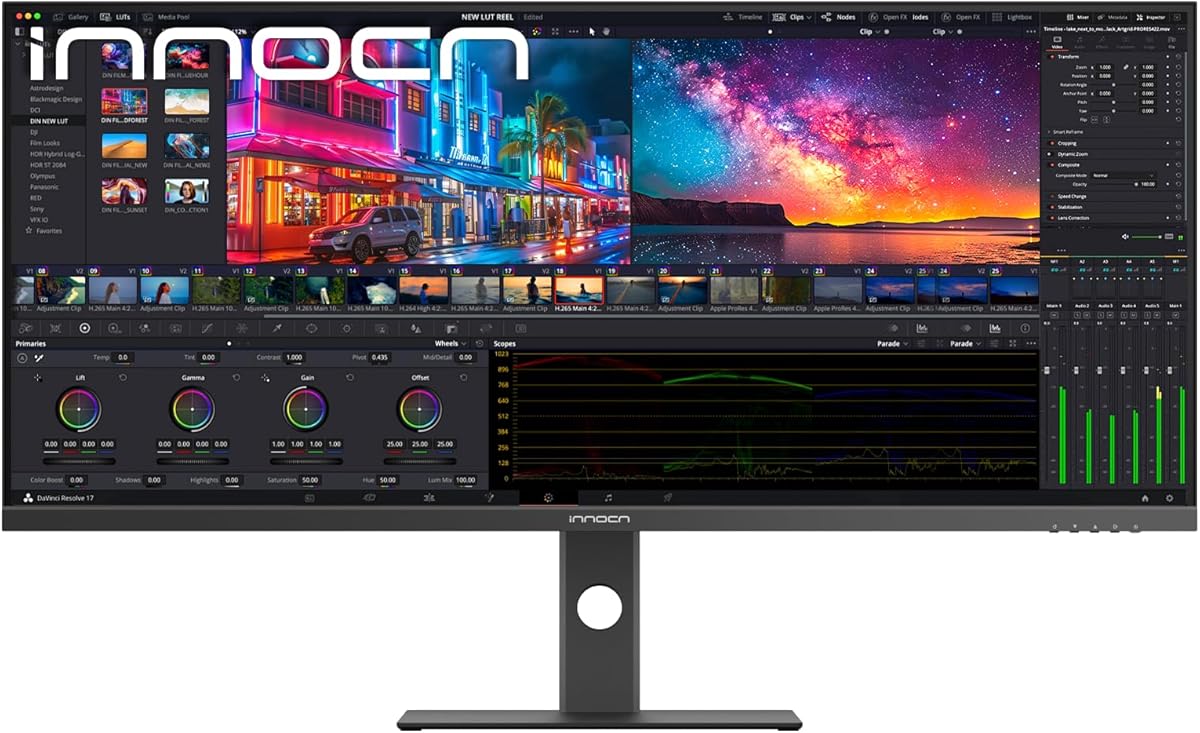
Sixty hertz is obsolete for new ultrawide purchases in 2026. One hundred hertz is the office baseline—smooth scrolling, acceptable casual gaming. One hundred forty-four hertz bridges work and play on panels like the LG 34U640B-B. One hundred sixty-five to 180 hertz targets value gaming on Odyssey G5 and Sceptre models. Two hundred forty hertz on LG UltraGear and INNOCN 49C1S is esports and sim-racing territory—verify GPU headroom before buying.
Higher refresh always helps mouse and scroll smoothness even outside games, but returns diminish above 144Hz for non-competitive users. Match refresh ambitions to your actual hardware.
Panel type: VA versus IPS
VA panels dominate gaming ultrawides here—Samsung Odyssey, INNOCN 49-inch models, Sceptre—for higher contrast and deeper blacks. Downside: slower pixel transitions in dark scenes and narrower sweet spot for color accuracy. IPS on LG 34U650A-B and INNOCN 40C1U trades contrast for viewing-angle stability and creator color workflows.
Office workers and designers who share screens should lean IPS. Gamers and movie watchers in dim rooms often prefer VA contrast if they sit centered.
USB-C power delivery wattage
USB-C on a monitor can carry video, data, and laptop charging on one cable. Sixty-five watts handles most ultrabooks. Ninety-six watts on the LG 34U650A-B supports MacBook Pro class machines under load. Fifteen watts on the LG UltraGear is display-only over USB-C—not charging. INNOCN 49-inch models include 65W USB-C plus hub ports—a strong dock replacement.
If your laptop ships with a 100W brick, confirm the monitor's PD wattage meets real-world draw; otherwise keep the OEM charger connected.
Work features versus gaming features
Productivity ultrawides add PBP/PIP dual input, KVM switching, ambient light sensors, and reader modes. Samsung ViewFinity S50GC and LG 34U640B-B excel here. Gaming ultrawides add high refresh, low response, crosshairs, and shadow boosters—LG 34G630A-B and Odyssey G5. Smart features on LG webOS models replace streaming boxes.
List your top three daily tasks before choosing. One feature you use daily beats three you might use someday.
Resolution and GPU pairing
3440×1440 WQHD is the balanced ultrawide resolution—sharp text, reasonable GPU load. 3840×1080 dual-FHD on 49-inch spreads fewer pixels— softer text, easier frames. 5120×1440 dual-QHD on 49-inch and 5120×2160 5K on 40-inch demand modern GPUs and quality cables. Underspec the GPU and you lose the refresh rate you paid for.
Console gamers on PS5 and Xbox Series X should verify ultrawide support per title—many output 16:9 with bars unless the game explicitly supports 21:9 or 32:9 modes.