Detailed review
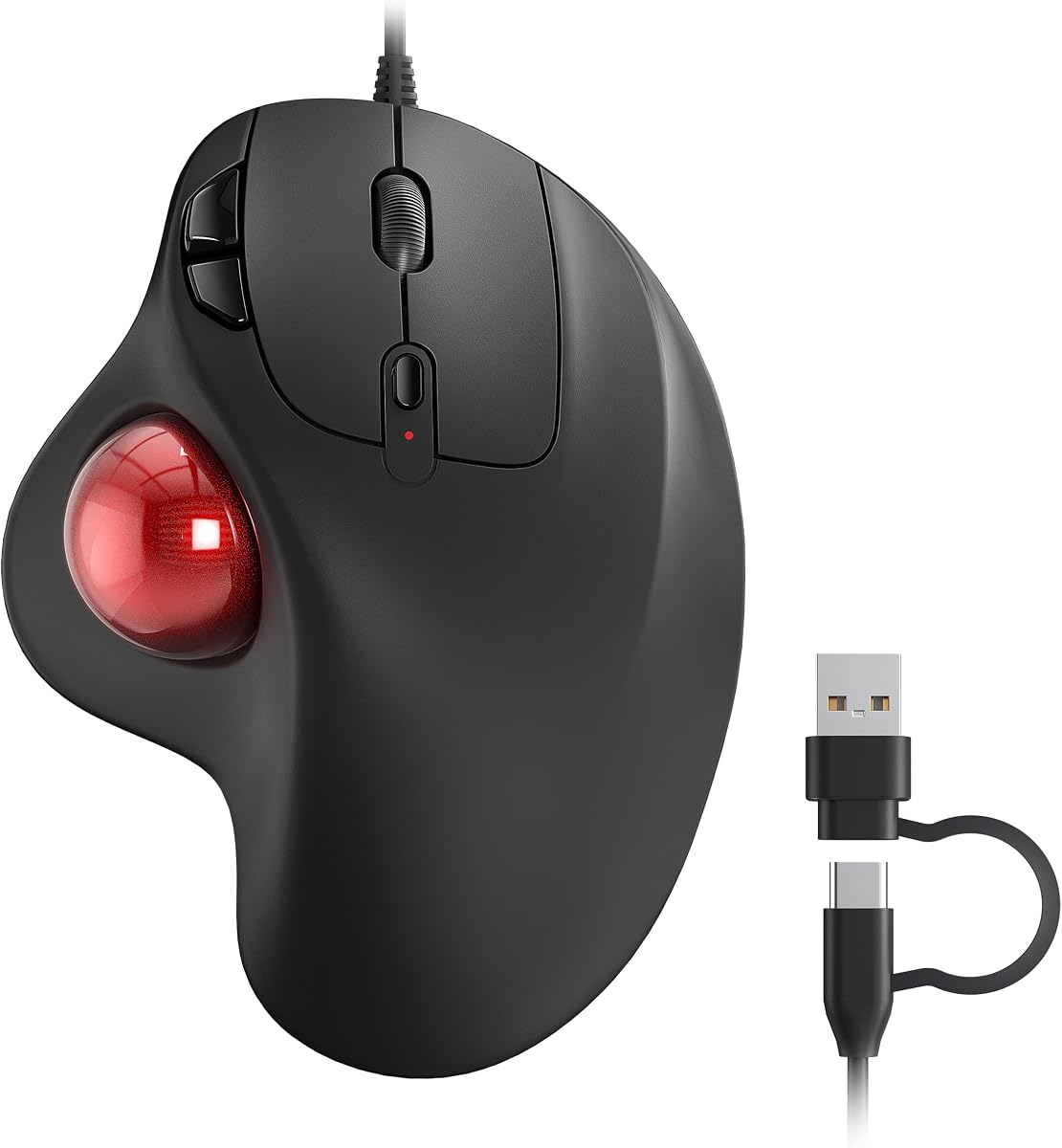
Thumb control defines the daily experience. Roll the ball with minimal pressure and the cursor glides across ultrawide monitors without lifting your arm. Tap the precision mode button when pixel-level selection matters in Figma or Photoshop, then release back to speed mode for email triage. That dual-mode toggle is something budget trackballs approximate with DPI steps but rarely implement as cleanly. The ball itself tracks smoothly on typical desk surfaces, and because the sensor reads the ball rather than the table, a cluttered workstation stops being a navigation hazard.
Connectivity flexibility separates Logitech from one-trick budget competitors. Pair via Bluetooth to a MacBook, keep the Logi Bolt receiver in a desktop for encrypted 2.4 GHz reliability, and use Easy-Switch to hop among three hosts with a button press. IT departments that disable Bluetooth on corporate towers still get dongle fallback, while hybrid workers leave the receiver at the dock and travel Bluetooth-only. Setup through Logi Options+ adds the customization layer power users expect: remap buttons per application, chain Smart Actions for repetitive copy-paste loops, and sync profiles across machines.
Battery philosophy favors convenience over AA disposables. A one-minute USB-C top-up claims roughly twenty-four hours of use—enough to survive a forgotten overnight charge before a client presentation. Full charges stretch toward months of typical office hours depending on LED settings and connection mode. The tradeoff is remembering to pack a cable since none ships in the box, a recurring Logitech packaging decision that frustrates first-time buyers but assumes most desks already overflow with USB-C cords.
Build quality feels commensurate with the flagship positioning. Buttons actuate with dampened confidence, the tilt hinge holds its angle without wobble after months of daily adjustments, and the graphite finish resists the shine that develops on glossy budget shells. Left-handers should note this is a right-hand-specific design; ambidextrous seekers should scroll down to Kensington options in this guide.
The learning curve remains real despite premium polish. First-time trackball users often overshoot clicks for three to five days while thumb muscles recalibrate. Logitech's ball size hits a sweet spot between the massive Kensington Expert and tiny travel balls that feel twitchy. Stick with it through two weeks before judging—most converts report they cannot return to conventional mice afterward.
Compared to the original MX Ergo, the S Advanced iteration emphasizes quieter acoustics and Options+ integration over revolutionary hardware changes. If you own a functioning MX Ergo already, upgrade urgency is low unless click noise bothers coworkers. New buyers choosing between this and budget Nulea or TECKNET models should weigh software depth and tilt hinge quality against savings that cost you programmability.
Who the MX Ergo S Advanced fits best
Choose this trackball if you split time across two or three machines, want certified ergonomic tilt without stacking accessories, and plan to invest an hour configuring Logi Options+ profiles. It suits developers, designers, analysts, and executives whose wrist pain traces to conventional mouse arm travel.
Skip it if you prefer finger-controlled balls, need left-hand symmetry, or want the lowest possible spend for casual trackball experimentation.
Setup and maintenance tips
Pop the ball out monthly and wipe both hemispheres with a lint-free cloth—oils from thumbs accumulate faster than on optical mice. Start at moderate DPI in Options+ and increase only after your aim stabilizes.
Assign one side button to precision mode toggle and another to middle-click paste—muscle memory forms quickly and saves wrist motion during document assembly.