Detailed review
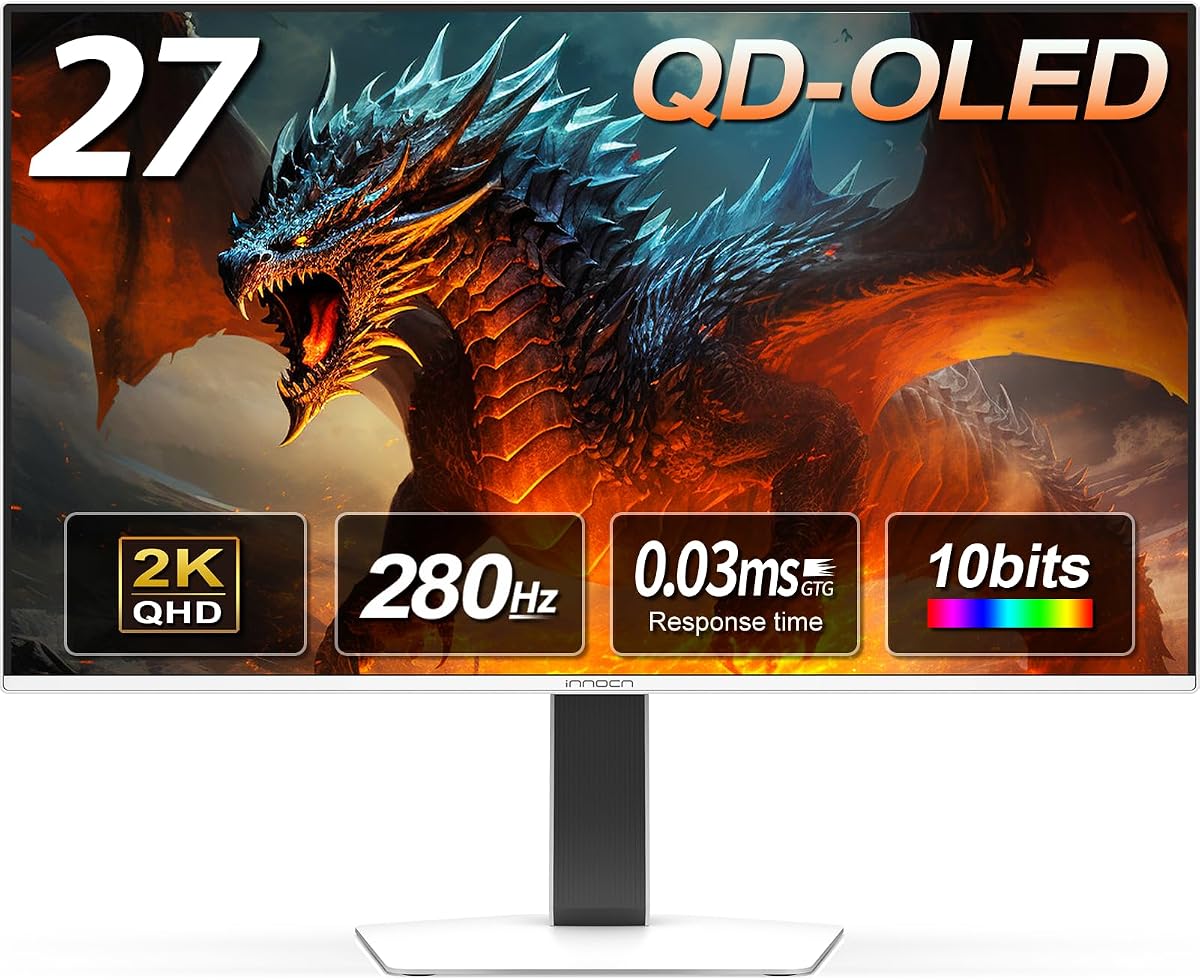
Motion performance lands between the 240Hz mainstream and the 360Hz elite. Two hundred eighty hertz is enough headroom for competitive titles when your GPU cooperates, and the QD-OLED panel delivers the infinite contrast and instant response that make OLED feel like a different sport versus IPS. HDMI 2.1 and DisplayPort cover modern PC and console routing; the listing explicitly calls out PS5, Xbox, Switch, and gaming laptop compatibility, which matters when your battlestation doubles as a living-room hop.
Ergonomics exceed many budget-tier gaming panels. Height, tilt, and pivot on the stand let you align the panel with your eye line without immediately buying a VESA arm—small thing, big comfort win for long sessions. Built-in speakers handle menus and casual YouTube between queues; competitive players will still wear headsets, but the integration saves desk clutter.
Tradeoffs are mostly ecosystem and software. INNOCN's OLED care features are not as deeply marketed as ASUS Neo Proximity tricks or Samsung OLED Safeguard narratives. You should still run sensible brightness, avoid static logos 24/7, and use sleep timers. Brand familiarity is lower than LG UltraGear or Samsung Odyssey, which can matter if you want a giant Reddit thread for every firmware quirk.
If you want QD-OLED speed and console-friendly HDMI without paying ROG flagship tax, the 2780s is the pack's efficiency pick. It will not beat a glossy LG peak-brightness demo or a 360Hz Strix in pure hertz, but it delivers the core OLED gaming experience that makes upgrading from IPS feel transformative.
Who should buy it: value hunters, console-plus-PC households, and students who want OLED motion without flagship branding. Who should skip it: buyers who demand three-year burn-in warranties or proximity-based care automation out of the box.
280Hz versus 240Hz in practice
The jump from 240 to 280 is subtler than 60 to 144, but still noticeable in tracking-heavy shooters if your GPU sustains it. Enable the highest stable refresh in OS settings on day one.
Console HDMI notes
HDMI 2.1 opens high-refresh modes on modern consoles where supported—verify output settings after connecting. Console peaks may still fall below PC DisplayPort ceilings; that is normal, not a defect.
Value without careless burn-in habits
Great ratings do not exempt you from OLED hygiene. Vary content, dim static HUDs where games allow, and run pixel refresh cycles during overnight shutdown.