Detailed review
Fully customizable profiles—five custom profiles with RGB backlit modes and broad color options—let you build a Lightroom cull layout, a Photoshop retouch layout, and a browser/admin layout, then switch with the bottom profile control. That workflow mirrors how MMO players separate character skill bars, except your “skills” become Heal, Clone, Select Subject, Auto Tone, Export, and view toggles. The auto-fire style convenience key will matter less for stills than solid one-press tool switching, so prioritize reliable single actions over spammy macros.
Precision and feel are tunable. Avago-class high-precision sensing, crisp micro switches, and eight small internal weights let you bias the mouse heavier for steadier strokes or lighter for faster flicks across a wide gamut monitor. Two Teflon feet support smooth glide. The frosted right-hand shell and textured grip aim to stay secure even when hands warm up during long sessions. A six-foot braided cable with a gold-plated USB connector keeps the connection durable on desktop towers.
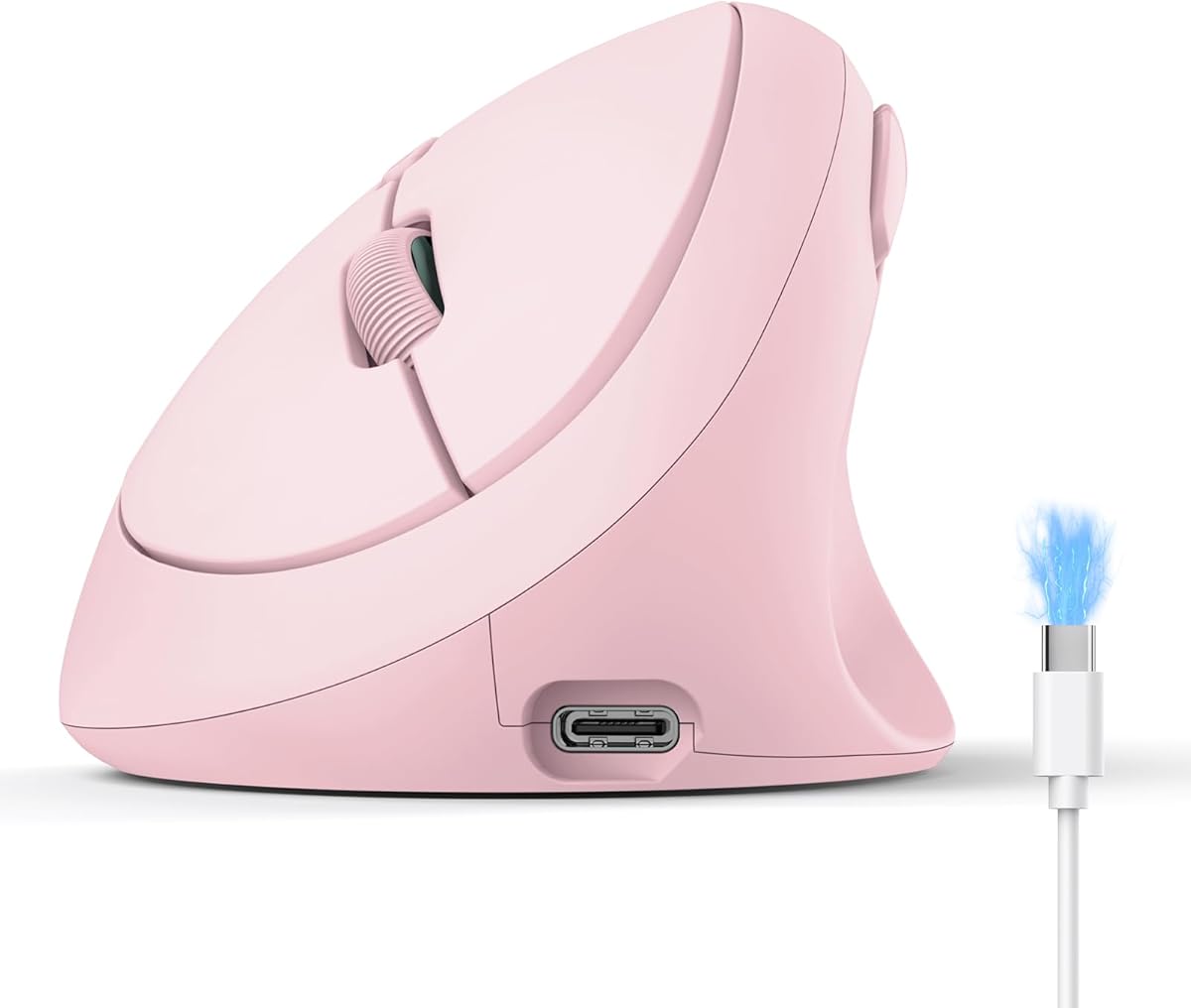
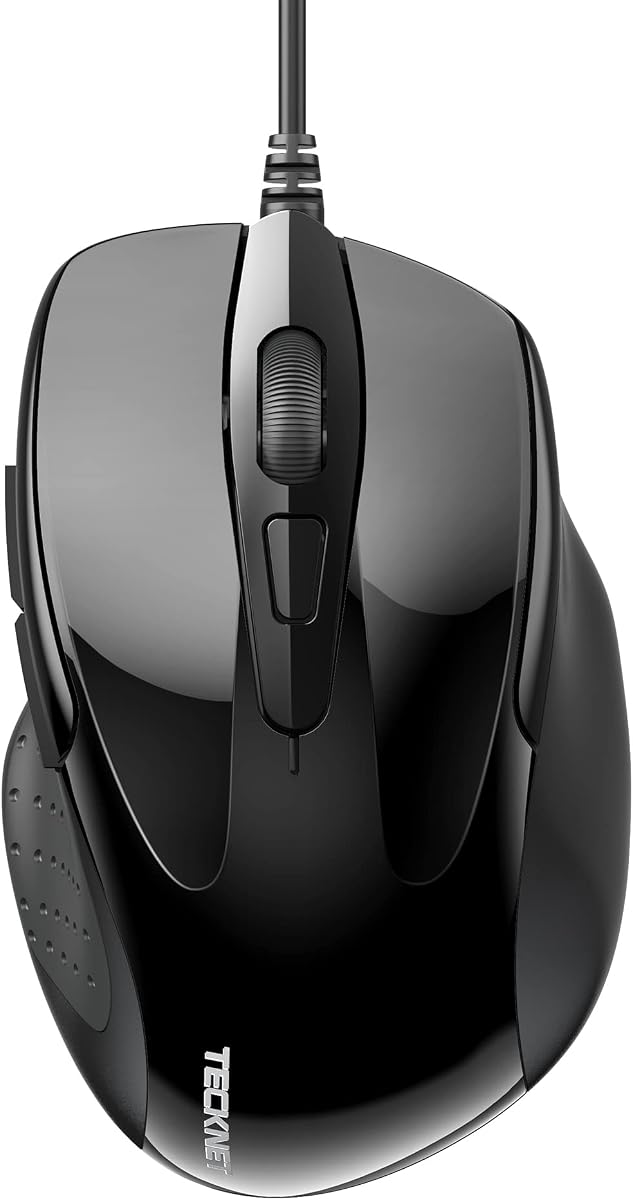
Honest tradeoffs matter. This is not a subtle vertical ergonomic mouse; it is a chunky right-handed gaming brick. If your goal is wrist-neutral posture, look at the SABLUTE or TECKNET vertical options instead. If your goal is maximizing thumb macros without buying a separate Stream Deck-class keypad, the Venus is one of the most button-dense choices in the pack. Disable or tone down RGB in a color suite so stray light does not bounce into your peripheral vision while you judge skin tones.
Who should buy it: Windows editors who love programmable grids and already think in keyboard shortcut language. Who should skip it: minimalists, left-handed users, and anyone who finds twelve side buttons more stressful than helpful. Spend a focused evening building one excellent Photoshop profile before judging the shape—raw out-of-box mappings will feel like a gamepad, not a retouching tool.
Macro ideas that pay off in Photoshop
Map the upper thumb row to Undo, Redo, Save, and Free Transform. Put Heal, Clone, Brush, and Eraser on the middle row. Reserve the lower row for zoom fit, zoom 100%, toggle masks, and a custom action such as frequency-separation setup. Keep destructive batch macros off the mouse until you trust them—one mis-hit during a client gallery is costly.
Weight tuning for brush control
Start with a mid weight configuration and only add mass if your strokes feel floaty on a fast cloth pad. Heavier setups can calm micro-jitter when dodging and burning; lighter setups help when you constantly jump between panels. Retest after changing mousepads because pad friction changes the ideal mass.
Versus dedicated editing controllers
A Contour ShuttlePRO or ULANZI dial still wins for continuous parameter scrubbing. The Venus wins for discrete tool and action triggers under the thumb. Many advanced desks run both: Venus or another programmable mouse for tools, ShuttlePRO for jog and dial feel.