Prioritize GPU class and VRAM over gaming FPS
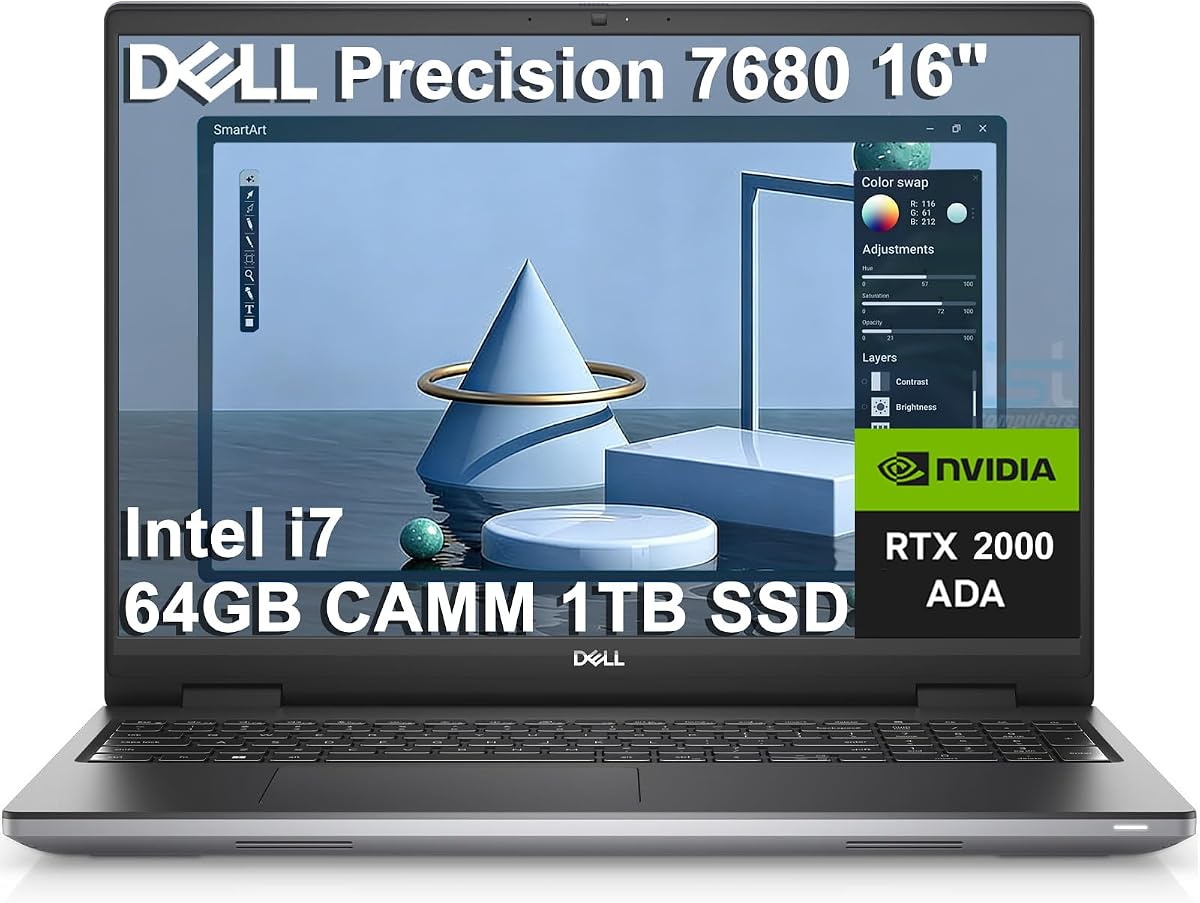
CAD viewports care about professional driver stability, ISV certification, and dedicated VRAM for shaded models, section views, and appearances. An NVIDIA RTX Ada or RTX PRO GPU with 6–12GB is the modern target for production 3D. Older Quadro T1000/P1000/M620 chips can teach and draft, but they are not peer substitutes for Ada/Blackwell professional parts when assemblies grow.
GeForce gaming GPUs can feel fast—see the ROG Strix in this guide—but you own the risk of driver regressions and weaker formal ISV coverage. If your employer’s CAD support contract assumes certified hardware, do not ‘save money’ into a denied warranty claim.
RAM is the silent assembly killer
Sixteen gigabytes is a student floor, not a professional target. Thirty-two gigabytes is the mainstream CAD laptop minimum for mixed part/assembly/drawing work. Sixty-four gigabytes is the comfortable standard once top-level assemblies, PDM clients, browsers, and Office stacks coexist.
Watch Task Manager when your current laptop chokes: if memory is pegged while the GPU is not, buying a faster GPU alone will not fix the open-assembly pause.
Storage: capacity and generation both matter
CAD installs, service packs, local vault working directories, STEP/IGES exchange folders, and visualization caches devour SSDs. Prefer 1TB minimum; 2TB if you travel with full libraries. Gen4 is fine; Gen5 on flagship machines like the ThinkPad P16 improves large-file open times.
Keep 20%+ free space. A full SSD makes even a fast workstation feel mysteriously slow because of cache and pagefile behavior.
CPU: prefer HX / workstation H-class for rebuilds
Sketching loves strong single-thread clocks; FeatureManager rebuilds, drawing graphics, mesh prep, and export batches love core count and sustained power. HX-class chips in the Precision 7680 and ThinkPad P16 configurations are aligned with that reality. Ultrabook U-series chips are for email-with-occasional-CAD, not the reverse.
Display and docking decide daily comfort
Anti-glare FHD/FHD+ panels are acceptable when you dock to a good external monitor. If the laptop screen is primary, prioritize higher resolution and calibrated color—exactly why the ThinkPad WQUXGA configuration leads this roundup for on-lid review.
Count Thunderbolt/USB-C ports, Ethernet needs for vault access, and how many external displays you truly use. CAD desks are multi-monitor desks; your laptop should admit that.
New workstation versus renewed Quadro
Renewed Precisions and ZBooks can be rational for learning, light production, or secondary seats. They introduce unit variability, shorter forward ISV runway, and older batteries. New Ada/Blackwell workstations cost more and waste less billable time. Match the machine to the cost of your hours, not only to the sticker.