Detailed review
Four terabytes at Gen5 speeds changes workstation choreography. Local AI models, active 8K timelines, scratch media, and a deep game install list can share one primary volume without the constant uninstall theater smaller drives force. Random performance claims up to about 2,200K read and 2,600K write IOPS matter more than billboard sequential numbers for app launches, asset browsers, and multitasking under load. That is why we elevate the 9100 PRO above “just another fast stick” in a capacity-focused roundup: high capacity is wasted if the controller cannot keep interactive work feeling instant.
Thermal and power behavior decide whether those peaks stick. Samsung highlights a 5nm controller with up to about 49% better power efficiency versus the 990 PRO and advanced thermal control to keep performance smooth. Still, Gen5 sticks run hotter than Gen4 peers; use your motherboard’s M.2 shield, ensure case airflow crosses the slot, and validate temperatures with a long write test after install. If your chassis or console fitment expects a clad drive, seek a heatsink variant—this pack SKU is the bare 4TB 9100 PRO.
Software support remains a Samsung strength. Magician handles firmware updates, drive health views, and optional encryption workflows so the drive stays maintainable across years of OS updates. For gaming, the pitch is vast installed libraries with near-instant loads on a modern platform. For creators, the pitch is local scratch that does not thrash a network share every scrub. For AI tinkerers, the pitch is keeping weights and datasets on the fast path without filling a 2TB boot drive overnight.
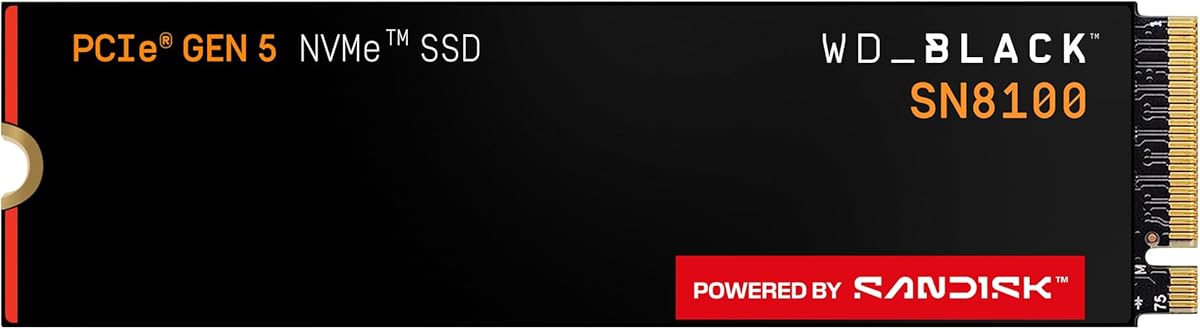
Compatibility spans laptops and desktops with a free M.2 2280 PCIe 5.0 slot (or Gen4 at reduced speed) and BIOS that enumerates large NVMe volumes cleanly. Confirm physical clearance under laptop heat plates. Versus the WD_Black SN8100 4TB also in this pack, the 9100 PRO competes in the same Gen5 stratosphere; choose based on ecosystem preference, which software suite you already use, and live listing details. Versus Gen4 heroes like the SN850X family or 990 PRO, pick 9100 PRO only when your platform and workload justify Gen5 thermals.
We badge it Best Overall Gen5 because it balances brand tooling, headline performance, and a high-capacity 4TB ceiling that matches how ambitious PCs are built in 2026. If you only need fast game loads on a Gen4 board and maximum installed titles, the SN850X 8TB may satisfy more of the “never delete” fantasy. If you need portable capacity, jump to the Crucial X10 instead of forcing an internal Gen5 stick into a backpack enclosure fantasy.
Who it is for
Workstation builders, AI tinkerers storing local models, high-resolution editors, and PC gamers with motherboard Gen5 slots and cooling ready for flagship NVMe heat.
Install and cooling tips
Update chipset and SSD firmware first. Mount with the stock motherboard heatsink or a quality aftermarket spreader. Avoid stacking Gen5 drives in poorly ventilated ITX sandwich layouts without checking temps under a long write test.
Versus SN8100 4TB
Both are PCIe 5.0 monsters. Prefer 9100 PRO for Samsung Magician familiarity and the efficiency narrative versus 990 PRO; prefer SN8100 if you want WD_Black/SanDisk Dashboard tooling, Acronis migration framing, and that product’s efficiency claims versus older Gen4 WD_Black drives.