Detailed review
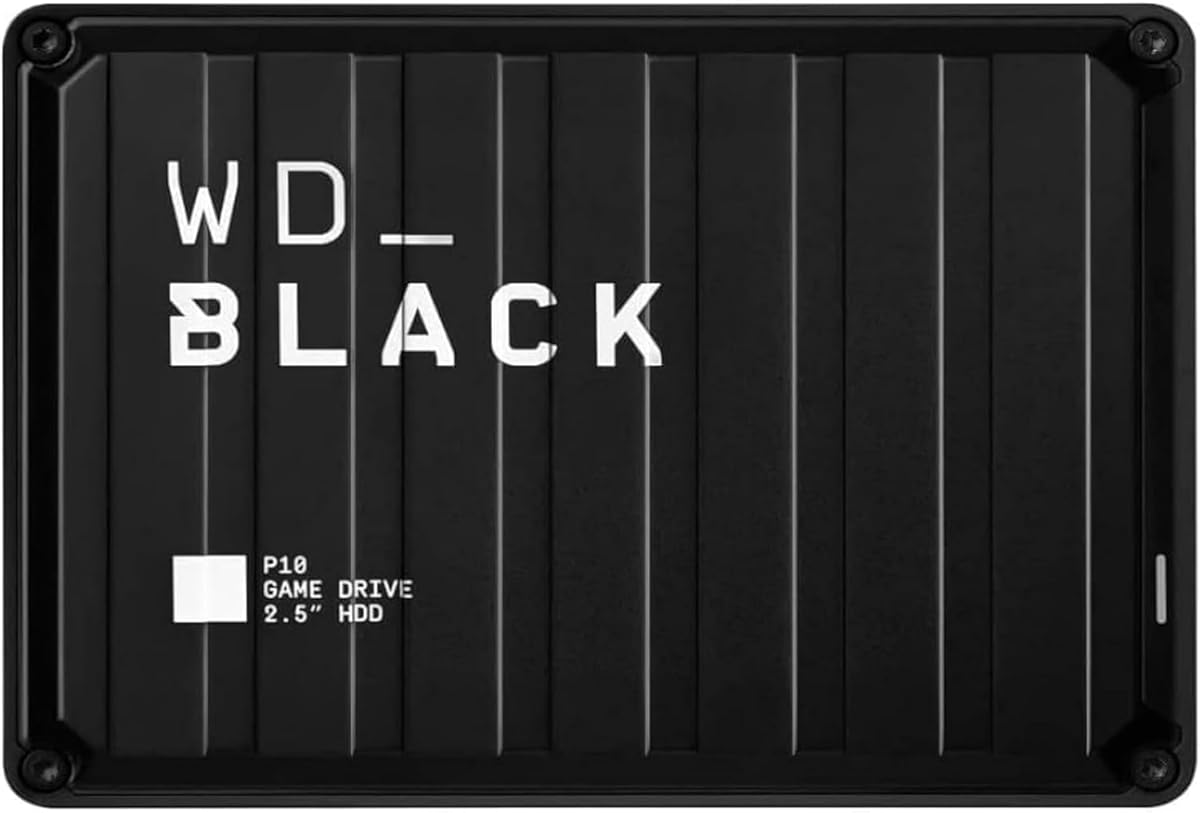
Compatibility is the quiet strength. Seagate calls out Windows, Mac, PlayStation, and Xbox support, which matters in mixed households where a drive might move from a living-room console to a work laptop on Sunday night. You still need to respect each platform’s formatting rules: a drive formatted for Xbox may need reformatting for a Mac, and current-gen consoles treat external HDDs differently than last-gen playable storage. Read your console’s storage FAQ once, then treat this Seagate as a library and archive tool rather than a magic speed upgrade.
Performance expectations should stay honest. USB 3.0 portable hard drives typically land in the neighborhood of spinning-disk sequential speeds—fine for installing or moving large game folders overnight, less exciting if you hoped load screens would vanish. Pair this 2TB unit with a fast internal SSD for your active rotation, and use the Seagate for cold titles, media, and backups. That two-tier habit is how most high-storage gaming PCs stay responsive in 2026.
Setup is intentionally boring in the best way. Connect the included eighteen-inch USB 3.0 cable, wait for the operating system to mount the volume, and start copying. No proprietary software is required for basic use, though Seagate often bundles trial creative tools that you can ignore if you only care about games. Keep the drive on a hard surface with airflow if you leave long transfers running; portable HDDs dislike soft couches and overheated laptop bags.
Who should buy this model? Students, laptop gamers, and anyone clearing a nearly full console SSD of last-gen installs. Who should skip it? Collectors with hundred-title libraries—step up to the 4TB or 5TB siblings in this same roundup—and competitive players who need an NVMe secondary for shader caches and frequently patched live-service games. Within those lanes, the 2TB Seagate Portable remains a trustworthy, widely reviewed workhorse.
Durability is typical for a plastic portable HDD: treat it like a precision instrument, not a skateboard. Avoid yanking the cable during writes, use safely eject on Windows and macOS, and do not store the only copy of irreplaceable save exports here without a second backup. The one-year Rescue Service is a meaningful safety net if the platters ever fail, but recovery services are not a substitute for routine cloud or second-disk backups of your most important folders.
Best uses on PC and console
On PC, format to NTFS for Windows-only libraries or exFAT if you bounce between Windows and Mac. On PlayStation and Xbox, follow the console formatter so the system recognizes the volume for extended storage. Use the drive for installs you revisit monthly, not for the three games you launch every night.
Capacity planning tip
Assume modern AAA titles average well into double-digit gigabytes after updates. Twenty large games can approach or exceed 2TB once patches, high-resolution packs, and local shader data accumulate. If your backlog already looks like that, start at 4TB or 5TB instead.