Detailed review
Power and driver design are part of the pitch. Logitech cites explosive peak power and a unique driver design meant to deliver a large soundscape. In practice, that usually translates to louder, more dynamic playback before breakup compared with USB mini-bars that flatten when you push volume during raid night. The listed SPL figure underscores that this system is built to move air in a bedroom or dedicated gaming room, not merely whisper podcast levels beside a laptop.
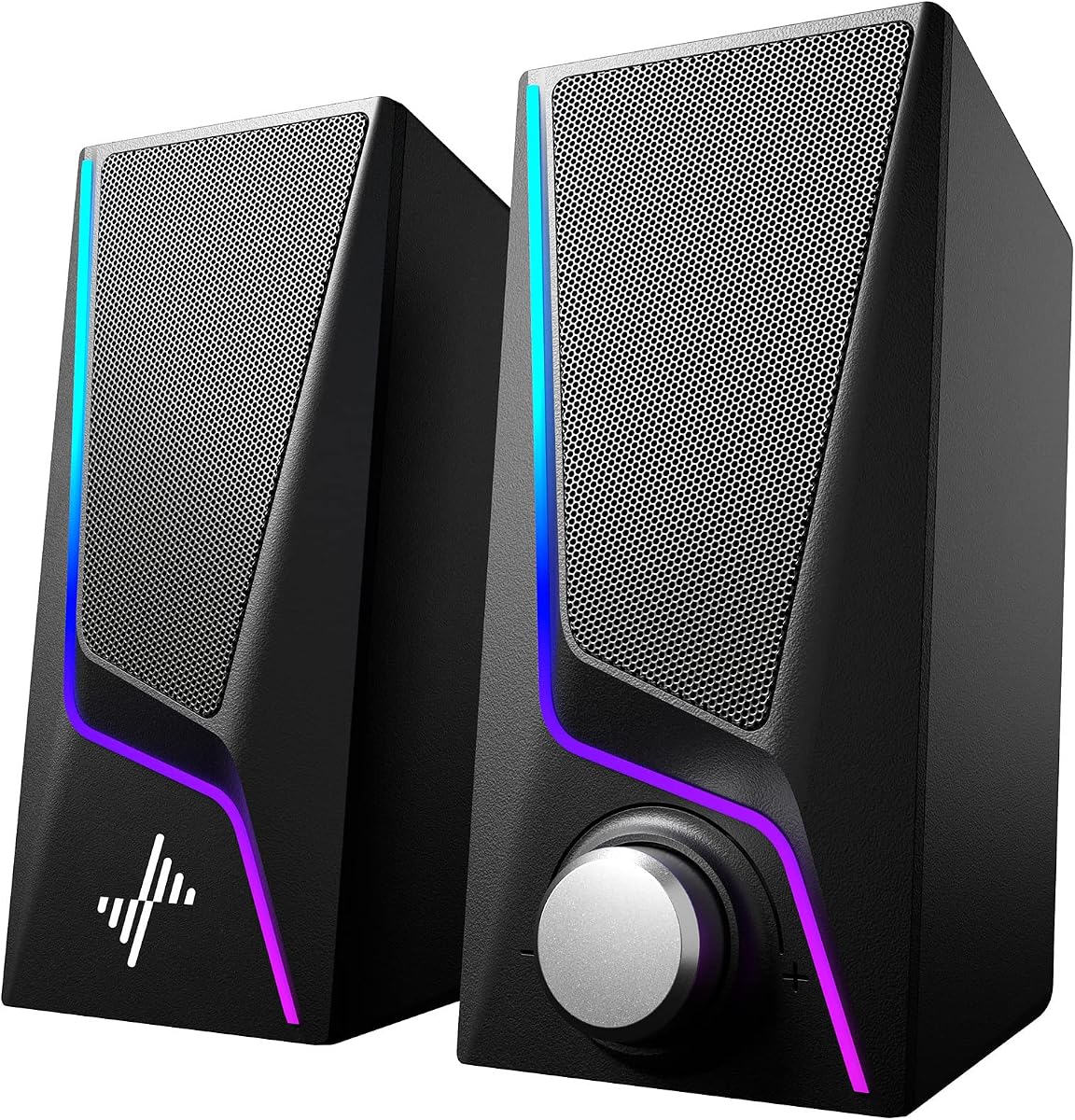
LIGHTSYNC is more than decorative candy for many buyers. The lighting reacts to audio in supported games, and you can customize four speaker lighting zones through Logitech software with a huge color range. Front and rear light projection can wash the wall behind your desk, which makes the G560 feel like a room-facing device rather than a quiet office accessory. If you already run RGB keyboards and mousepads, the ecosystem fit is obvious; if you hate lights, you can treat RGB as optional atmosphere rather than a requirement.
Connectivity covers the modern hybrid desk. USB keeps the system tied into the PC for gaming features, while Bluetooth handles phones, tablets, and casual listening when you step away from the keyboard. That dual-path approach is useful if you queue music from a phone between matches or take calls on a tablet. Just remember the platform caveat: the surround processing story is Windows-first, so Mac users should expect a more conventional stereo experience rather than the full DTS:X Ultra feature set.
The tradeoff is physical presence. Satellites need desk real estate, the sub needs a home on the floor or a sturdy shelf, and cable management takes more attention than a single USB-C soundbar. For players who want maximum immersion and already own a dedicated gaming PC desk, that is usually an acceptable exchange. For apartment dwellers who share walls and prefer whisper-quiet late-night sessions, a smaller 2.0 pair or headset-friendly bar may be more practical.
As a top pick, the G560 wins because it commits to gaming priorities: positional audio, bass authority, software lighting, and enough output to make a PC session feel larger than the screen. It is not the smallest or the most music-studio-neutral option here, but if your primary question is “which speakers feel most like a gaming upgrade,” this is the system that answers most completely.
Who should buy the G560
Choose the G560 if you play on a Windows PC, have space for a subwoofer, and want surround cues plus RGB immersion. It is especially strong for FPS, battle royale, and open-world titles where directionality and low-end impact matter.
Skip it if you need a Mac-first surround story, a tiny under-monitor bar, or a speaker system that disappears into a white minimalist office. In those cases, the OHAYO bookshelf pairs or a compact soundbar will fit the desk better.
Setup tips for cleaner positional audio
Place satellites at roughly ear height and angled toward your seat, keep the sub near the desk rather than buried in a closet, and avoid sandwiching satellites against walls if you can. Use Logitech software to confirm lighting zones and verify Windows is sending audio to the G560 as the default device.
If footsteps feel muddy, lower excessive bass boost in game EQ first; a ported sub can mask midrange detail when everything is pushed. Small placement changes often improve clarity more than another software preset.
How it compares in this roundup
Versus the Logitech Z407, the G560 leans harder into gaming surround and reactive RGB, while the Z407 emphasizes wireless room control and a more lifestyle-friendly control dial. Versus OHAYO bookshelf pairs, the G560 offers a bigger low-end foundation and lighting spectacle, while OHAYO stays cleaner for music-focused listening on a smaller desktop footprint.