Detailed review
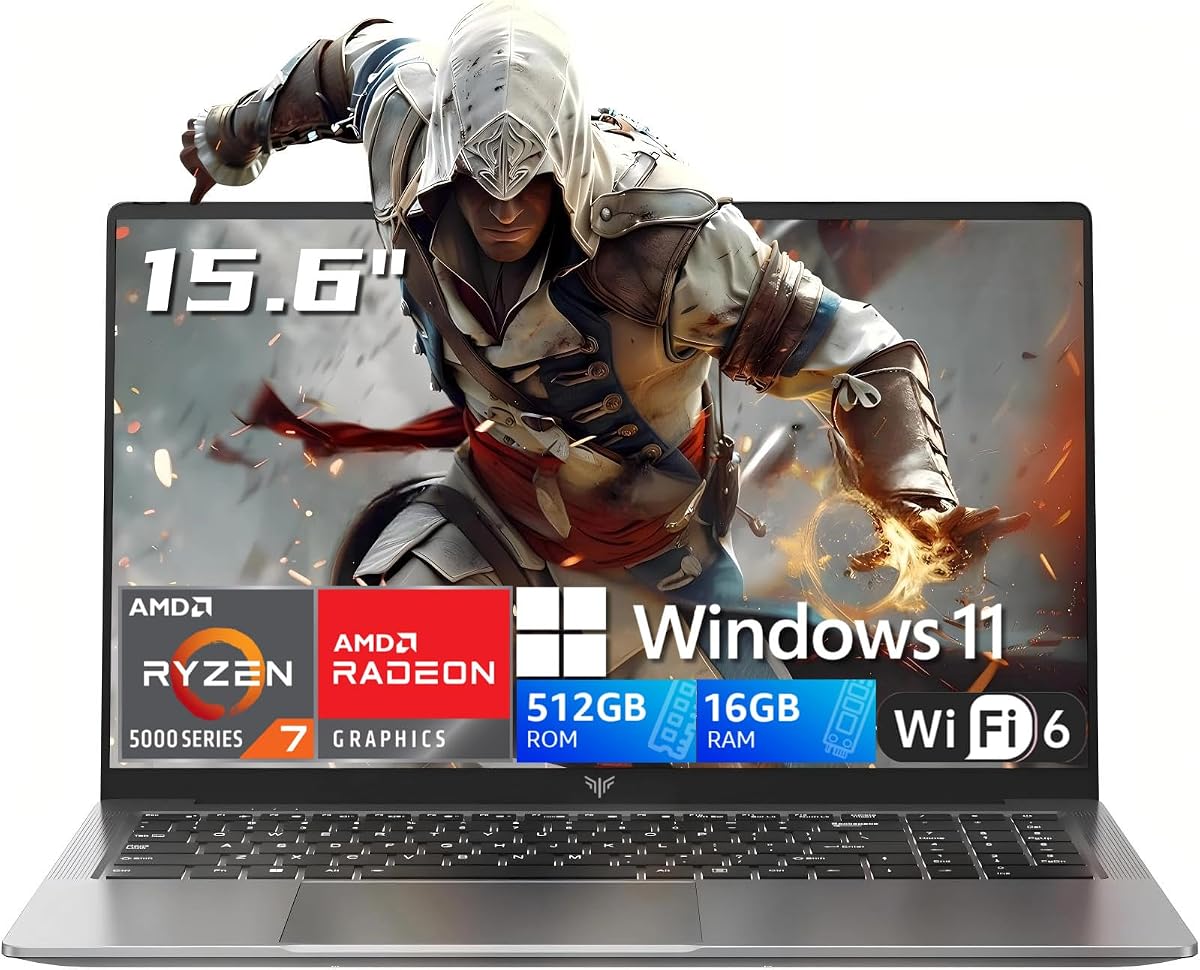
Under a tight budget, most machines in this category rely on office-class silicon and then hope buyers never open a AAA launcher. The 7735HS is different. Eight cores and sixteen threads give you headroom for Discord, a browser with twenty tabs, OBS for light recording, and a competitive title at once. The Radeon graphics paired with this chip are the reason we put NIMO first: League of Legends, Valorant, CS2, Rocket League, Fortnite on reduced settings, Minecraft with sensible packs, and many indie or older Steam favorites are the realistic target zone.
What you should not expect is native 1080p ultra Cyberpunk, ray-traced open-world shooters, or console-like settings in brand-new releases. Entry-level gaming in 2026 still means turning down shadows, capping frame rates, and sometimes dropping resolution scale. If that tradeoff feels fair for the money you can spend, this laptop earns its place. If you need maxed modern AAA, you need a discrete GPU machine and you must watch listings carefully because those configurations rarely live permanently in this budget band.
Memory and storage are configured for growth. Sixteen gigabytes of DDR5 is the right baseline for Windows 11 gaming multitasking, and dual SO-DIMM design means you can expand later instead of throwing the machine away. The 512GB PCIe 4.0 SSD is fast enough that load times will not feel like 2015 hard-drive pain, but a growing library will push you toward an upgrade or external drive sooner than the 1TB machines elsewhere in this roundup.
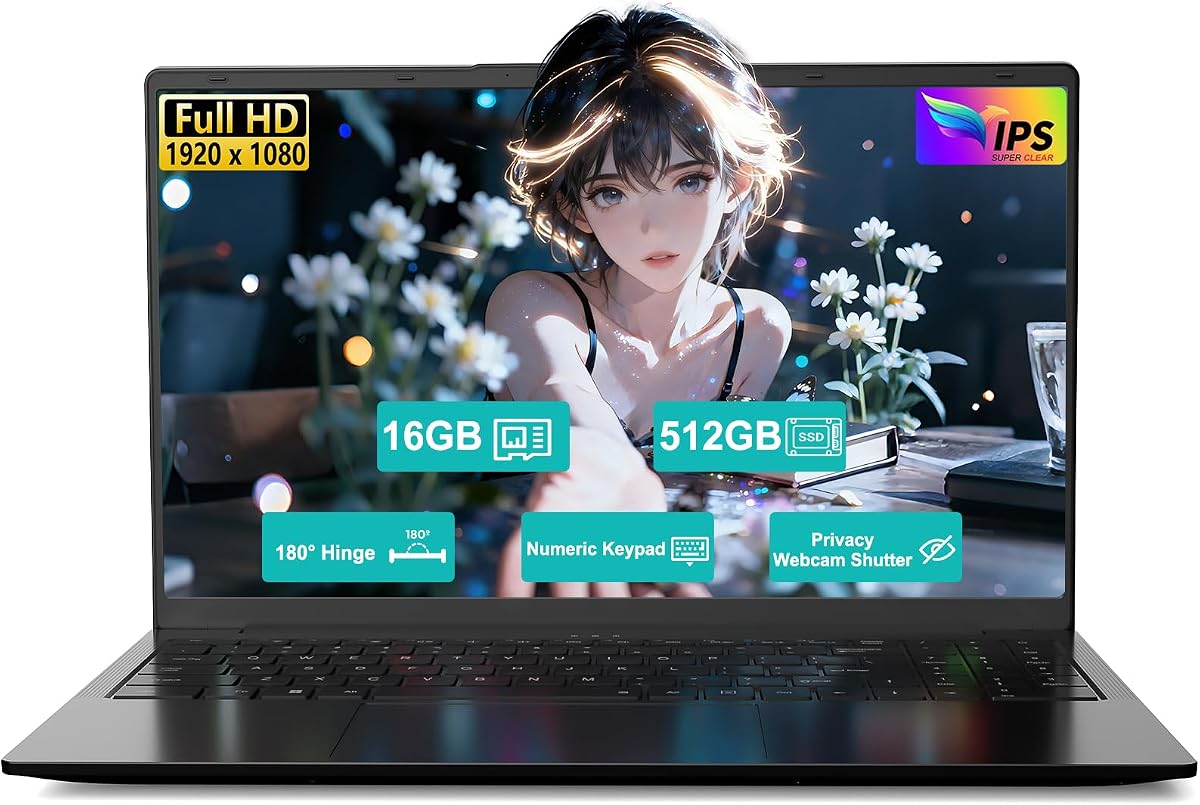
Connectivity is one of NIMO’s quiet strengths. Two full-function USB-C ports that handle data, display output, and 100W Power Delivery make one-cable docking realistic. HDMI and the usual USB-A ports cover older monitors and controllers. The 15.6-inch FHD panel with wide viewing angles is fine for esports and streaming; it is not a high-refresh ROG or Nitro panel, so competitive players who care about 165Hz and above should look at the discrete GPU options when they briefly dip into range.
Daily living features are better than many no-name chassis. The fingerprint reader removes password friction. The backlit keyboard helps night sessions. The 2.0MP camera is sharper than the grainy 720p sensors that still ship on too many budget notebooks. None of that raises frame rates, but it does make the machine feel like a primary laptop rather than a disposable toy.
Buy this if your definition of gaming is competitive online titles, creative light work, and school or office apps on the same device. Skip it only if you already know you need RTX features, DLSS frame generation as a crutch for heavy games, or a high-refresh dedicated gaming display out of the box.
Who this NIMO is for
Students and first-job buyers who want one laptop for classes, Netflix, and evening ranked matches will feel the value here. Creators doing 1080p edits and photo work also benefit from the stronger HS-class CPU. Pure AAA max-settings gamers should keep reading for the discrete GPU options and treat those as opportunistic buys.
Setup tips for better frame rates
Plug in for play sessions, set Windows power mode to Best performance, update AMD chipset and graphics drivers from a clean source, close Chrome hardware hogs, and use in-game low or medium presets with a frame-rate cap. Cap FPS near your comfort zone so the fans do not scream while delivering uneven spikes.
How it compares in this under-500 group
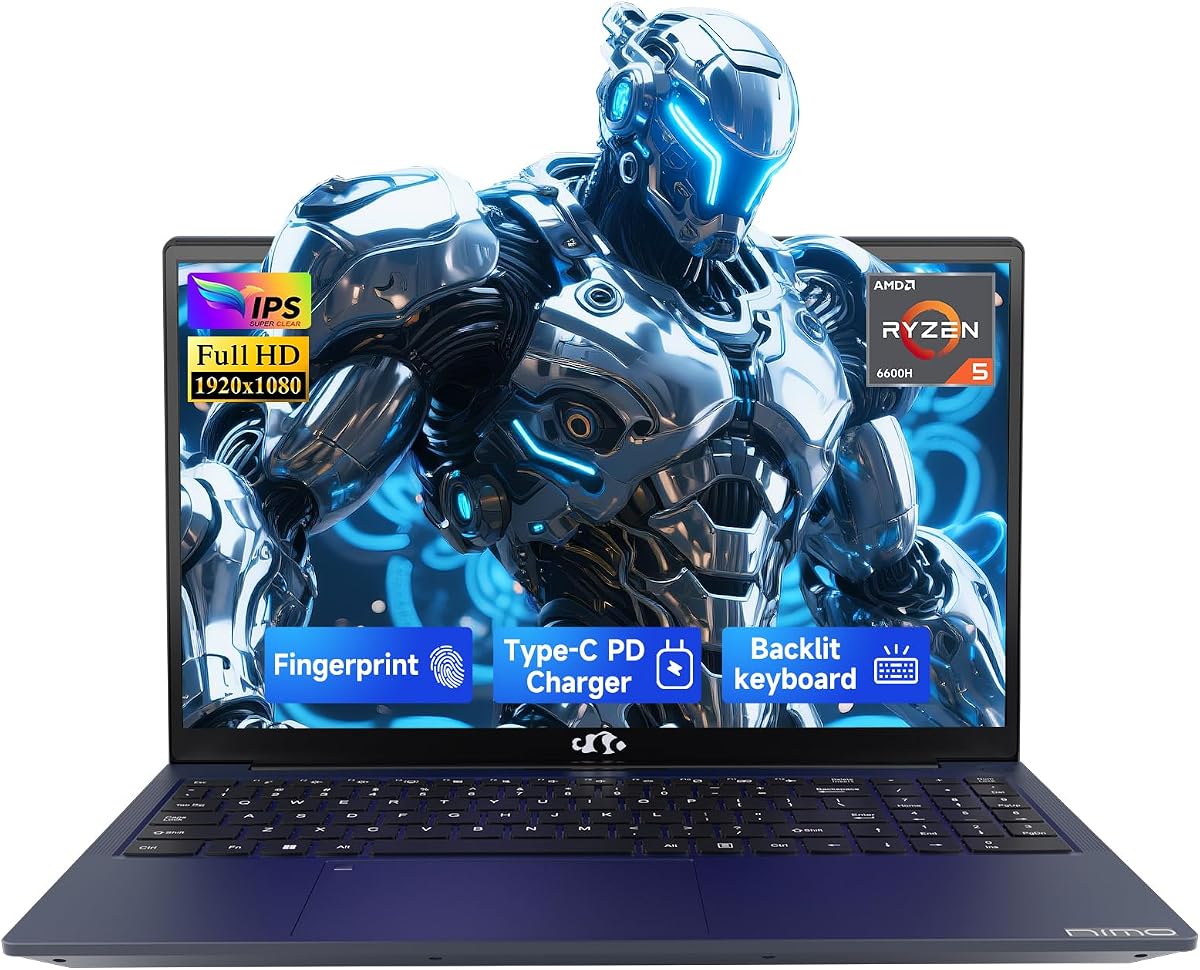
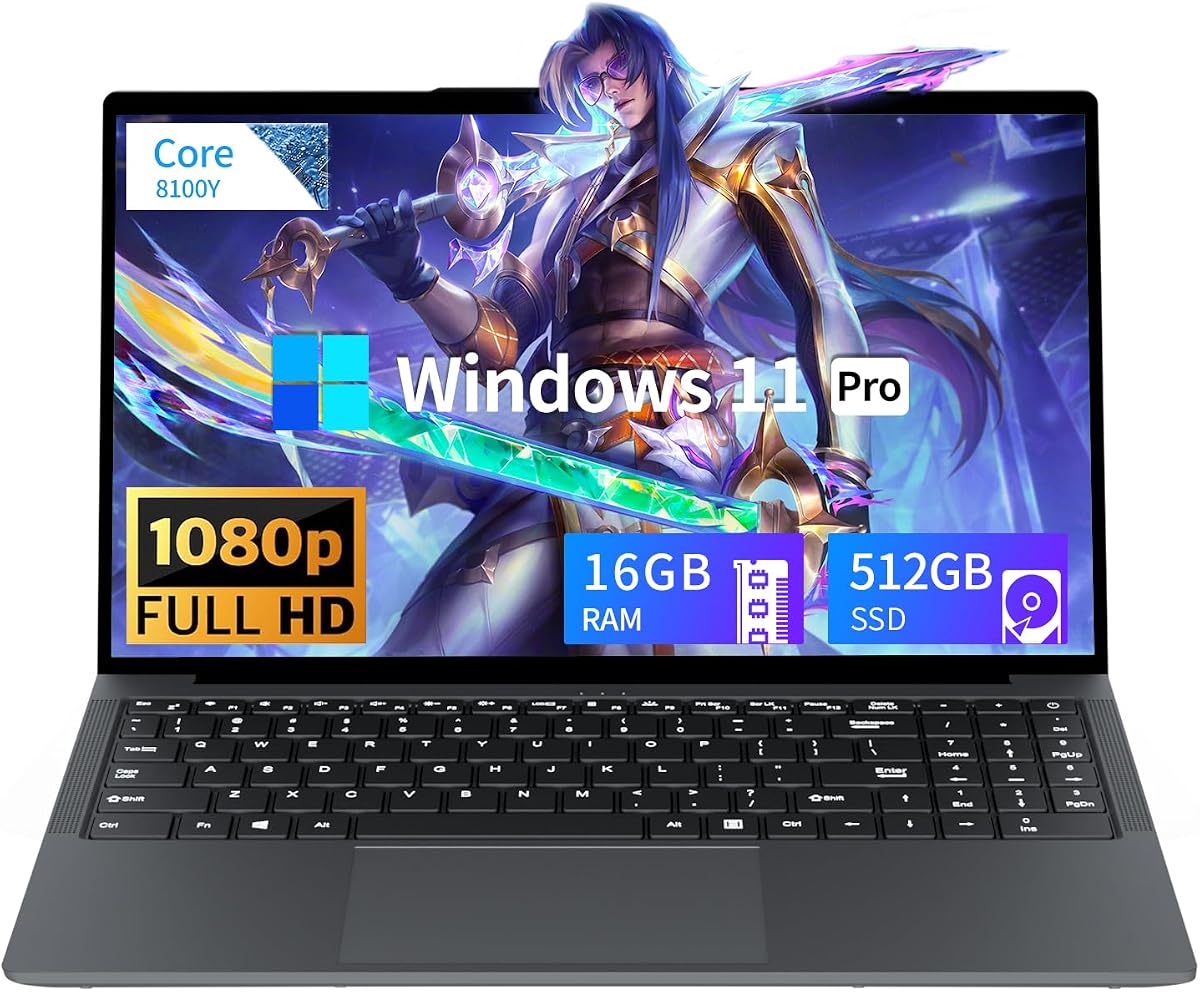
Versus the NIMO 6600H, you gain CPU headroom and a stronger graphics ceiling for the same general form factor. Versus MALLRACE U-series machines, you trade some storage capacity for graphics that matter more in games. Versus Acer Nitro and ROG Strix, you accept integrated graphics in exchange for a configuration that is far more likely to remain an honest entry-level purchase.